

How iOS 8 Safari makes it simple to view the desktop version of a mobile website
Safari in iOS 8 has a nifty — and dare I say, amazing — new feature which makes it much easier to a) add a site to your list of favorites and b) more easily access the desktop version of a mobile site. The latter is a godsend for websites whose mobile websites are more clunky and less functional than their desktop counterparts.
Here's how it works.
When you're on a webpage, simply tap the URL bar once to bring up Safari's "favorites" view.
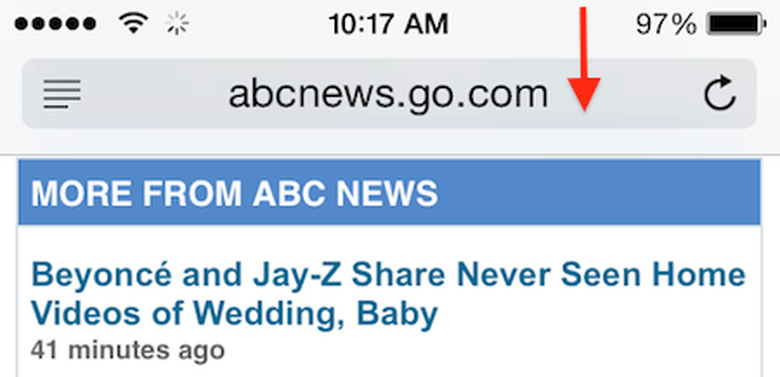
You should now be on a page that looks something like this.
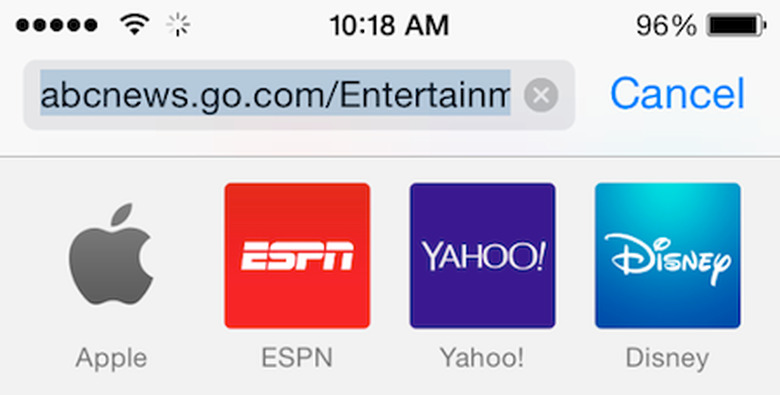
Next, simply swipe downwards from anywhere below the URL bar and two new options will appear: "Add to Favorites" and "Request Desktop site."
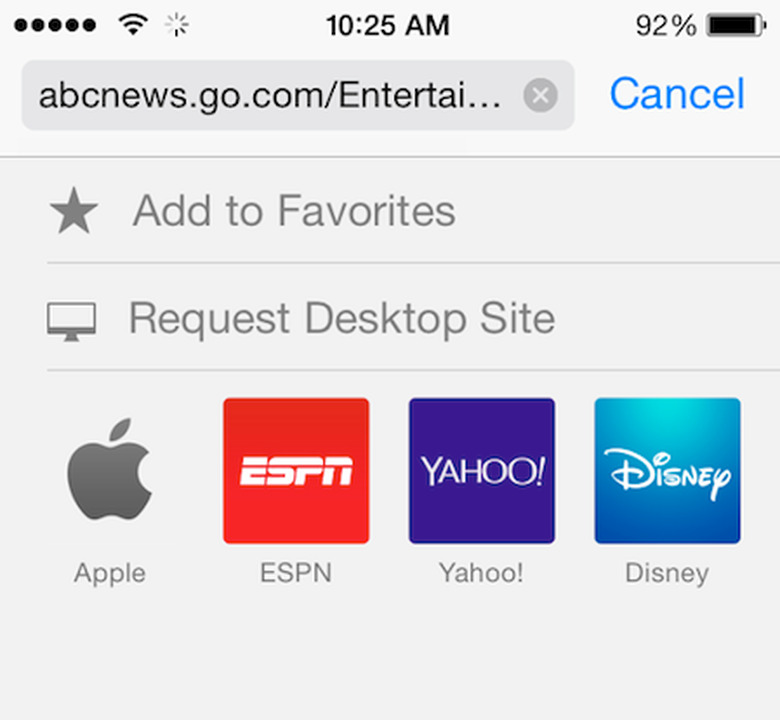
Simple as pie.
Thanks to Chris for the tip!