

Rebuilding the Beast, Part 1: The Beast dies
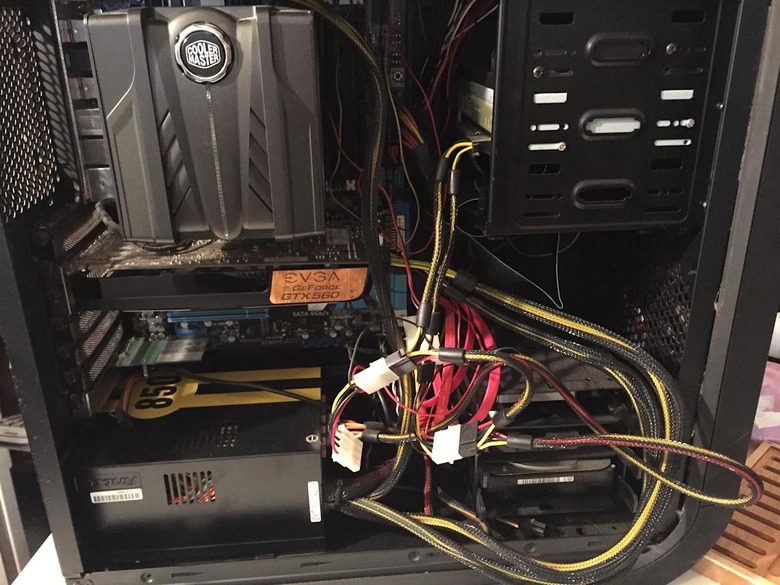
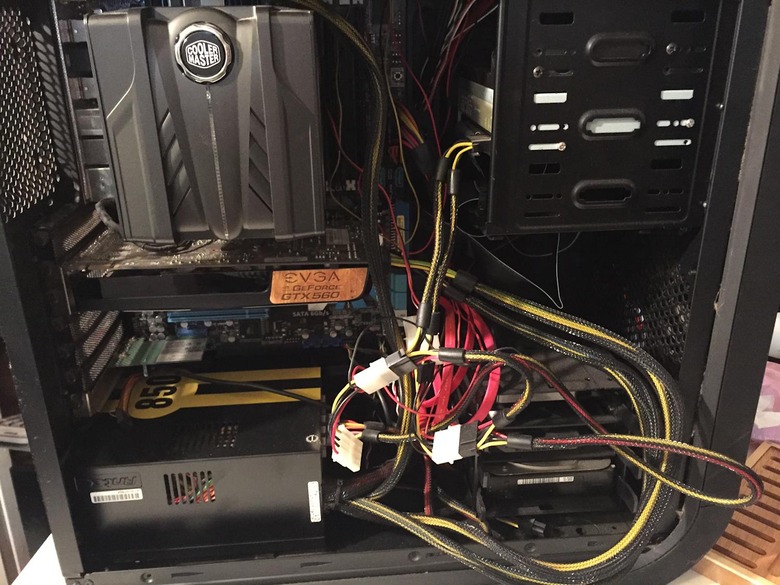
Let me set the scene for you: It's an average afternoon in April. I'm at home, in my office seated at my drafting-table-turned-desk. I'm working furiously on my laptop, with dozens of web browser tabs and word documents open and fingers skipping briskly across the keys. My gloriously huge desktop build, which I affectionately refer to as "the Beast," is humming along in the background pumping out the sounds of a Spotify playlist.
Then — suddenly — something somewhere pops and crackles.
The Beast goes dark and the smell of ozone fills the room, which has gone unexpectedly quiet. Immediately, I flick the "Off" switch on the power strip and start to poke around to see if anything smells or looks singed. Nothing is smoking, smoldering or charred from what I can tell (without removing the side of the case). I flick the power strip back on and see if the Beast will restart. No such luck. The Beast, renowned desktop build of gaming days gone past, is officially down for the count. Here's what the experience felt like, in GIF form:



Yeah, it was pretty much like that — but with more cursing. But I don't feel entirely lost or helpless because I put this damn thing together with my own hands and know each part of the interior of this build. I don't feel hopeful exactly, but more resigned. I, at least, have the knowledge and ability to make the necessary repairs. I have the power. I can rebuild it.
And it's a good thing too because I can't very well just call up Dell or Acer or whomever and ask for repairs under a warranty because that's not their problem and there is none. There is just me, a handful of screwdrivers and tools, and a determination to bring the Beast back to life.
First things first, I need to make sure that what I suspect to be the problem — a dead power supply — is in fact the culprit. In order to do that, my plan is to remove the 850W Antec power supply, snag a new one from Amazon or NewEgg, slap it in there and see if I can't revive my machine. If that does the trick, great. If not, then I probably need a new motherboard to boot.
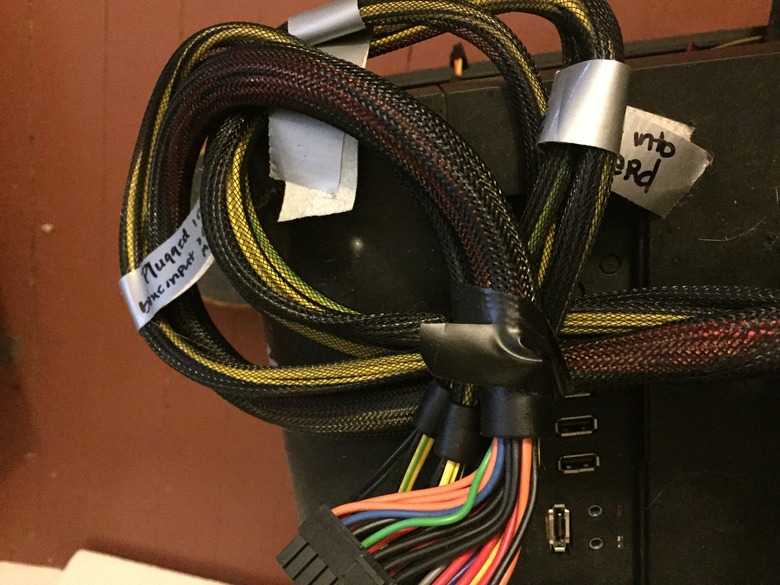
So, after taking extensive photos and videos with my phone in order to recall exactly what was plugged in where and why, I spend some time unplugging everything the power supply was attached to. Each cable and cord gets wrapped in duct tape; I write what it is and where it goes on the tape so there's no confusion later. Next I unscrew all the screws that attach the power supply to the case — and here I learn my first lesson.
While trying to get some of the old stripped screws off the power supply, I run into an issue: One of them is badly stripped and going to be very hard to both access and remove. It stalls me out for an afternoon; I go back the next day with a different screwdriver and am able to get the damn thing out. Hence, lesson number one is: If at first you don't succeed...maybe it's time to try a different tool.

Yeah, I felt pretty dumb when the second screwdriver worked immediately.
The next step is to get a new power supply and put it in the Beast to see if it solves the problem with the build. Here again, I get stalled out — an 850W power supply isn't something I have money set aside for (and my rainy day fund is as dry as California's reservoirs). Given that it's the holiday season, I'm hoping Santa helps me out. Otherwise, my goal is to borrow, beg or scrounge up the funding to snag a power supply by the New Year so I can write Part 2: The Beast Lives! (Hopefully.....)