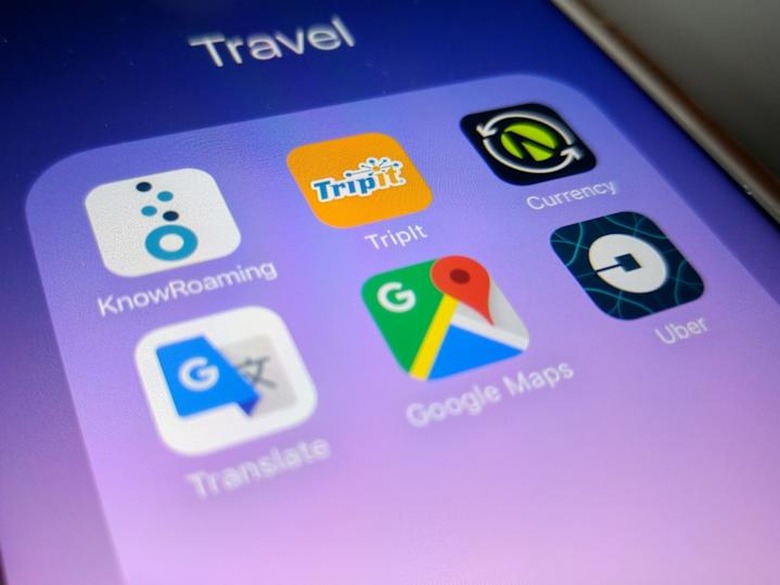
Top 5: Travel Apps
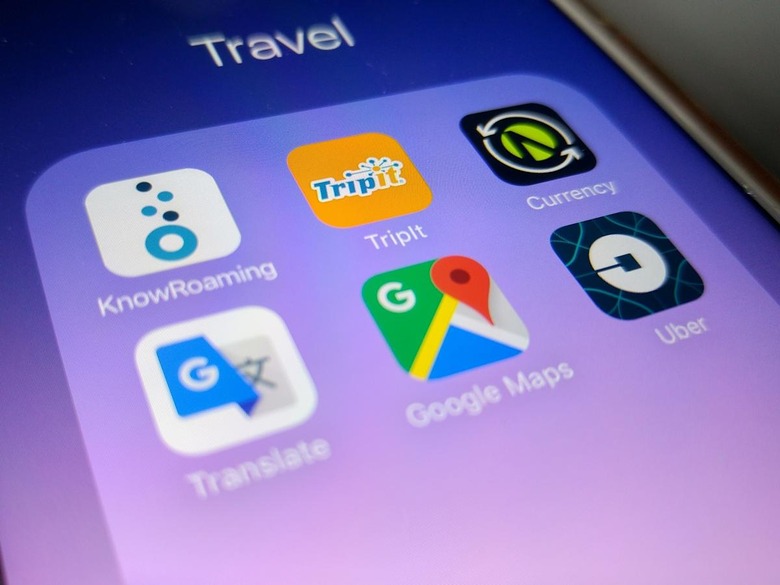
The most important device you take on your travels is your smartphone. So it has to be a bit of everything when you're out and about, whether you're shopping, need to take photos, find transport, or places to eat (especially ones that are popular with the locals).
Here are my five top apps for this.
1. KnowRoaming
Data roaming costs from South Africa (and just about anywhere I'd imagine) are absurd. The same goes for the cost you pay to receive calls while abroad. If you find yourself on frequent business trips to different countries for about 3 – 5 days, a great solution is KnowRoaming. The app works in conjunction with a little sticker that goes over your SIM card and remains on it permanently, which you have to purchase to begin using the app. When you travel it will pick up the network with the best rates wherever you are, as soon as you land. You need to top up your account with some credit (linked via a credit card) to get access to unlimited data, which is currently $7.99 a day (24 hours from the time you add a bundle). If you're staying in a country for more than a week, rather get a local SIM. It's a great short term solution for business travel. KnowRoaming says you can save up to 85% on calls, text and data when abroad – this all depends on the roaming rates with your existing network.
Platforms: Android, iPhone
2. TripIt
It's always handy having all your travel documents on you at any given time. TripIt lets you forward all your travel related documents to a unique email address assigned to you and adds it to your profile. So you can send ticket, hotel and other transport confirmation emails (anything relating to your itinerary) and keeps it all together for quick access. It supports and reads documents in various formats like PDF, Word etc. It's also a great way to keep track of your travel. When you log onto the web, it gives you a neat summary of the distance you've travelled since using the service, and per year. It's nice knowing how many kilometers/miles a year you've travelled.
Platforms: Android, BlackBerry, iOS, Windows Mobile
3. OANDA Currency Converter
With the way currencies are fluctuating, you best know what exactly you are spending when abroad. The OANDA currency converter app lets you easily check whenever you are. You will need to be connected to the internet of course, to get live rates for the day. A selection of currencies that you've used recently appear as favourites so you can easily switch between them. You can also add the % that your local bank charges you when you are swiping a credit card, withdrawing from an ATM or using a cash kiosk. It's a basic app that does exactly what you need to do, without extra frills. It's free so ads are displayed at the bottom.
Platforms: Android, iPhone
4. Uber or local public transport apps
When Uber works in a country you're visiting, it's a great way to get around, especially to and and from the airport when you have all your luggage. For the rest of the time, it's public transport. Aside from Uber, download the public transport app of the country you're visiting, especially if they work offline and able to provide you with a quick lookup or route planner, so you can get to your destination with as little hops as possible. It should be available in English too, if the stops at physical locations are not. It really saves you time when you plan your day at your hotel in the mornings before heading out.
Platform: Uber – Android, iOS, Windows Mobile. Public transport – various
5. Google Maps and Translate
Google offers really powerful free tools and their Translate and Maps app are highly recommended. Translate lets you input text in the form of an image (like a notice in public, or even cooking instructions for food purchased at the supermarket), which then gives you a real-time/live translation on your screen as you hold your phone up; or via audio; or by drawing. The Maps app lets you find hidden gems of restaurants or places nearby (or within a distance you stipulate that's supported). So if you want to find the best churros in Spain, you can search by highly rated/recommended. A great tip would be to "star" the places you want to visit, so in your map view you can easily see them, which helps plan your route for the day.
Platforms: Maps – Android; iOS; browser. Translate – Android; iOS.