

Things You didn't know parental controls could do
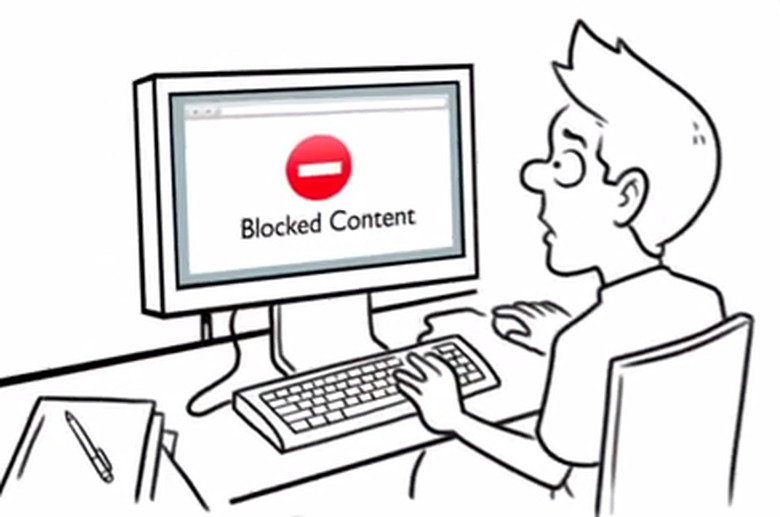
Majority of modern parents are aware of dangers their kids may encounter due to their online activities. This lead for parental control software to appear.
It is great, that they are actually being used. Such applications and programs are clearly popular among adults. However, a lot of families are basically unaware of the opportunities they may give them.
Mostly parents use them just for limiting usage of smartphones or computers and blocking inappropriate sites, software, games and do not bother to unleash their full potential.
Some of PC applications indeed offer a small number of possibilities, but others are multi-functional, they give us more than we think. And among often unused features are:
- Viewing bookmarks and notes
Most of children and teens are smart enough to delete their browser history in order to hide it from parents. Still, they tend to save sites, often inappropriate ones, in a browser or in phone's memory. Adults rarely bother looking at that, but perhaps they should. Luckily, there are opportunities to do so.
- Monitoring WhatsApp, Skype, Viber etc.
Some apps are advanced enough to do that, but, unfortunately, this feature is mostly ignored. Still, it is more likely to find something disturbing to know there, rather than in SMS texts.
- Geo-fences
An interesting, but quite complicated function. It allows parents to set boundaries that a kid is not allowed to cross. It is especially important for younger kids, who should not travel too far from home. If they do so, parent receives a notification about location of their child and can immediately prevent them from being lost or even worse.
- iCloud monitoring
As was mentioned earlier, kids prefer to hide their activities from adults. Remote data storage gives them more than a great opportunity to do that. They understand that keeping their "secret photos and videos" on the phone might be a bad idea.
PC app developers also understand that and found how to deal with it. As a result mostly parental controls for iPhone include iCloud monitoring feature.
- Remote control and SMS-commands
If you somehow knew, that your kid is visiting, for example, a gambling site and uses your credit card, what would you want to do? Well, you can actually do anything: reboot a device, block it, disconnect internet, etc. An outstanding feature that often goes unnoticed.
- Notifications on a SIM card change
A lot of kids are using two or more phone numbers. They do it due to a number of reasons, but none of them would satisfy parents. Not so long ago changing a SIM card was a possible way of circumventing a PC app, but luckily it isn't any more.
If this function is enabled, controlling your child's activities is a much easier task, so it's better to know about it.
If you are a parent, who didn't pay a lot of attention to their parental control application's features, it is right about time to do that.
Just installing an app won't give you the security you are looking for. Using just some basic functions pretty much won't do either. Kids always try to outwit parents, it's in their nature.
So it is more than important to spend some time and learn how to use all the benefits you PC software gives you.
After all, it's all about security of your children, there is no exceed measures when it comes to that.