

5 Key Features of Microsoft's Planner: trained eye review
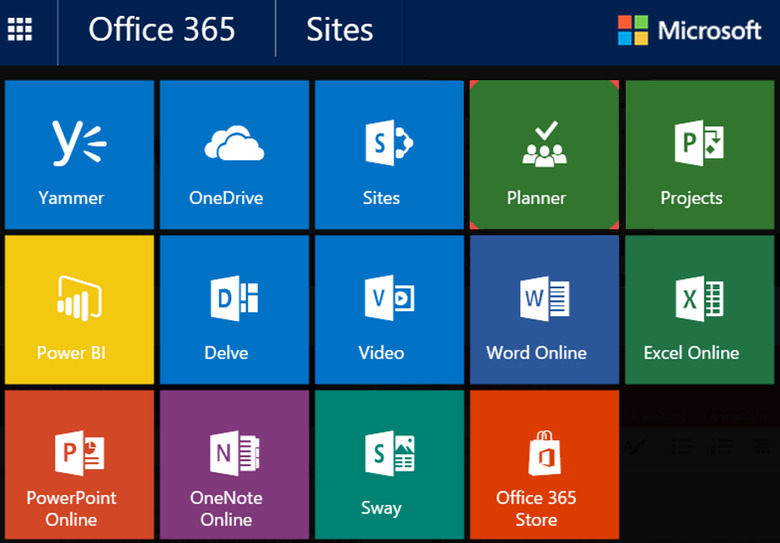
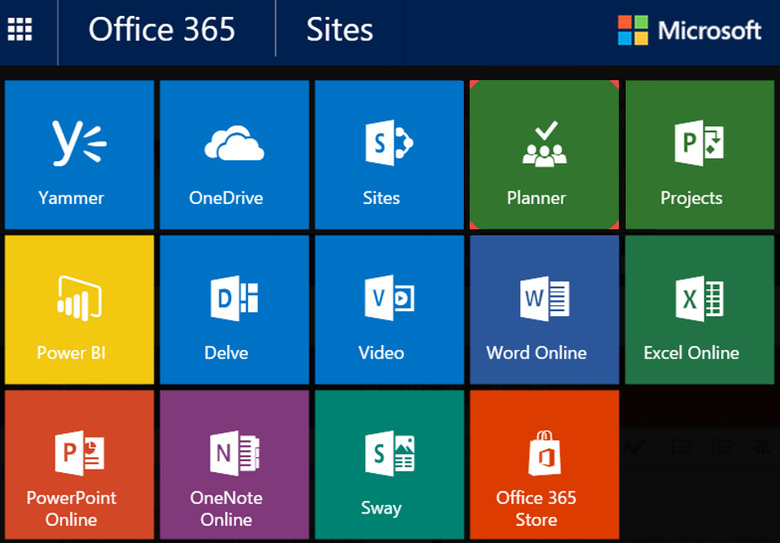
Microsoft has announced a new work management app called the Microsoft Planner. It seems very similar to Trello and Asana, two of the most widely used work management apps these days, along with a host of smaller apps and tools. Planner lets you organize projects, share files, assign tasks, and chat with other collaborators—all within Office 365. The app uses "boards" and "cards" to organize work volume, and those boards can be structured into larger columns called "buckets."
Every card can get a color, due dates, carry attachments like Excel, Word and Powerpoint files, as well as photos, and buckets which include team members' conversations for each task. Planner also includes a main "Hub" where you can see the running tasks and it provides a dashboard where you can check the overall progress. From there, you will be able to navigate to your own assigned tasks, check for approaching deadlines etc. Planner's development team announced that in the next few months they will include the ability to externalize user access, customize boards and Android, iOS, Windows version updates.
Only time will tell if the Planner is here to stay, but there are 5 very strong reasons that you can bet on being relevant for a long time.
1. Compatibility with Microsoft Office and Outlook
There's a simple reason to believe that Microsoft Planner will be easy to use by companies – it already works perfectly with other Microsoft products. The Planner is part of the Office 365 group of tools, having a proper integration. Planner is integrated into Office 365 Groups, which means that the conversations in Planner are also available in Outlook 2016, Outlook on the web, and the Outlook Groups Mobile Apps. Almost every office in the world is using Microsoft Office products and the fact that the Planner works so flawlessly with such products means that it isn't going to go away anytime soon. This has been a huge problem when it comes to Asana and other similar software; users have a hard time understanding the functionality of the product. Since the Planner uses the same design scheme as other Office products, anyone who uses Word or Excel will feel right at home with the Microsoft Planner. Microsoft has leveraged its strong dominance over productivity software perfectly to launch Planner.
2. UI that is actually intuitive
There's a big problem with most of the Planner's competitors – they don't look so good when it comes to user interaction. Trello is simple to a fault while Asana is needlessly overcomplicated. The Microsoft Planner is a breath of fresh air when you compare it to its competitors. The best part is that everything is where you think it should be; when you are looking for a feature or tool you'll end up fighting it where you first guessed it would be. This isn't happenstance; it is clear that Microsoft has spent a lot of time ensuring that Microsoft Office users will be able to navigate Planner's UI without the need of training. In many companies where software like Asana is used, people often end up bypassing the software simply because it may be too complicated to enter a small task and plan it properly. With Planner, this doesn't seem to be the case anymore. Teams can create new plans, organize, set due dates, assign and collaborate on tasks, update statuses and share files while visual dashboards and email notifications keep team members informed on progress.
3. Good document and image handling
Microsoft has taken some great design cues from both email and social media and has integrated them into Planner. When you attach an image, it instantly shows up as a post with an image preview – documents that you attach can be easily discussed and edited by everyone. The fact that it's integrated with Office 365 has many advantages as well. For instance, you can share an excel document and have multiple people work on it at the same time, without anyone overwriting anyone else's files. Any changes you make to the document happen right on the primary file, so there is only one copy of the file which everyone can collaborate upon. While some other work management software have similar features, none of them are as properly integrated into Office as the Planner is. As project manager you can assign tasks to different team members and if some of them are behind schedule you can "drag and drop" tasks to other coworkers.
4. Good Notifications System
Other software also have email notifications, but none do it in a manner as streamlined as the Planner. Normally, you will only receive notifications when something directly pertaining to you happens on a plan. However, there is also a 'Subscribe' option which will subscribe you to every notification of a plan. If you're managing a plan, you can subscribe to it and stay on top of everything regarding the plan. Right now, emails are enabled by default but that will be changing very soon as Microsoft plans to roll out updates that will make the email system more customizable to ensure your inbox doesn't overflow with useless emails.
5. Constant Updates
Microsoft has really changed its course in the last decade. One of the biggest changes we have seen is how focused the company has become on user feedback. When Windows 10 launched, Microsoft included an option to submit feature requests and also a page which showed all feature requests. People could vote on which feature requests were most important and Microsoft focused on them first. They are doing a similar thing with the Planner. There is a great User Voice page for the Planner where people are constantly mentioning improvements that can be made to the software. The developers are very responsive as most feature requests have a reply from them explaining when the feature will be available. If they keep updating and making Planner better, Microsoft will be able to leave the competition behind very soon. Workflow management software products like Process Street, Camayak or Hive will not stand a chance against Microsoft's marketing engine.
Microsoft's services integrate very well with each other and Planner makes no exception. You can easily use Azure cloud to store and backup your documents including those created with Planner. With Azure Backup Vaults you can backup daily with data retention of 30 days. As you know, Planner is an Office 365 product so you can use it online along with Yammer, OneDrive, SharePoint and soon with LinkedIn, the most recent mega acquisition.
One interesting fact about Planner is that SharePoint Tasks, a similar Microsoft product which was removed long before Planner's initial launch began to redirect potential users to Planner's website a year ago, even before Planner's official announcement. It's obvious that Microsoft's strategy was to introduce Planner to its users, as it is a user friendly product, getting them familiar and begin using it at an early development stage.
Microsoft usually just ends up buying an existing app or product to enter a market, as you probably heard about Adallom – Israeli cloud security company, Nokia, Mojang and their recent acquisition: LinkedIn, but with the Planner, they have decided to enter the competition with something completely original.