

Gemini for Google Home will no longer freak out if you ask it how to make a margarita
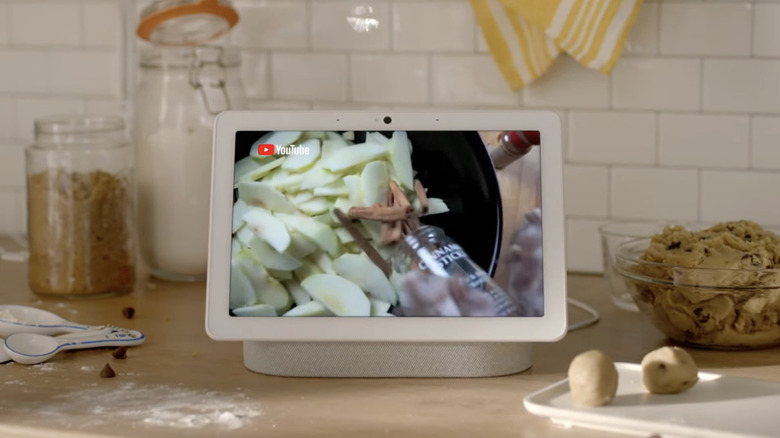
Google has updated Gemini for Home so that it no longer acts like a strict parent when you ask it for cocktail recipes. In the past, you may have encountered a message that says "I cannot provide recipes for alcoholic beverages" when you ask the AI assistant for a margarita recipe on Google smart home devices, such as the Nest Hub. Now, Google has updated its safeguards to prevent adult users from encountering filters meant for younger ones.
Adults will "now experience improved availability for general queries, including recipes for age-gated beverages," the company said in the Google Home support page. If Gemini still isn't responding when you ask it for instructions on how to make a cocktail, you may have to check you Parental Control settings and your Gemini for Home response filter settings in the Google Home app.
You'll now also be able to tell Google more easily whether you're satisfied with Gemini's responses. On smart displays, you'll see thumbs-up and thumbs-down buttons following most voice interactions. The company says your responses will help it figure out what it needs to improve.
In addition, Google has enabled faster and more personalized Gemini responses. For instance, if you tell it that your nanny's name is "Alice," it will search for a familiar face in your security cam footage if you ask it if your nanny or Alice has arrived. You'll also be able to ask it for a quick recap on what happened while you were away by telling Gemini to give you a "Home Brief." Finally, Gemini now acts faster if you ask it to set alarms for you, reducing wait times and the need to repeat your commands.