

What you need to build your own retro arcade cabinet
There's a lot to consider, but we'll walk you through it.
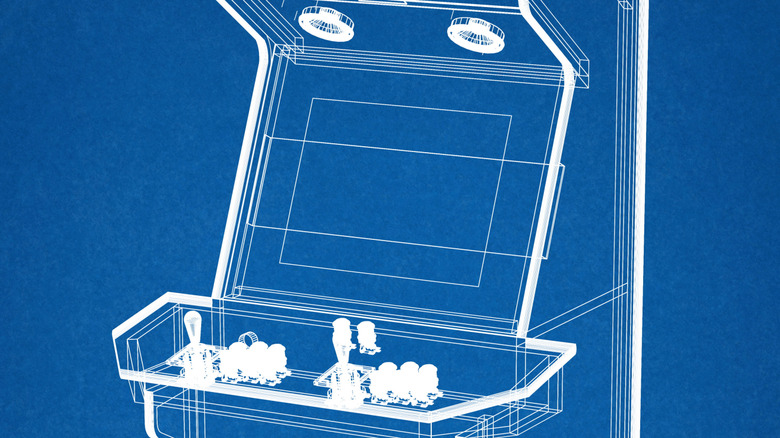
The first question you'll need to ask yourself when building a retro arcade cabinet is a pretty dangerous one: Which Raspberry Pi should I get? Resist the urge. The better place to start is to determine what you want the thing to play.
If it's a cabinet for Pac-Man, Galaga and other early arcade games, it can have a much simpler control panel than one would expect to have for Street Fighter, four-player beat-'em-ups or Golden Tee. Some fighting games require six action buttons for each player, while other arcade games rely on a trackball, spinner or other special control. Player numbers are also a factor, especially if a neat two-player panel begins to turn into a four-player panel.
Mocking up the controls on cardboard before drilling into wood is a cheap safeguard. A popular Raspberry Pi cabinet build shared on Maker Forums was similar, with the layout of the control panel tested out before the final material was used.
From there, there are three general paths for the cabinet itself: Make one out of plywood or MDF, purchase a flat-pack cabinet or repurpose an existing cabinet. Electronics can be quite tiny, but the furniture surrounding them is where the project starts getting ideas above its station.
Select the controls and computer around your games
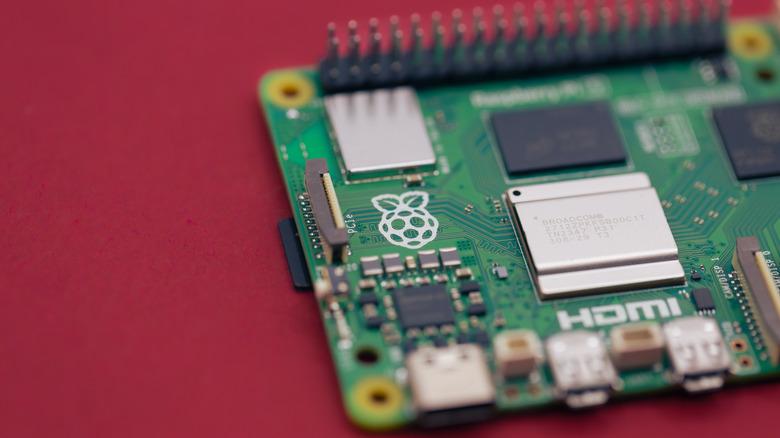
The basic electronics list isn't too overwhelming: display, joystick and buttons, USB encoder, computer, storage, speakers and power hardware. The encoder is located between the arcade controls and computer, converting button presses and joystick movements into inputs that the machine can understand.
A Raspberry Pi is still a good fit for many of the classic arcade games. The 2GB Raspberry Pi 5 is currently available for $65, and Recalbox 10.0.8 says that it will work just as well as the 4GB version. If the board is going to be housed in an arcade cabinet, then extra RAM might be of little benefit other than to lengthen the receipt.
Another possibility is an old desktop or mini PC, particularly if you have one that's collecting dust or if you need more headroom for newer systems. Batocera is compatible with x86 PCs and states that modern Intel integrated graphics can already deliver decent emulation performance. But the requirements of the hardware increase as the consoles and arcade systems being emulated become more demanding.
This can seem more complex than it is because of the names of the software. EmulationStation is not an alternative to a Raspberry Pi or PC; it is a front end — a menu to browse and launch games. Recalbox and Batocera bundle that sort of interface with emulators and other tools. RetroPie is still a popular choice, but its current weekly-image directory does not list a Raspberry Pi 5 image.
Cooling and audio are also important considerations for Pi 5 builders. Raspberry Pi says cooling is optional for normal use but can help prevent thermal throttling under sustained heavy loads. Pi 5 has also dropped the 3.5mm audio jack found on the previous versions.
Building an arcade cabinet yourself isn't necessarily cheaper
This is where the innocent-looking shopping list can begin to multiply.
In addition to the cabinet, display and computer, you might require monitor mounting hardware, a microSD card or SSD, amplifier and speakers, a power strip, cables, cooling fans and a means to open the cabinet later without tearing up half of your work. Artwork, illuminated marquees, T-molding and coin doors can be installed after the machine becomes a machine.
Products from Game Room Solutions show how fast even a small build can add up. The basic bartop cabinet is on sale for $129.99, and a two-player joystick, button, wiring and USB encoder package is $44.99. Its speaker and amplifier package adds another $29.99. Add a $65 Raspberry Pi 5 2GB, and you're up to about $270 without a display, storage, Pi power supply, cables or decorative parts.
Reusing hardware alters the math significantly. An old monitor and PC can eliminate two major purchases, and a DIY enclosure can beat a CNC-cut kit. However, if you start purchasing all the parts new, a full-size custom cabinet can exceed $1,000 without being particularly extravagant.
So, is it cheaper to build an arcade cabinet than purchase one? Sometimes. The best financial option is to be able to use hardware that can be reused or to construct the enclosure yourself, and the most reliable benefit is the control over the screen, games, controls and hardware within.
There is one more factor to consider with ROMs. MAME points users toward licensed software, ROM sets released for free non-commercial use or data they dump themselves from arcade PCBs they own.
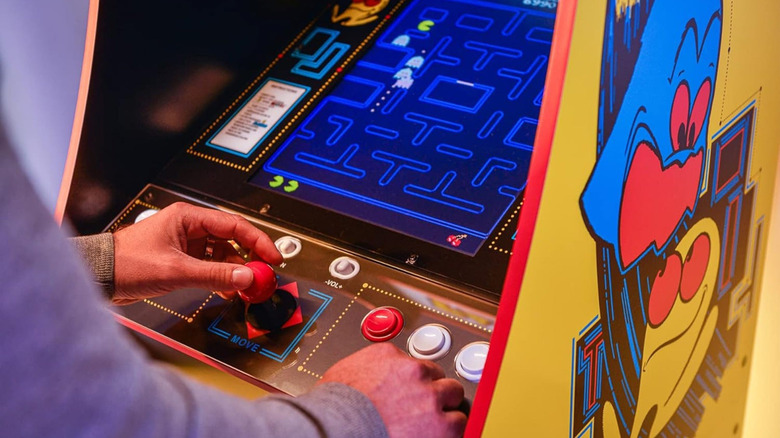
Arcade1Up currently lists its Pac-Man Deluxe at $499.99.