

SpaceXAI's Grok Bot is in early beta - Here's how to try it
You'll need a paid SpaceXAI or Cursor plan to get started.
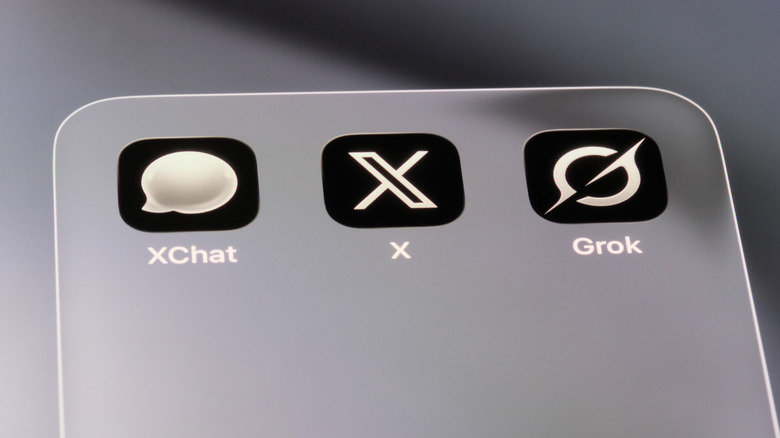
In August, SpaceXAI opened the early public beta of Grok Bot, an agent platform "teammate" that signs into tools like Gmail, LinkedIn and Salesforce and performs actions on your behalf. It can fill out forms for you, respond on social media, send emails and more. There's a bit of confusion surrounding Grok Bot for several reasons. One of which is its creatively stunted title, which is often confused with Grok chatbots and its constant tagging in X posts.
"Regular" Grok works primarily as a chatbot or conversational assistant, responding to prompts. Then there's Grok Build, a coding agent in your terminal that writes, edits, tests and ships software. Grok Bot is essentially a digital work assistant. You can give it a task and let it go to work in your apps or on your websites. Later, it returns with its results or submits requests for approval. Grok Bot was originally the brain child of Cursor, codenamed Sand, and partially built on SpaceXAI's compute.
It helps to think of Grok Bot as the product, singular within the framework of your account. You can have one bot or many bots, all on a shared cloud computer for that account. Those bots message you, work with your tools, coordinate and keep going even while you're sound asleep or otherwise preoccupied.
As the early beta label implies, Grok Bot is not a polished, finished product and its features and reliability are subject to change as SpaceXAI expands and gathers feedback.
Who can use Grok Bot?
Grok Bot Early Beta is available to paying subscribers on specific SpaceXAI and Cursor plans. You're eligible if you're a SuperGrok Plus or SuperGrok Heavy subscriber, or you subscribe to Cursor Pro+, Cursor Ultra, Cursor Teams Standard or Cursor Teams Premium. It's available for download on macOS, Windows, iOS and Android devices.
The Grok Bot main page displays a prominent download button, which will cater for the OS you're currently running. The other download options are buried in the "More Downloads" button further down the page, should you bounce between various platforms.
Because bots may access inboxes, browser tools and work accounts, you should kick things off with caution. Test the water with a few low-risk tasks at first, and keep human approval enabled for any actions that could potentially fire off messages, alter records or expose sensitive information like screen recordings. After all, the most popular Grok feature is, well...exactly what you think.
How to to try Grok Bot
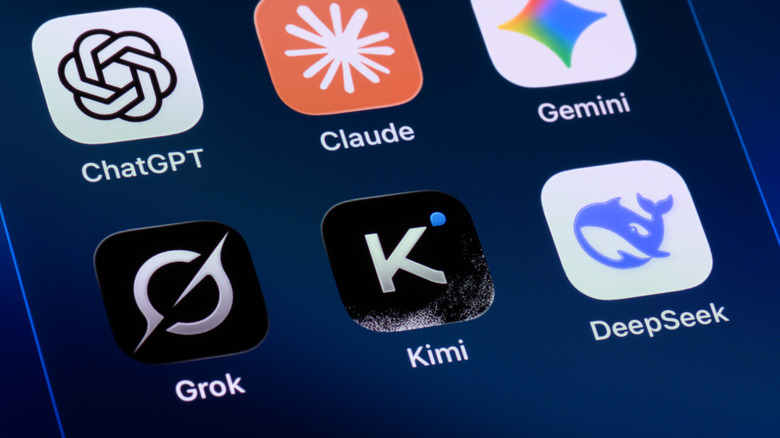
To give SpaceXAI's Grok Bot a try, visit the official Grok Bot page and select the relevant download option. Once it's installed, sign in using an account connected to eligible SuperGrok or Cursor subscriptions. From here, you can create a bot, define its role and begin assigning it tasks.
Again, start low-risk and assign it something that's not very open-ended, like summarizing a set of documents or organizing research notes while you supervise. According to SpaceXAI, the bots you create learn by watching you complete a task, retaining that workflow as its own routine and using it to make corrections for improving future runs.
The appeal of Grok Bot is delegation. From a conventional chatbot, you receive an answer to a query or prompt. Grok Bot carries a task through several steps using your own tools, though its limits are important to learn and know as well. It's in early beta after all, and bugs, login issues and evolving plan restrictions are all but certainties.