

Is paid antivirus actually a waste of money for your PC in 2026?
Windows has great protection built-in, so third-party suites come down to the extras.

Windows was not the safest operating system in the early days. Back then, malware and viruses were a risk that you were required to avoid and resolve on your own. As attacks grew, a whole antivirus industry spun up to provide protection for millions of PC users. Suites like McAfee, AVG and Norton were common options people installed to keep their computers safe.
Times have moved on, though. We've had built-in antivirus protection on PCs since Windows 8 launched in 2012. But third-party antivirus software still exists, along with apps offering more complex anti-malware protection. While there can be uses for these other tools, protection is now baked into your PC from the first day you boot, so you don't need to pay for it.
Windows' built-in antivirus protection is now pretty good
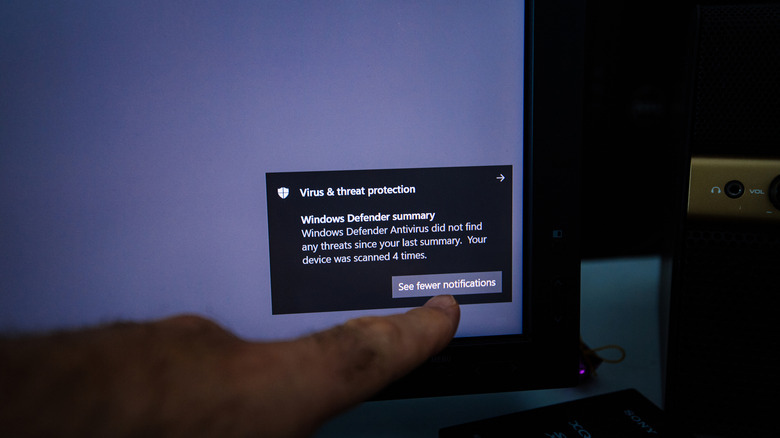
It took a few years for Microsoft Defender Antivirus to become something you can rely on. If you roll back 11 years and look at AV-Test's May–June 2015 testing, Defender scored just 0.5 out of six for the quality of its protection. Compare that to results from July-August 2026, where Defender earned the full six point. It detected 100 percent of threats in both the real-world attack and widespread malware tests, compared with industry averages of 99.9 percent and 100 percent each. Independent testing doesn't guarantee you'll have the same experience, but these real-world scenarios give you an idea of how Defender will react to threats your PC might face.
In Windows 11, Microsoft Defender Antivirus is a core part of the Windows Security suite. It'll scan your PC automatically, checking files and apps as you access them. Regular security updates mean you won't have to remember to download new malware definitions, either.
Defender will work in the background, but if you need to scan a file on-demand right-click it, choose Show more options if necessary, then hit Scan with Microsoft Defender. You're able to check for more threats in the Windows Security app by Virus & threat protection > Quick scan, with other ways to check for malware under the Scan options section.
Paid security suites can prove useful in some cases
In 2026, true viruses aren't the only (or even most common) threat you'll face on your PC. There are fake login pages designed to steal your passwords, scam emails that tell you to pay an invoice and fake security pop-ups claiming you need to call a phone number because your PC is at risk. All this, and plenty more, tries to trick you into making a mistake.
This is where the modern antivirus industry now lies: extras. Most third-party antivirus software has a free tier for core protection, but that's just one component in wider security subscriptions that offer various layers of protection. Anti-scam tools, VPNs, password managers and more are all bundled in to give you a reason to subscribe. Malwarebytes, for instance, advertises additional ransomware and anti-exploit protection in its paid plan. Norton's 360 Deluxe plan, meanwhile, includes a VPN, parental controls and 50GB of cloud backup storage. These plans often cover the whole family, with apps for smartphones and other devices.
These aren't completely useless; a full security suite could be useful if you're helping someone who struggles to spot scams and other online dangers. Those additional warnings and blocks can help, and the additional security layers of a VPN (if it's good enough) can also help protect your data online, especially if blocks ads and trackers.
The question is whether you'll actually use what's included, and a lot of people will likely not. Malwarebytes' free app is good as a second-opinion scanner; combined with 24/7 Microsoft Defender protection, you don't need to pay an extra cent to have a solid level of coverage on your PC. If you want to use tools like a VPN or password manager, you'll find dedicated, more reliable options. Our Norton VPN review found it lacking compared to others, for instance.
Your browser likely has additional protection built-in for free. Microsoft Edge, for example, has SmartScreen protection, which automatically checks websites you visit for any reports of phishing or malware. It'll also warn you about potentially dangerous downloads. It's an important reminder that security software is only one of the pillars of online safety.
Don't keep paying for antivirus software out of habit
If you've been using PCs for decades, subscribing to an antivirus program might feel like something you're supposed to do. That was understandable when Windows had little built-in protection, but it's time to reconsider. If you pay for a full security suite, how many of those extras have you actually used? Browser add-ons and maintenance utilities add bloat to your system.
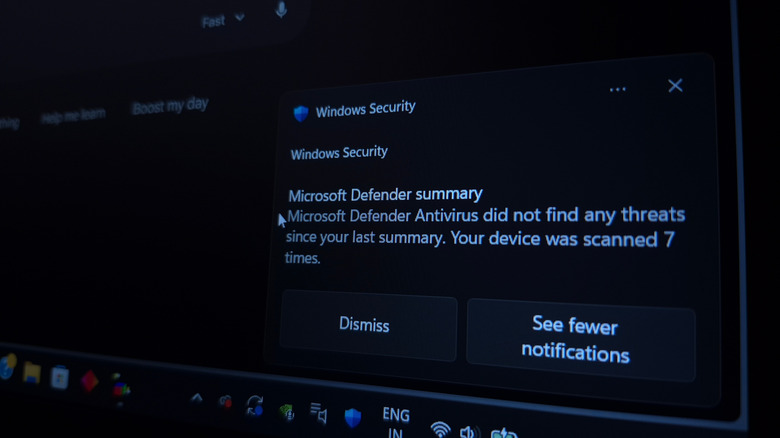
The free versions of third-party AV tools can also be a pain. Constant pop-ups about minor issues or prompts to upgrade make the software feel like an ongoing sales pitch. These companies need paid subscribers, while Microsoft has a clear interest in keeping Windows safe by default. That's why Microsoft Defender Antivirus doesn't nag you unless there's a problem. You can't run both, either. Installing a third-party antivirus with real-time protection usually results in Defender switching itself off to keep conflicts at a minimum.
You'll also need to think about performance. Third-party antivirus software isn't going to automatically slow down your PC, but Tom's Guide found that running a full scan with Malwarebytes Premium dropped Cyberpunk 2077's performance down from 87 to 75 fps on its test PC. Bitdefender had a smaller impact, dropping from 100 to 97 fps during a full scan.
Third-party protection still has merit and there are reasons why it might work for you. But for most people, it's almost certainly a waste of money. Windows doesn't need third-party protection against viruses or standard malware. You'll only want to consider a paid alternative if those extras, like a VPN or scam protection, really matter.