

How do Starlink speeds compare to 5G?
5G doesn't always mean the fastest speeds.
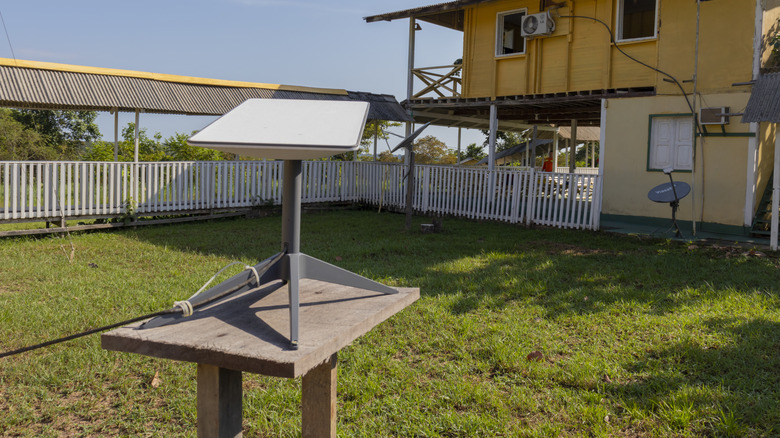
Accessing the internet has come a long way in the last two decades, but only if you live somewhere that cable and fiber providers actively serve. When you're living somewhere rural, the best you might get are speeds as low as 1 Mbps, while in a city you could get 1 Gbps or more. That leaves you with 5G and alternative internet providers like Starlink as your next best chance for faster internet at home, although these are two very different technologies.
5G is the internet you'll receive over a mobile network, through your phone or through a 5G router at home. Starlink, meanwhile, is a broadband service that connects your home via a satellite dish. There's no one-size-fits-all experience. A strong 5G connection can beat Starlink in some places, while a satellite connection might work best if you don't have a strong mobile signal. You'll need to consider what speeds you might actually get, and whether you're able to connect at all in your area.
5G can be faster, but speed tests show it's complicated
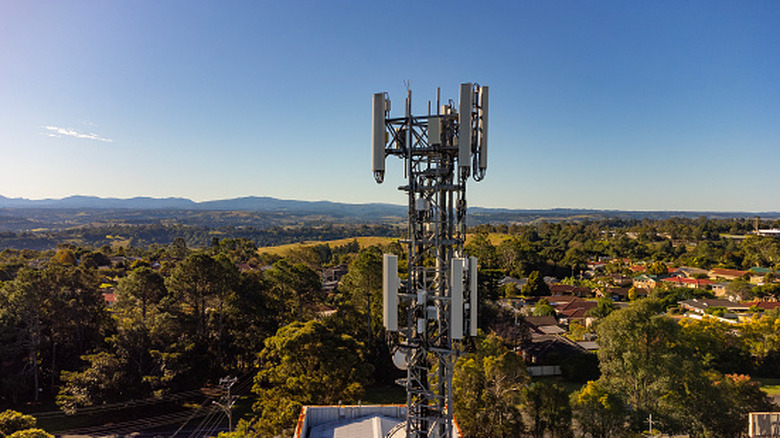
There isn't a single speed that'll give you a benchmark for either service. Starlink, for instance, offers US residential options that include plans capped at 100 Mbps and 200 Mbps, along with Residential Max, which gives download speeds of 400 Mbps or more. Compare and contrast with a provider like T-Mobile, which lists typical download speeds of 170 Mbps – 498 Mbps for some of its 5G Home Internet plans.
These figures do overlap, but they're averages. You can't really trust them as a benchmark for what you'll get in your local area, and neither Starlink nor a 5G provider like T-Mobile will hard promise speeds. There are some real-world tests that put those claims to the test, though.
For instance, PCMag's 2026 Starlink testing in rural Idaho saw daily download averages on a Residential Max plan of between 145 and 170 Mbps. However, testing from 2025 showed a wider range, from 20 Mbps to as high as 250 Mbps. That said, location, equipment, and even the time of day can affect achievable speeds.
As for 5G, your network provider will have the biggest impact, as it'll determine which cell towers and spectrum/frequencies you can access. For instance, Opensignal saw average downloads of 249 Mbps on T-Mobile, with AT&T hitting 184.3 Mbps. Ookla's own 2026 report, meanwhile, saw speeds of 314.38 Mbps for T-Mobile, with Verizon hitting 218.96 Mbps. These stress tests give you an idea of real-world speeds, rather than the network provider's marketing claims.
Those download speeds are important, too, but they aren't the whole picture. You'll need a good upload speed to send large files and low latency to avoid connection delays. T-Mobile reckons typical home internet uploads will see speeds of between 12 and 55 Mbps, with latency of between 16 to 28ms. Starlink, meanwhile, reports US median peak-hour latency at 25.7ms. Surprisingly, connecting through satellites doesn't automatically mean an enormous delay.
Coverage matters more than the fastest possible connection
Fast speeds are important, though it's not the only metric you should consider. Coverage is arguably even more vital, because you'll want a stable connection. Constant disconnects or frequent signal drops can make your connection unusable, even if you get bursts of fast speeds.
For 5G, it's worth deciphering the symbol on your phone. The 5G symbol isn't a guarantee you're getting the fastest version, since carriers use a mix of frequency bands. Low-band signals travel further and can pass through more obstacles. Mid-band offers a balance between coverage and speed. High-band, meanwhile, offers bandwidth for super-fast connections, but you'll see struggles with obstacles.
You're also likely to see a difference between 5G on your phone and 5G home internet. T-Mobile, for instance, checks eligibility based on your home address and network capacity in the area. Mobile coverage might be there, but high local demand and limited spare capacity could mean that its unlimited home service isn't an option.
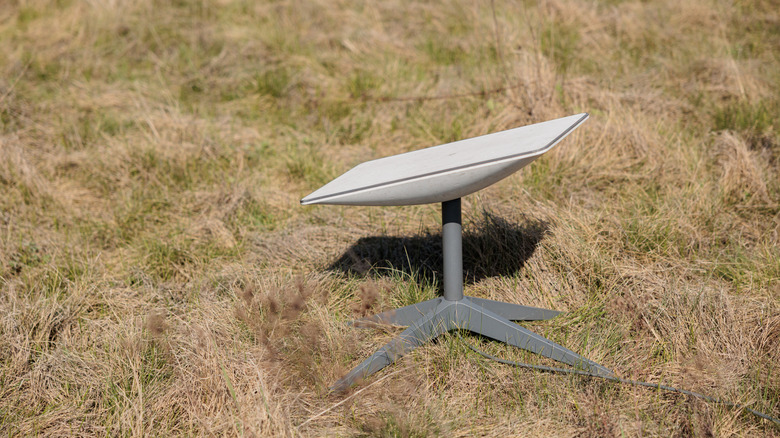
Compare and contrast with Starlink, which appeals to remote properties where good mobile coverage isn't likely. Starlink does have wide coverage, but you'll need to check availability at your address. A common issue with Starlink is that the dish needs a clear, unobstructed view of the sky: trees and buildings can block its connection to passing satellites. The Starlink app helps with this, as it includes an obstruction checker that'll tell you if anything is blocking your dish before you commit to a spot.
You've also got to think about the weather. Starlink mentions that heavy rain or wind can, in some extreme cases, cause slower speeds or even a full outage. Congestion is also a problem for Starlink users in busy periods. The same problems apply to 5G users, especially for higher-frequency connections, where heavy rain can weaken signals.
Faster speeds can mean a bigger monthly bill
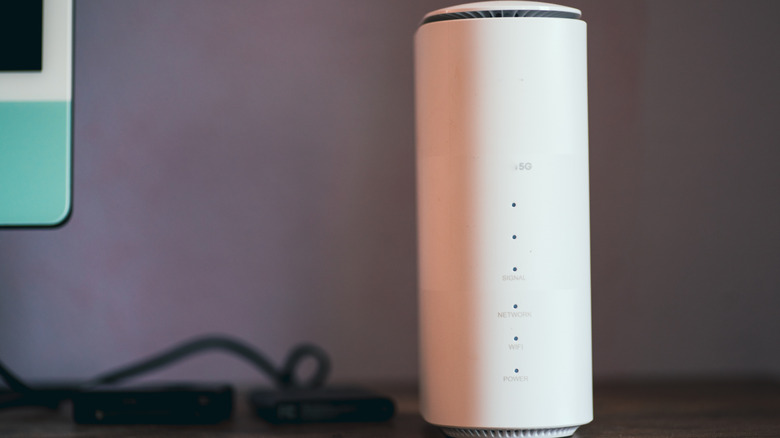
It's more useful to compare Starlink to a dedicated 5G home internet connection than to a mobile phone contract, where you'll be paying for extras like calls and texts that you won't get with Starlink. For instance, T-Mobile's Rely, Amplified and All-In 5G home internet plans cost between $50 and $70 a month, plus taxes and fees.
As for Starlink, you'll see prices starting at $55 for 100 Mbps speeds, or $85 for 200 Mbps. For the top-tier Residential Max plan, that'll let you reach download speeds of 400 Mbps or more, you'll pay $130 a month. For those on-the-go, Starlink offers unlimited roam plans for up to $175. The entry-level plan is much closer to T-Mobile's 5G home internet pricing, but to get Starlink's fastest speeds, you'll pay almost double, and even more if you're traveling. That's before you consider any extra costs for equipment or installation at your address.
There's an alternative to 5G home broadband, and it's the obvious one: your phone. A phone hotspot is obviously cheaper, but it'll only work if your plan lets you tether devices to your mobile connection this way. An unlimited phone plan might have a separate limit on high-speed tethering.
Ultimately, though, the only way to compare these speeds is to test them both. Starlink doesn't offer free trials, but you do get a 30-day money-back guarantee to try things out. With both at your disposal, you can run your usual calls or streams alongside speed tests to see how each performs. Where mobile coverage does fall short, Starlink's higher price might be easier to justify, as long as the connection remains stable enough for long-term use.