

How to sideload apps on iOS (even if you're in the US)
Alternative App Marketplaces are only available in a few regions, but you can sideload iOS apps anywhere with right tools.
Apple's App Store was for years the only place where you could download official iOS apps. However, recent regulatory changes in places like the European Union and Japan have helped to push Apple to not only detail how third-party app stores and payments will work but also to allow alternative app marketplaces on iOS. For example, Apple opened up third-party app stores in Brazil only after a judge ordered the company to allow sideloading in the region. Even if you're in the US, there's still a way to take advantage of sideloading. Apple allows anyone with a free Apple Developer account to sign and install apps from outside the App Store for development purposes. Taking things further, tools like AltStore Classic and Sideloadly have turned this into a way to install compatible IPA files — the file format for iOS apps.
It's not as easy as in countries where alternative app marketplaces are available, and there are also some drawbacks. Apps signed with a free account expire after seven days and must be re-signed, and you can only sideload three apps at a time. Still, it's an option in the US if you really want to try out a specific app that you can't find on the App Store.
How to sideload apps on iOS using a PC or Mac
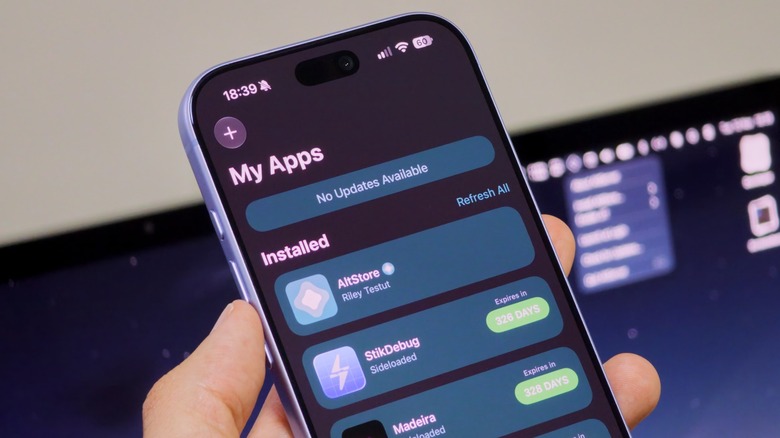
There are two different versions of AltStore available: AltStore PAL and Classic. AltStore PAL is the version you'll find in regions where Apple has been forced to allow sideloading, while Classic is the version you can install no matter where you are — but it requires a companion desktop app called AltServer. AltServer is available for both Windows and macOS, although on Windows you'll also need iTunes and iCloud installed (make sure they come directly from Apple, not the Microsoft Store).
Start by plugging your iPhone into your Mac or PC with a cable — unlock it and confirm you trust the computer before continuing. Turn on Wi-Fi Sync for the device in iTunes or Finder if the option isn't already enabled. Now all you need to do is click the AltServer icon, select Install AltStore and choose your device — it will ask you to sign in to your Apple Developer account. If you've forgotten your credentials, here's how to change your Apple Account password. Now open Settings and go to General, then VPN & Device Management and mark your Apple Developer account as trusted. Enable Developer Mode in Settings > Privacy & Security.
Once you see AltStore on your home screen, you can add external sources to it. You can also install apps downloaded from other sources. Sign in with the same account, then open the IPA file in Files and select AltStore from the Share menu — it will identify the app and sideload it. AltServer needs to be running on your computer when installing apps this way, with your iPhone or iPad either connected by cable or on the same Wi-Fi network. With a paid Apple Developer account, you get a much higher limit for sideloading apps.
How to sideload apps on iOS without a PC
If you don't want to rely on a computer so often for sideloading, there are a few alternatives — including one from AltStore itself. With AltStore Classic open on your iPhone, tap Settings and sign in to your Apple Developer account. Then, scroll down and tap Set up Remote AltServer and follow the in-app instructions. But here's the catch: you'll also need the LocalDevVPN app installed and active on your iOS device; otherwise, the remote server won't connect. Once all of this is set up, you'll be able to sideload apps from AltStore without a computer nearby.
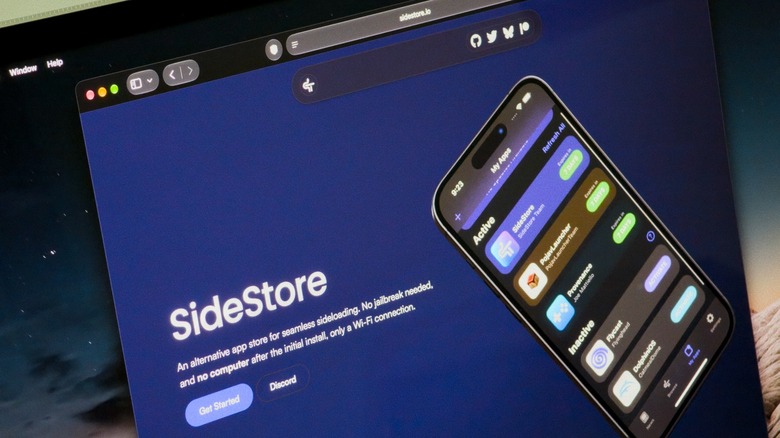
Another option is to use SideStore, which works almost exactly the same way as AltStore. The difference is that you can use SideInstaller to complete all the steps on your phone, so no computer is needed at all. But it only works on iOS 27 because it takes advantage of a new feature for trusting developer accounts wirelessly. Similarly, you also need to have an Apple Developer account and the LocalDevVPN app installed.
Of course, if you live in the EU, Japan or Brazil, none of these workarounds are really necessary for sideloading. It's usually as simple as opening an app marketplace website, hitting install and then allowing the app to run in Settings.