

The battery in your Fitbit Edge is replaceable, but it's not as easy as you'd think
You can get a manual from iFixit for free to guide you through the process.
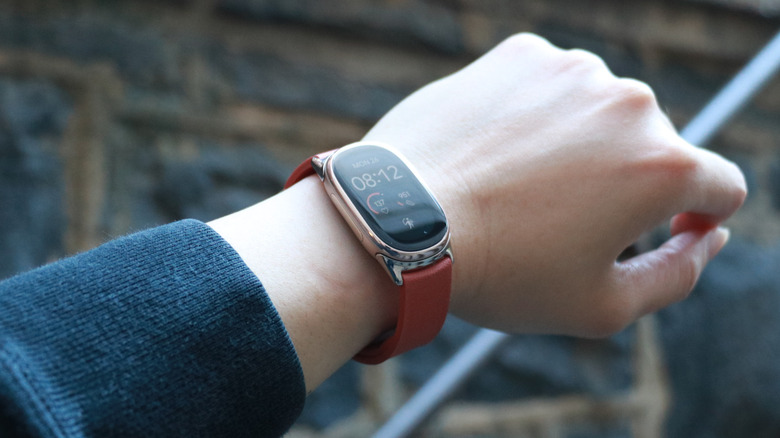
After a brief period of people worrying that Google that was abandoning Fitbit devices in favor of the Pixel Watch, the company recently assuaged those fears by releasing two new devices, led by the Fitbit Edge. It's an obvious successor to the Charge series, albeit without Google Pay, or EDA scans for measuring stress.
An enhancement that might've caught your attention is the product's user-replaceable battery. The dirty secret of most fitness trackers (and smartwatches, for that matter) is that while they can last for years, if their batteries aren't replaced, their capacity will inevitably shrink until it becomes unusable. In theory, as long Google maintains app support and compatible batteries are still in warehouses, an Edge can last indefinitely.
This isn't quite like replacing the AAs in a flashlight, however, or even the coin battery you might find in an analog watch. You need specialized gear, and the process is delicate enough that there's a risk of sabotaging your Fitbit if you make a mistake.
What makes the Fitbit Edge battery replacement so complicated
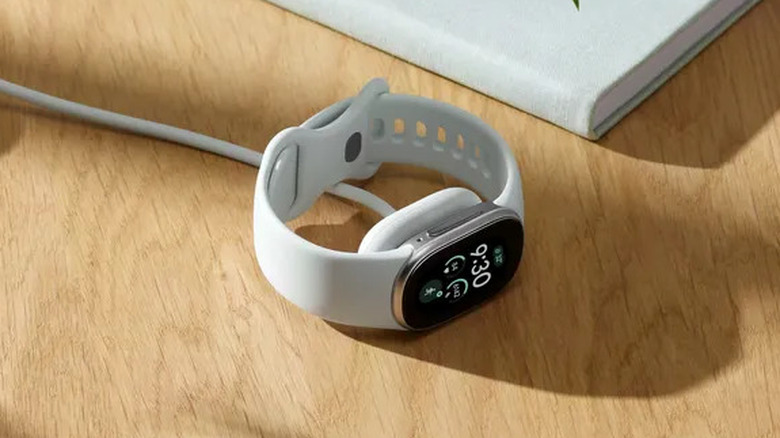
Google's partner on this is iFixit, which provides a free PDF manual once you've signed into their website. Before you begin, however, you need to buy specialized parts and tools, including not just a fresh battery, but replacement screws for the surrounding equipment. That might seem strange, but iFixit says that these replacement parts can only be used once, a claim which may or may not say anything about the original parts as well.
Where things get risky is after you've managed to pry open the Edge's case. Its O-ring can fall out, and you'll need to reassemble that if you want your device to retain any water resistance. You'll also need a pair of tweezers, and needless to say, poking circuits could accidentally break something, as could static shock. iFixit recommends precautions like a grounding mat, and even avoiding any clothing that could build up a static charge, such as fleece.
For some owners, the major hurdle is going to be the scale of the operation. The screws and connectors involved are tiny, even by the standards of most electronics. If your hands aren't steady, this process could prove frustrating or outright impossible, speaking as someone who's hand-assembled desktop PCs.
Are there any alternatives to Google's procedure?
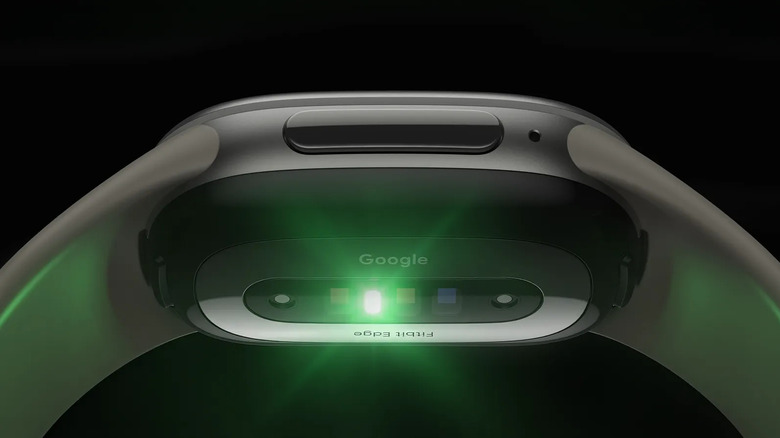
Officially, no. If you don't want to perform the procedure yourself, Google doesn't offer a paid replacement service. The company might conceivably perform a free swap if you've got a defective battery and you're still under warranty, but you're otherwise expected to handle things yourself. If you do qualify for a battery fix, there's a chance that Google will simply send you a replacement Edge.
As time goes on, third-party options might arrive, yet Google cautions against using unofficial parts, stating that "a non-qualified battery and improper disposal may present a risk of fire, explosion, leakage, and/or other hazards." The company is, of course, covering itself legally — but there's a grain of truth in that there's no telling what the quality of a generic part may be. Lithium-ion batteries can burst into flames if they're damaged or defective. Even with Google's official parts, you should be prepared to dispose of a battery in a fireproof container.
All this helps to explain why more wearables haven't gone the replaceable route. Companies don't want to be on the hook for their customers' mistakes, and it remains to be seen how many people will actually take advantage of the option. By the time an Edge's battery wears out, you might be more inclined to buy a newer device than resuscitate last-gen hardware.