Melissa Davis

Engadget Editorial Policies

The unique content on Engadget is a result of skilled collaboration between writers and editors with broad journalistic, academic, and practical expertise.

In pursuit of our mission to provide accurate and ethical coverage, the Engadget editorial team consistently fact-checks and reviews site content to provide readers with an informative, entertaining, and engaging experience. Click here for more information on our editorial process.

Stories By Melissa Davis

  • Gro Book knows no bounds

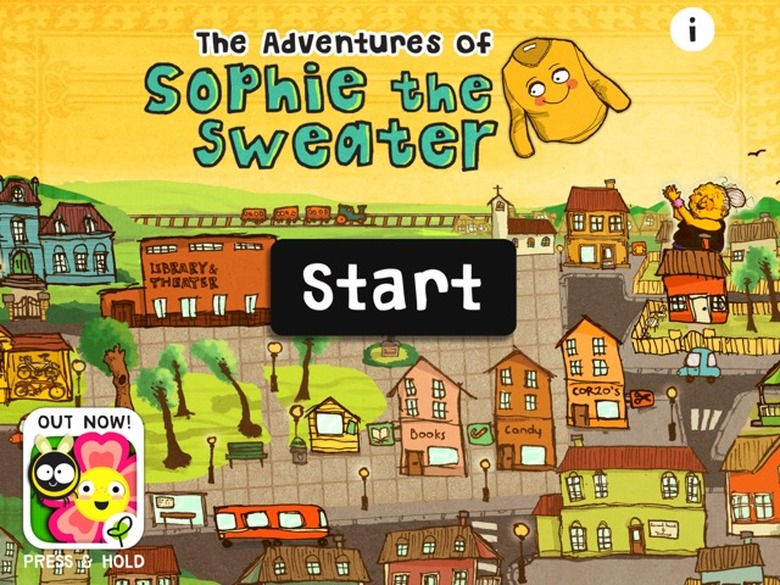
    Educate children about the three Rs: reduce, reuse and recycle with Gro Book, a US$3.99 universal book app about making responsible choices. Imaginative stories are told, in 24 different ways, by Sophie the Sweater, in this wonderfully illustrated and voiced app. Readers are treated to a choose-your-own-adventure style of story telling when the story reaches a part where they are asked to make a choice that will ultimately decide the fate of Sophie the Sweater as well as her adventures. How many different uses are there for an ordinary sweater? You'll have to tap and read along to find out! Settings include the ability to toggle text and narration on or off. Read it out loud or listen to a pleasantly narrated voice with a broad range of characters to keep it interesting. Gro Book is rated for children ages four and up. Just like Sophie the Sweater, this app can be "altered" to make it more versatile. Turn narration and text off for younger readers to make it a wordless picture book where they can tell the story. Turn text on, but leave narration off to help build literacy skills for older readers. Younger children may have the tendency to choose the same character over and over and then get bored with the story, so a little guidance may help in the beginning. There are many interesting characters from which to choose in the course of exploring this book. Kids become more engaged in the learning process when they are given choices, so play it up. If the choice is made to put Sophie the Sweater into the garbage, the reader can go back and make a different, more responsible choice. Gro Book's specs even keep up with the theme of reduce, reuse, recycle because as a universal app, it is compatible with iOS 4.3 or later meaning it will run on older, re-purposed devices while still being optimized for iPhone 5. Instead of leaving that old iPod touch to die in a forgotten drawer somewhere, install this book on it for a young reader to enjoy. Gro Book will grow on you and make you think twice about throwing things away. What can you re-purpose around your home? Be sure to check out Gro Play's range of eco-educational apps including Gro Garden.

    By Melissa Davis Read More
  • Nourish knowledge with Gro Garden

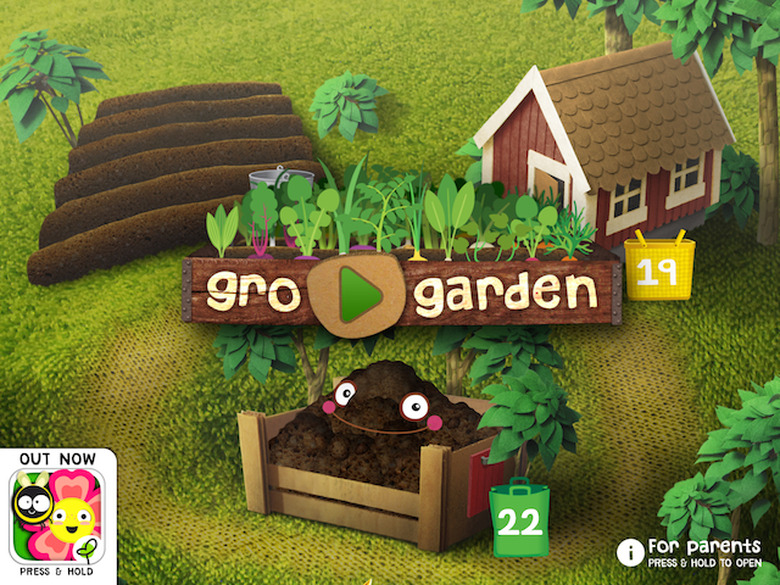
    Get those green thumbs ready with Gro Garden (US$2.99, universal), an educational app that helps budding explorers discover organic gardening in a creative and competitive way. Did you ever trick your kids into eating their veggies by sneaking the ingredients into some yummy home-baked cookies and brownies? Gro Garden will secretly teach your kids how planting seeds and tending a virtual garden grows the food we feed our friends. Watch them clean up the scraps which get turned into compost. They won't even suspect that new chores have been added to their lists! Gro Garden requires iOS 4.0 or later running on iPhone 3GS and newer. This app is optimized for iPhone 5. The App Store lists Gro Garden as being 112 MB in size, however, after installing it on iPad and checking General Usage in Settings, the size was over 650 MB so know that it can hog some serious disk space. This app was designed for children aged six through eight, but testing revealed even a four-year-old really digs it! Gro Garden is a great way to learn about sustainable farming and organic gardening. You won't see any chemical sprays, just good old-fashioned bug blasting here. Environmental issues are demonstrated in a simple and entertaining way using interactive animation. The possibilities are numerous so game play can be quite competitive when you can no longer escape the need to plant just one more onion to bolster your collection! Oh look, potatoes! Get back here little rain cloud! Gro Garden is unaffected by language barriers because it's a "learn-as-you-play" game with no written instructions. The characters are cute and kids will pick and feed their favorites, but don't worry, no critters go hungry here. There is no third-party advertising or in-app purchases to distract from learning and kids will ask to play it over and over. Feeding our little friends the home-grown, nutritious veggies is a great lesson in eating whole foods, but the incentive for doing so leads to rewards in the form of fattening, processed cupcakes that the little characters become excited over and gobble up. This seems a bit contradictory if one of the educational goals is promoting unprocessed foods. Gro Garden will grow on you and make you think twice about tossing your scraps in the trash. Soon there will be a hungry Connie Compost in your back yard, just waiting to be fed! Be sure to check out Gro Play's range of eco-educational apps including Gro Recycling.

    By Melissa Davis Read More
  • Writing Wizard makes writing appear like magic

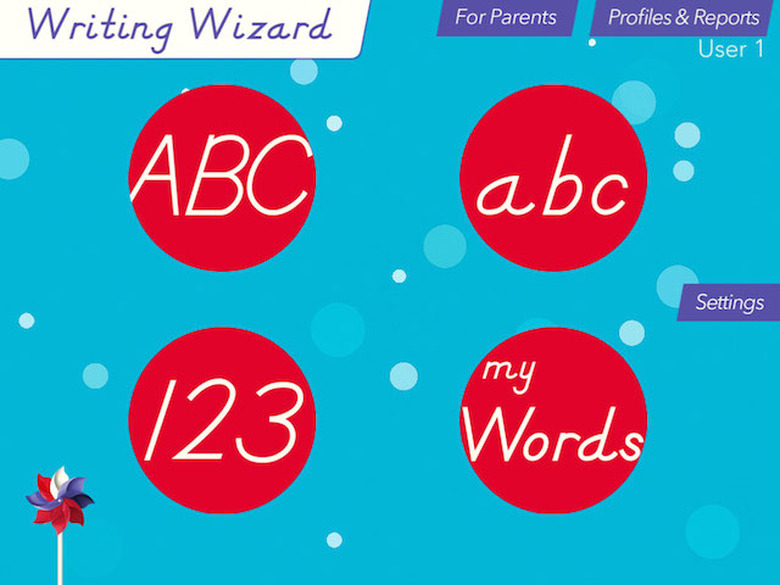
    Practicing letter forms can be quite a chore, but Writing Wizard makes it a magical experience anywhere. At US$2.99 on the App Store, this universal app is a terrific value for your iPhone and/or iPad while children are kept engaged in the task of tracing using various methods of coaching and incentives. Parental controls are extremely well thought out. There are no ads or in-app purchases to distract your little Writing Wizard. The app is rated ages 4+ and would make a great gift for a friend or a school organization. The App Store description reports a size of 27.9 MB, so it won't take up a huge amount of space on your device like many educational apps. Writing Wizard requires iOS 5.1 or later so it will even work on hand-me-down devices re-purposed for education. The interface is extremely customizable, fun and easy to navigate with lessons that are incredibly engaging. A fantastic feature is the ability to view recordings of each user's session. The child can work in the app independently while therapists or parents get crucial, visual feedback of the child's progress showing where help or extended practice is most needed. Create custom words for your little Writing Wizard to trace along with audio cues recorded by you for a personalized learning experience. Use a stylus to reinforce proper grip while tracing letters and words or just use a finger to learn the basics of shapes and lines. A child's finger is the magic wand that's always with them! Audio and visual cues guide the user through the exercises which can earn rewards for accuracy in 5-Stars play mode. For safety reasons, collecting user data goes against L'Escapadou's privacy policy, so there are no syncing abilities between devices. If you plan to use this on more than one device with multiple users, you'll need to re-enter customized lessons per user and device which could make it trickier in a school setting. Each of the parental control buttons are locked or can be locked depending on the desired user experience. An addition problem must be solved to access each of these sections preventing children from making changes. Teaching children how to dismiss these if they tap the buttons by accident is easy enough. Enable Guided Access and make it your Accessibility Shortcut to save time when handing off the device because there are activities where swiping will accidentally invoke Notification Center and/or Control Center if you have it enabled. In the case of multiple users taking turns, they will need to tap to select the appropriate user profile in the upper right corner. Realize that young Writing Wizards might forget to look first and play second. The profile name in the upper right corner could be a bit more obvious. An avatar or bolder name might be helpful. Be sure to check out L'Escapadou's range of educational apps where you'll find something magical for every little wizard in your world.

    By Melissa Davis Read More