

Why does your Kindle even have Bluetooth?
How else do you expect to hear an audiobook?
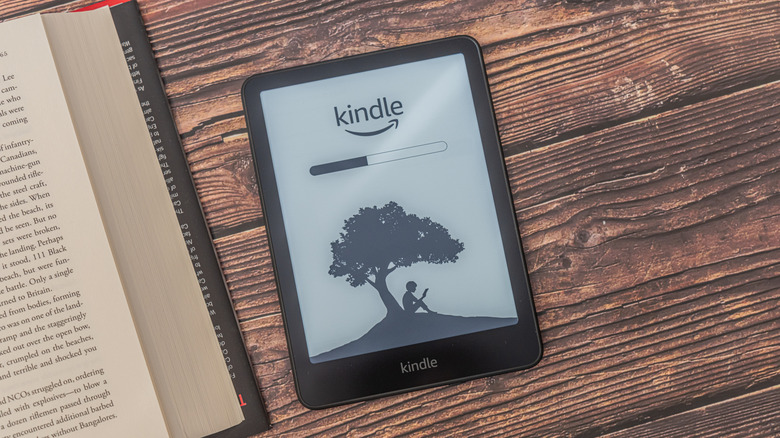
Most people don't think of Bluetooth when powering up a Kindle e-reader for the first time. After all, most of what a Kindle does is grab new books to add to its internal storage, and they can do that via Wi-Fi or a wired connection to your computer. An internet connection lets you read Wikipedia entries, get more books and sync progress across devices. Why then do many Kindles support Bluetooth?
Keep in mind that only Kindles released in 2016 or later have Bluetooth connectivity. This feature lets you connect the ereader to wireless headphones or speakers to listen to audiobooks, or simply to have text read aloud since Amazon's newer e-readers don't have built-in speakers or headphone jacks.
Bluetooth also acts as a great accessibility feature alongside Kindle's VoiceView, which can read on-screen interface text and help vision-impaired users navigate menus. Here's how you can set your Kindle up to take advantage of this feature.
How do I get Bluetooth on my Kindle?
As mentioned, if your Kindle was made after 2016, it will already have Bluetooth connectivity. Pairing a Bluetooth audio device with your Kindle to listen to an audiobook is fairly straightforward. Here's what you should do:
- From the Home screen, tap the Library text and then press Downloaded. This will bring up all the content on your Kindle.
- Tap the audiobook you want to listen to. Pressing Play will prompt you to pair a Bluetooth device.
- Activate your Bluetooth device's pairing mode. This can mean pressing a dedicated button or holding a combination of buttons down for a couple of seconds.
- On your Kindle, tap the name of the device you want to use. Once it's paired, the audiobook will play.
You can skip back or go ahead, adjust the speed and switch between chapters on the Audible screen. To change the volume, open the Quick Actions panel by tapping the downward arrow at the top of the screen. If you aren't able to pair your regular Kindle or Paperwhite model to an audio device, try rebooting it or updating it to the latest software version.
Is there a Bluetooth page turner for Kindle?
No, Kindles don't grant page-turning functionality via Bluetooth. It would have been a neat convenience for people who find it difficult to tap the screen or press the Kindle Oasis' on-device buttons.
If you're wondering how third-party page turners work with Amazon's e-readers, they attach a clip to the screen that mimics the touch of a finger with radio frequency (RF) technology. The clip is controlled by a wireless remote. It's an interesting workaround though Amazon hasn't attempted to provide a first-party alternative. You cannot use Bluetooth to connect a keyboard or transfer files between your Kindle and smartphone either.
In addition to audiobooks, your Kindle can also use an audio device for its Assistive Reader text-to-speech feature that supports books obtained from the Kindle store. Its Bluetooth functionality might not let you turn pages right now, but it still comes in handy when you want to listen to an audiobook on Audible or have it read a book for you.