

Why is the Mac mini M5 Pro more expensive than the M6?
New doesn't always mean better.
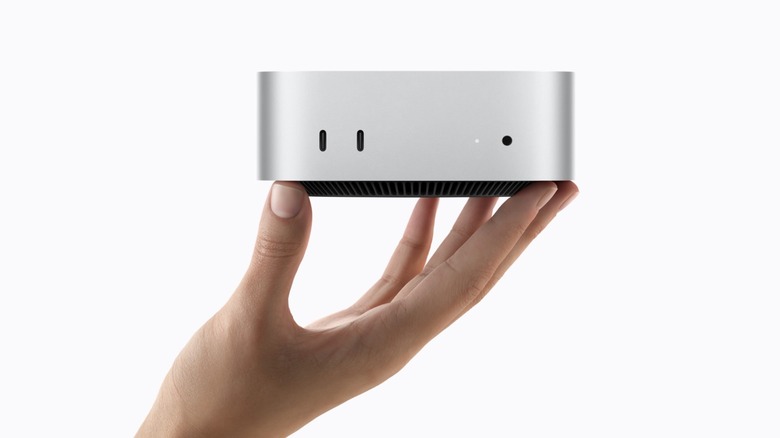
Apple announced a surprising update to the Mac mini this week. That cute little Mac that doesn't come with a keyboard or monitor now has an M6 chip inside. It's a brand-new Apple Silicon chip debuting in the Mac mini and, as you might expect, it's faster and more efficient than the last generation. The thing is, there's a second new Mac mini today. Instead of the M6, it's got the M5 Pro, and it costs more, too. We're talking $1,699 versus $899. So why would anyone pay more for an M5-family chip?
New doesn't always mean better
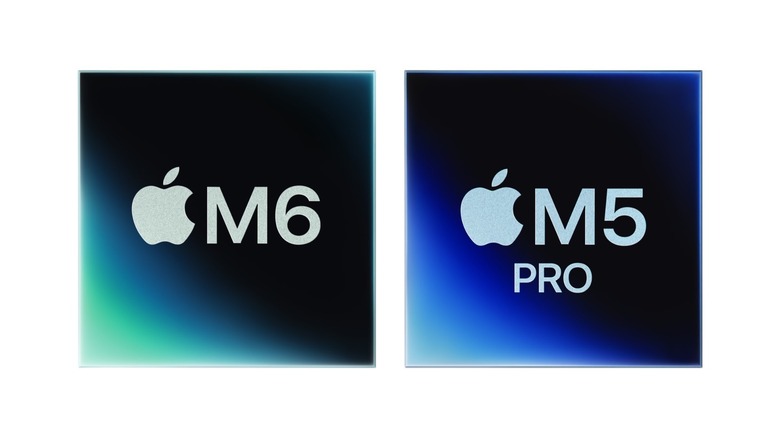
It's easy to assume that newer means better, especially when comparing chips in the same category. But the M5 Pro is in a very different category from the M6. Yes, the M5 Pro has been around since March. And it's in a higher category than the M6. That's because Apple's "Pro" chips are high-performance chips.
M6 tops out at a 12-core CPU, while Apple's M5 Pro Mac mini has either 15 or 18 cores. In theory, M6 is more efficient thanks to its new 2-nanometer architecture. The M6 also has a configuration that's targeting power economy over raw speed, offering two "super" cores, four "performance" cores and 6 "efficiency" cores. The M5 Pro has five super cores and 10 performance cores in its base configuration, rising to six and 10 in its 18-core version. More CPU cores means better multitasking, and more high-power cores multiplies that effect. That's just one example of why you shouldn't focus strictly on when a chip was released.
There's also a big difference in GPUs. If you get the M6 Mac mini, you'll be stuck with a 12-core GPU. Choose the M5 Pro and you can get a 16- or 20-core GPU. A more powerful GPU means your Mac handles graphics-intensive tasks with ease. Think 3D rendering, games, training AI models. All of it benefits from more GPU power.
RAM and storage also make the M5 Pro cost significantly more. The base M6 Mac mini comes with a 256GB SSD. Need more? There are 512GB, 1TB or 2TB options. The M5 Pro starts at 512GB and goes up to 8TB. And choosing the right amount matters –- you don't want to be deleting files to free up space later. As for RAM, the M6 gives you 16GB, 24GB or 32GB, while the M5 Pro starts at 24GB and goes all the way up to 64GB. With RAM prices skyrocketing, it's not hard to see why the M5 Pro costs so much more.
Should you go with the M6 or M5 Pro?

Both chips are quite capable. Obviously, the M5 Pro is more powerful in many ways, but it's not the right chip for everyone. Deciding between the two? Think about what kind of user you are. Maybe you just need a computer for the basics, like browsing the web, editing documents, even light video editing and learning to code. The M6 can handle all that.
If you're into tech specs, there's a good chance you're doing more advanced tasks that make the M5 Pro a better option for you. It's not the latest chip, but it offers much higher performance without the huge starting price of the new Mac Studio models. Running local AI models? Engineering software? That's the chip you should be looking at. The M5 Pro is a great chip, and the M6 is likely to be great, too. Don't think the M6 is bad just because it's cheaper. Or that the M5 Pro is bad just because it isn't the newest. They're just designed for different kinds of users.