

Why your iPhone hates printer cables
The iPhone was never designed to print with a cable, but several wireless options are available.
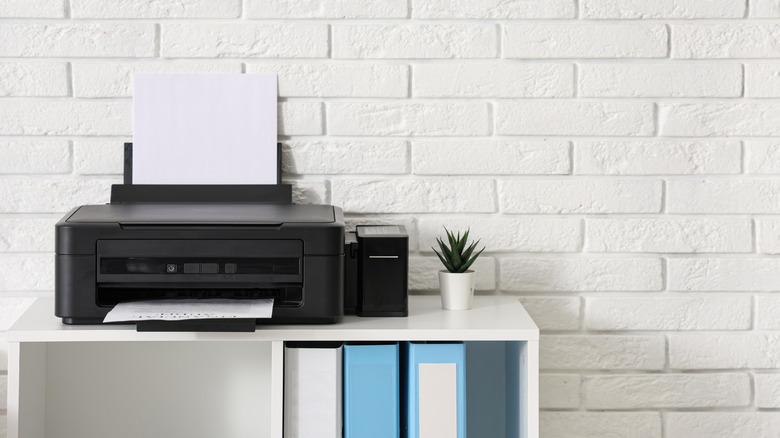
Printers are one of the most maligned and problematic pieces of tech, often serving as a boundless source of errors even when you're positive you've done everything right. If you have an older printer without modern wireless capabilities, you might have tried to print directly from your iPhone using a wired connection, to no avail. But why does the iPhone hate printer cables so much?
Since late 2010, the iPhone and iPad have been capable of AirPrint, which is Apple's wireless printing standard. There are standalone apps from brands like HP and Canon that offer wireless printing options for non-AirPrint printers, but the catalog of models they support only goes back so far. Unfortunately, as wireless tech has become dominant, those with older printers have largely been left out, especially when it comes to printing from an iPhone.
Understanding your options for printing from iPhone
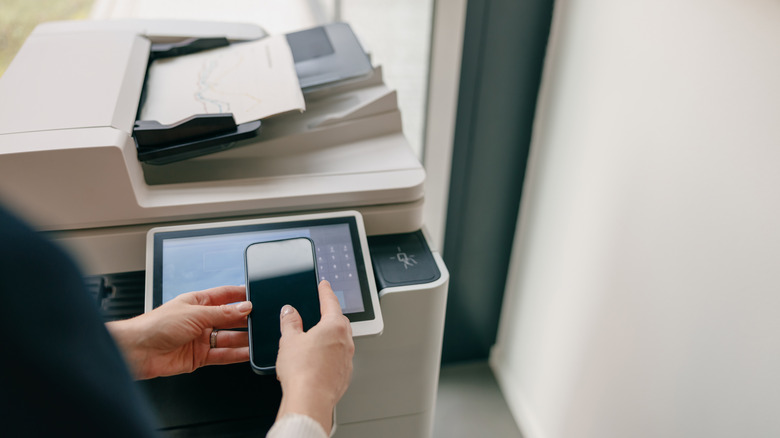
As anyone who's struggled with a printer setup knows, every model requires a unique set of drivers. For desktop operating systems, these are easily downloadable from the manufacturer's website, but the same can't be said for iOS or iPadOS. Apple's mobile devices don't have native driver support, which is an intentional decision since handling the many variations of device drivers would be a massive hassle. This means if you plug your iPhone into a printer — which is possible using special adapters that enable USB On-The-Go (OTG) — it won't know how to talk to it.
Unfortunately, not even apps are able to overcome this hurdle. Though there are some Android apps that support direct USB printing, none exist on iPhone — a notable disadvantage between Android and iPhone. Apps like PrintCentral Pro, PrintDirect and PrintCast can be somewhat useful, though they rely on a computer middleman to print from your phone to a USB printer.
Similarly, you can utilize special software like Printopia to force a USB printer to show up as a wireless printing option by creating an AirPrint bridge, but this still requires a computer. At that point, you'd be better off emailing the document or photo to yourself and printing directly from the computer. There are even more advanced options, like using a Raspberry Pi print server, but upgrading to a modern AirPrint-equipped model is more sensible if you need to print from your phone often.