

Why do some PCs have two Ethernet ports?
Your PC probably doesn’t need both ports, but workstations and servers can put them to work.
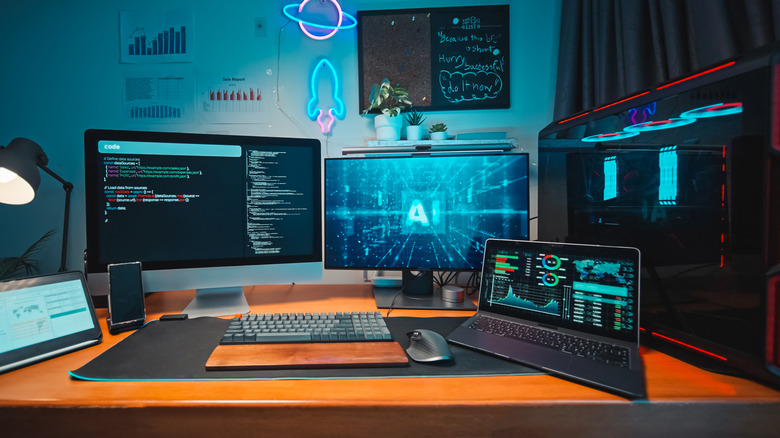
The two Ethernet ports on some PCs aren't a matter of aesthetics or a simple selling point. Their primary purpose is to provide the computer with more networking options, like backup connections or separate networks. If it's configured for failover and you lose a network connection on one, you still have access through the other. In most cases, it's a feature that's primarily relevant for workstations, servers or virtualization setups. Your home internet likely doesn't go out often enough to justify paying for a second connection you only need when the first is unavailable.
Dual ports can also support link aggregation (sometimes called NIC teaming or bonding). Put simply, link aggregation allows the PC (and a managed switch, in some setups) to combine two Ethernet links into a single connection. This has the added benefit of boosting bandwidth while maintaining the aforementioned redundancy.
Don't expect two Ethernet to magically double your internet plan; you're not going from 1 Gbps down to 2 Gbps. Link aggregation has to be supported and configured on both ends, and while you can share the extra capacity, data transfer generally remains limited to the speed of one link.
Keep networks separate
The most useful benefit of two Ethernet ports is network versatility, especially with everything Ethernet cables can do. For example, one port can connect to your regular home network, while the other can connect to a local network (like industrial equipment in a laboratory) or a dedicated storage drive. It's a good method for separating traffic for security purposes or to boost performance.
You can use this feature to turn a small PC into a router or run virtual machines. Virtualization software can assign each virtual machine to a specific Ethernet port, allowing one VM to use a certain network while the PC uses another. While Ethernet cables still have limits, having two Ethernet ports open the door to a more efficient workplace or workflow, especially for those working in cybersecurity, network administration or running a small business server.
For a desktop PC at home, something the family uses or a gaming setup, the additional port is more of a nice addition. It's useful if you have a specific need for it, but not necessarily a must-have option.
Will two Ethernet cables slow internet speed?
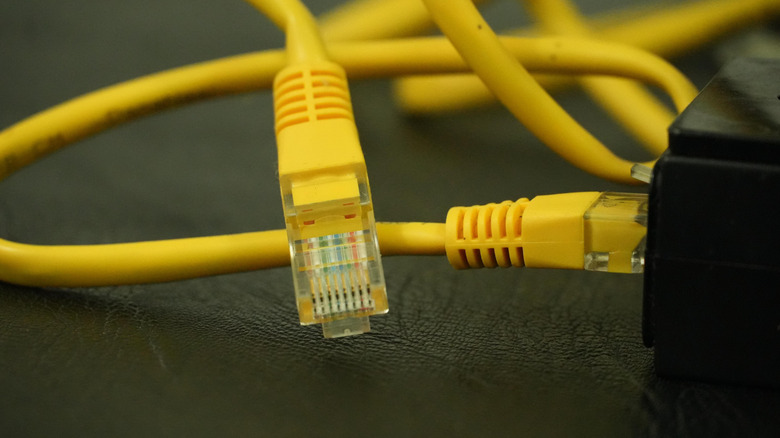
Using both ports at the same time won't inherently slow down or speed up an internet connection. Just connecting two Ethernet cables into the back of your PC won't boost or drop anything, except for your workflow potential. Without setting it up correctly for a specific purpose, it could even cause connection issues. Link aggregation exists specifically for grouping multiple links safely.
For most home PCs, a single Ethernet port is all you will ever need. Alone, it will provide the stable, wired connection you expect and is generally a better option than a wireless connection. If you have a second Ethernet port, reserve it for something specific like large file transfers to a NAS or home media server.
It's not an extra outlet for simply adding more wired devices to your home network. If your router is out of ports, use an Ethernet switch instead.