

At what length do DisplayPort cables start giving you trouble?
The longer a DisplayPort cable gets, the lower the visual quality will become
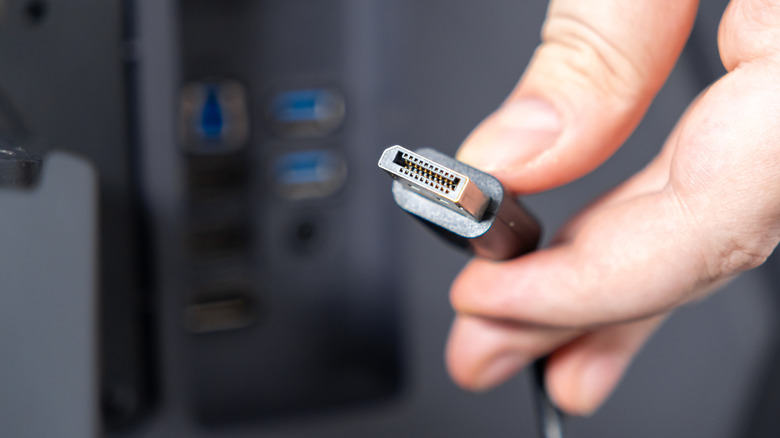
Although pure USB-C and Thunderbolt video connections are gaining traction, DisplayPort continues to rule the day for a lot of Mac and Windows PCs, and it's likely just as much about production cost as legacy compatibility. To equal the bandwidth of the best DisplayPort tech, companies need to use USB 4 v2 or Thunderbolt 5. Whether that's inherently more expensive to manufacture or not, people also tend to expect power delivery through USB-C and Thunderbolt, whereas DisplayPort can be exclusively about video.
A major concern with any video format is how far a clean signal can be delivered. With HDMI, for example, connections can get sketchy past 25 feet, if not far earlier. When a cable isn't up to the job, the result can be problems like artifacts, flickering or connections dropping out entirely. Alternately, a display might automatically scale back resolutions and refresh rates.
With DisplayPort, the limitations can be pretty sharp if you want to maintain maximum quality. There are ways around them, but they're probably not worth the money for most computing setups.
DisplayPort's very short leash
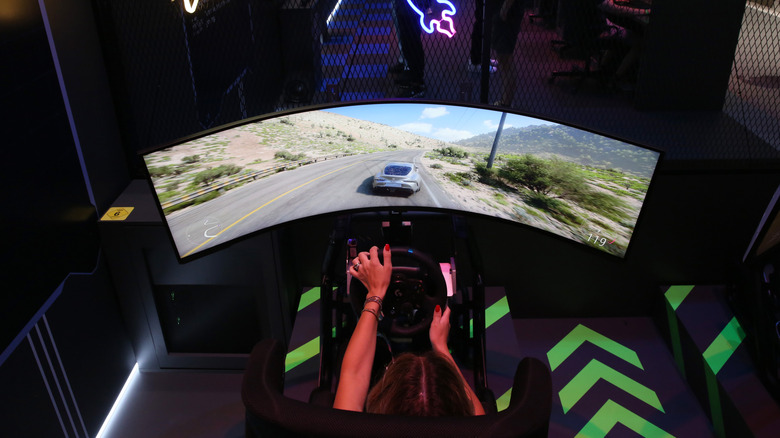
The standard copper-based DisplayPort cable should be solid up to 6 feet. By solid, we mean capable of displaying any resolution, color or refresh rate combo you could realistically ask for, such as 4K HDR at 144Hz. You shouldn't experience artifacts or other issues with this setup, barring physical damage or severe interference that would probably affect the rest of your hardware too.
By about 10 feet, resolution and refresh compromises begin to enter the picture. 4K refresh rates may be limited, or else resolution could be forced to drop to 1080 or 1440p. Toward 15 feet, stable 4K is gone and even those lower resolutions might be capped at slower refresh rates.
Luckily, that's not the true limit of DisplayPort. What we've been talking about so far is the performance of passive copper. If you switch to active copper cables that boost signal strength, practical range can extend to between 15 and 30 feet. Even better are fiber optic cables, which can run up to 100 feet.
Expect to pay for the privilege, mind you. Whereas a 10-foot passive copper cable (rated for DisplayPort 2.1) can cost as little as $10, even a 15-foot fiber optic cable can cost north of $50. That second cable should be bulletproof, but it's probably not worth the investment outside of corporate offices.
What does a realistic DisplayPort setup look like?
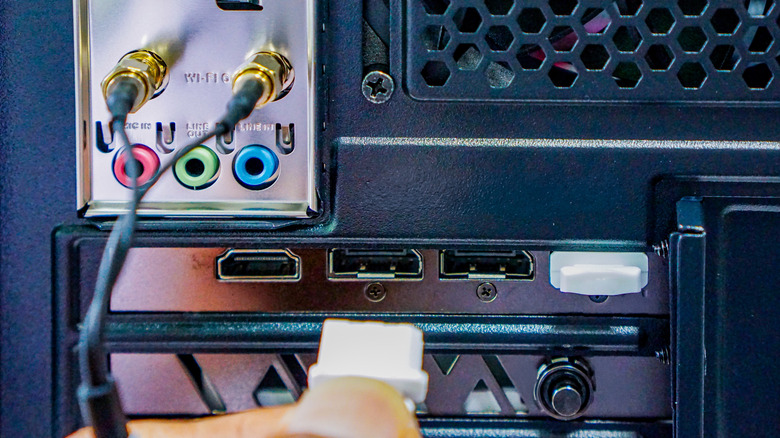
Most people should stick with passive copper DisplayPort cables measuring 6 feet or less. Although active copper and fiber optic cables provide reliable performance at greater distances, there's usually no need for it since DisplayPort is almost exclusively associated with monitors. If a monitor is sitting on your desk, it's almost certainly less than 6 feet away from your computer.
In fact, if you're daisy-chaining monitors via MST (Multi-Stream Transport), it's better to stick to the shortest cables possible since two 3-foot cables already brings you up to the 6-foot mark. It's all too easy to accidentally cripple one of your screens even if the GPU in your computer is likely going to be the biggest bottleneck. You need powerful hardware to run 4K games at 120Hz on a single screen, let alone two. The requirements soften for most productivity apps, yet the general concern remains.
It'll be interesting to see how much longer DisplayPort hangs around as a separate cable format. Once costs come down and devices are equipped with USB 4 v2 and Thunderbolt 5 as a matter of course, there may not be any incentive to keep DisplayPort in the mix. Not when port space is already at a premium.