

Should you keep your smart home gadgets on a separate home network?
Just because your devices live together doesn't mean they should share everything.
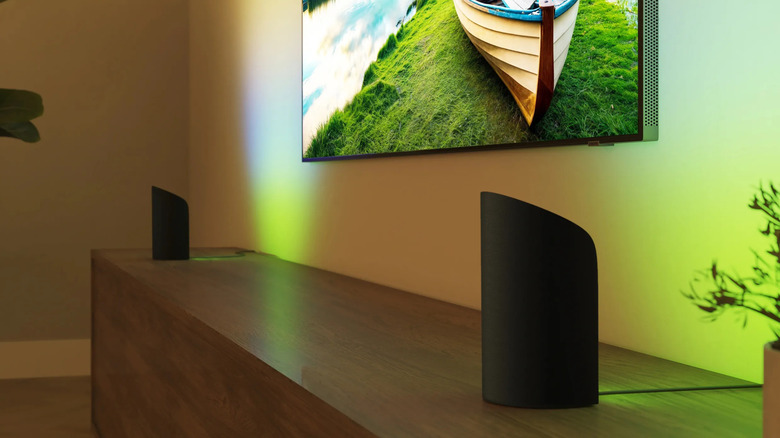
Setting up an ideal smart home experience can be tricky. It's often marketed as dead simple, and it certainly doesn't need to be excruciating. But there are a lot of considerations that aren't slapped on the label of that bulb or camera you're buying, such as which software platform is preferable, or how to keep your smart home running when the internet goes down.
Tuning your home Wi-Fi network is often necessary, and should be a top priority. Although some accessories can operate offline, they all have to talk to the internet and each other at some point. If you botch some aspect of your network, accessories can drop out of your apps and automations, or, at worst, pose a security risk.
One tip is to isolate all the smart home devices on your network. There can be strong performance and security advantages to this, but there are technical hurdles that render the idea impractical.
Why isolating your smart home devices can be a great idea
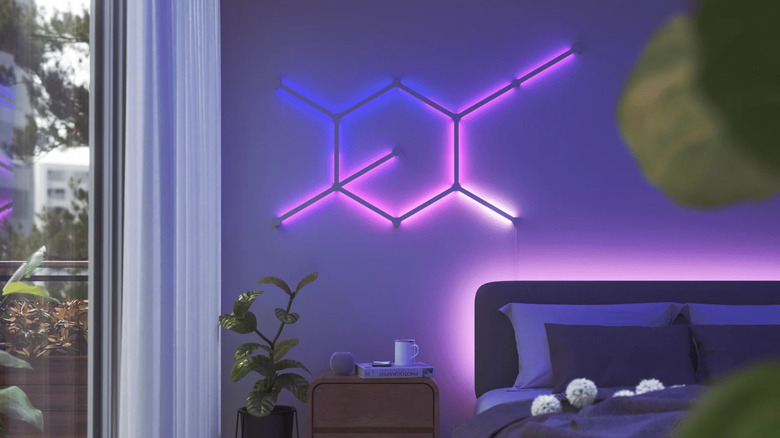
On a performance level, migrating accessories to your router's 2.4GHz band (via a separate SSID) can sometimes solve issues with range. While the 5 and 6GHz bands do offer more bandwidth, 2.4GHz has inherently greater reach. That tends to matter more than speed in a smart home context, especially if you have any accessories mounted outside, such as locks, string lights or security cameras. It translates into more reliability, and the last thing anyone wants is a door that refuses to open, or a security system blinking out when a stranger is scoping out your property.
Alternately, you might consider assigning accessories to your router's guest login. This prevents hackers from (easily) exploiting them to access the devices with your most sensitive information, such as your phone or laptop. This wouldn't be such a big deal except that smart home products are as prone to vulnerabilities as any device, if not more so, with additional risks like strangers spying on your home.
Don't automatically race to take either of these measures. The most severe range problems may require stepping up to mesh Wi-Fi, and if you're not currently dealing with flaky connections, migrating to 2.4GHz is just busywork. There's a better argument to be made for setting up a guest network, but there's likely little to worry about if you stick to reputable brands and shore up the rest of your security. In fact, both of the above tactics can make your smart home harder to use, if they're an option at all.
The hazards of creating separate smart home networks
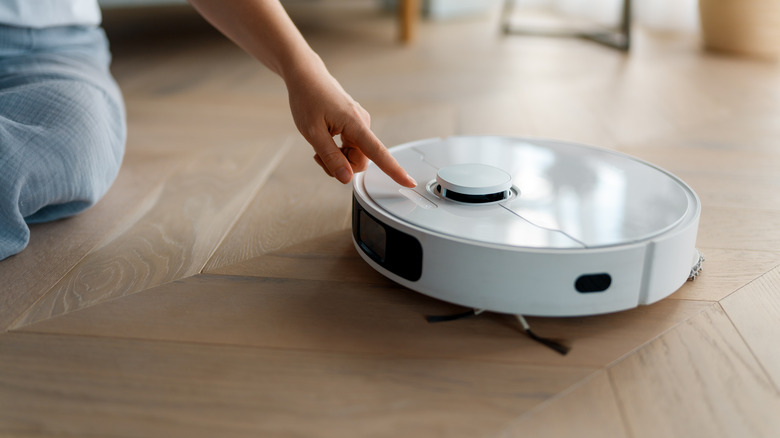
The huge concern here is that devices on one network may be blocked from talking to those on another. That's the whole point of guest networks, and while devices on split 2.4 and 5GHz SSIDs should be able to talk to each other in theory, it's not hard at all to find online complaints about this failing to happen, at least without adjusting other router settings. If you want to manually control or configure your smart home gear, you may have to switch your phone or tablet away from its normal network. And if there's no choice but to put some accessories on 5GHz, band splitting becomes unworkable.
Band splitting is a complete non-starter on mesh systems, for the simple reason that they depend on unified SSIDs with automatic steering. This is how they ensure seamless handoff from one router to another. Speaking from experience, some cheaper 2.4GHz-only accessories may not be usable with mesh systems at all, as they can't reliably be detected by your phone or tablet when you go to set them up.
The situation is only becoming more fraught as AI and smart home tech interweave with a growing number of devices. If you're trying to control accessories via your Mac, for example, isolating your Mac's connections could backfire. You should carefully analyze your real-world setup before attempting separate networks, especially because it can be a serious hassle to reconfigure dozens of accessories.