

The charging mistakes that could ruin your Nintendo Switch's battery
Don't let bad charging habits turn your battery from Super to Super Smashed.
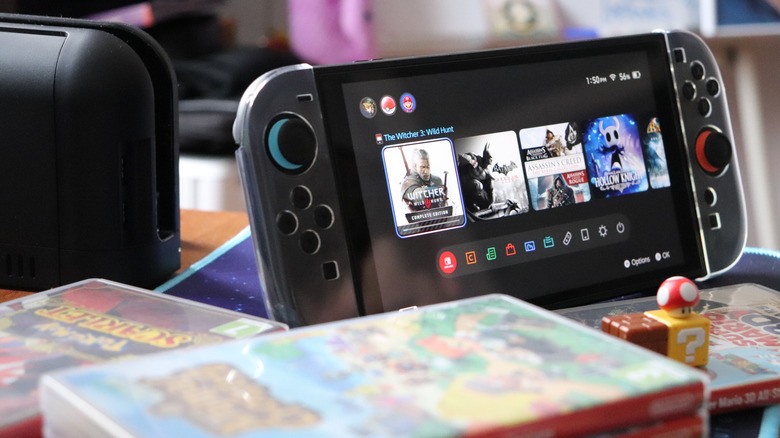
As great as handheld consoles can be, from the familiar-feeling Switch 2 to the Steam Deck OLED that still holds up against other PC handhelds, their batteries really are their Achilles' heel. There's only so much playtime you can squeeze out of any portable device, and the more powerful the console, the shorter that tends to be. Moreover, most recent handhelds aren't designed for quick battery replacement. It's doable — Nintendo even provides instructions — but it's not like slapping a few AAs into a flashlight.
On a long enough timeline, all Switch batteries are bound to degrade until your console is only usable when docked. It's just a fact of lithium-ion technology. But if you're careful about how you charge, you can prolong this fate. If you're lucky, you might push things off until Nintendo's next-gen console arrives, whether that's the Switch 3 or another innovation.
Mostly, this is a matter of how often you charge your Switch, and to what percentage. There are some additional factors to consider, though, and we'll touch on those so you can put the free Mario Kart 8 Deluxe Switch 2 update through its paces.
The charging tricks you need for your Switch
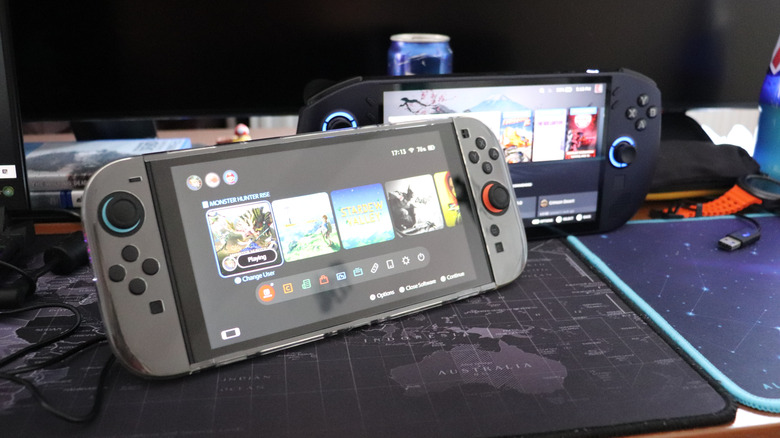
Never let your Switch drain to zero. Lithium-ion batteries have a finite number of charge cycles, and letting the battery die burns through them faster. Granted, the number of cycles is going to be well into the hundreds for any device, even beyond the 800 mark in the case of the Switch 1. But as you progress towards the end of that limit, your battery is going to offer diminished capacity. Nintendo also warns that you should charge once every six months, if you're not actively using it, to avoid permanently losing the ability to charge.
You should also avoid charging to 100% unless you need as many hours as you can get. That's because the optimal charge for lithium-ion batteries is both more than zero and less than full. On most devices, the rule of thumb is between 20% and 80%. On the Switch 2, though, Nintendo has added a Stop Charging Around 90% option, which you can find under System Settings. Just remember to toggle this off and wait a few minutes longer when you're heading out on a trip to maximize your time.
Another important factor is ambient temperature. Realistically, you may be unlikely to store or use a Switch beyond its official operating range, which is 41 to 95 Fahrenheit (5 to 35 Celsius). Charging in extreme heat can, however, accelerate capacity loss, so you might want to avoid leaving your console in sunlight for prolonged stretches, or charging outside in climates with intense summer heat. Notably, while extreme cold can have an impact, it shouldn't be permanent.
Why you might not be able to replace your Switch's battery
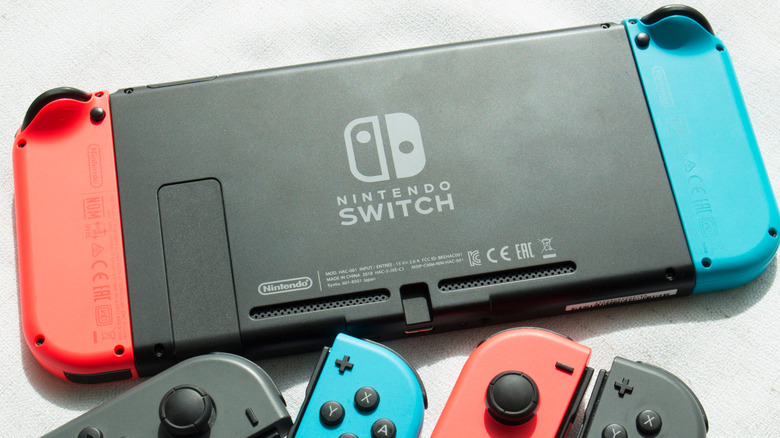
A Switch is a complex device with delicate electronics, and the battery is embedded inside, rather than in an easily accessible compartment. Making a mistake could break something critical. In fact, Nintendo strongly urges contacting its Customer Service department instead of doing things yourself, and there's no official DIY guide for any Switch 1 model.
While there is an official guide for the Switch 2, Nintendo notes that only consoles with the BEE-001(-01) marking contain user-replaceable batteries, as far as the company is concerned. On top of that, you need Nintendo's BEE-003(-01) Battery Replacement Kit, a careful touch, and an electrically grounded surface. A large enough static shock could fry circuitry.
The good news here is that if you charge your Switch properly, the odds of it surviving until your next upgrade without a battery swap are pretty good. It's more a question of whether anyone you pass it along to will enjoy the same luxury.