

Monitoring your car's performance with CarPlay is easier than you think
Tracking your car's health from the driver's seat takes less gear than you'd think.
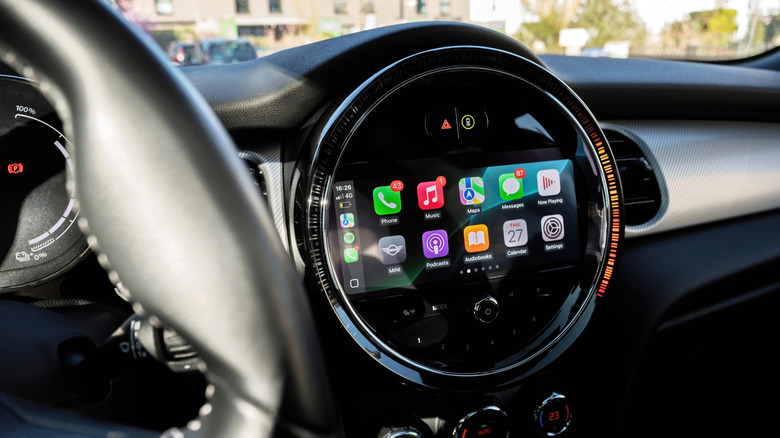
In 2025, Apple finally rolled out CarPlay Ultra, its long-promised upgrade that gives CarPlay a wider presence in compatible cars. Whereas the standard version is mostly about navigation and music, Ultra can monitor and adjust core car systems and customize the instrument cluster behind your steering wheel — assuming it uses an LCD or OLED display.
Compatibility has been a major hurdle, as it turns out. Although a number of automakers have promised support, Aston Martin is the only one with vehicles on the road as of this writing. It's a shame, considering the potential of tracking and optimizing your car's performance through your iPhone.
In the meantime, there are a few ways to keep tabs on performance with CarPlay. You may need additional hardware in some cases, but it won't cost anywhere near the price of an Aston Martin.
How to track your car's performance with CarPlay
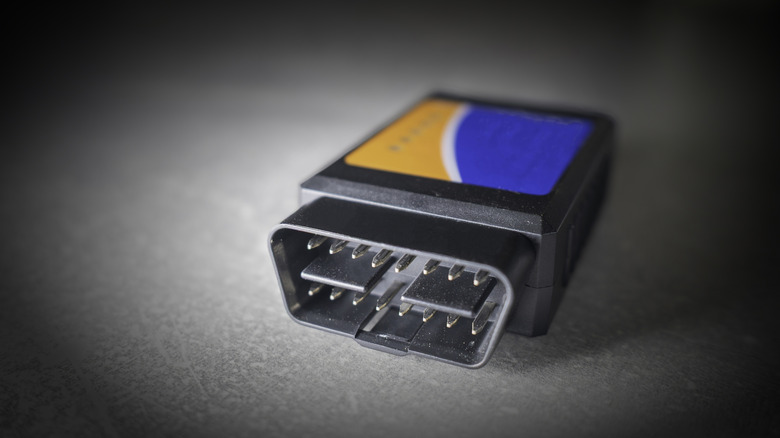
If you want fully accurate and comprehensive data about your car, you're looking for an app compatible with an OBD-II scanner. OBD-II is a government-mandated technology in regions like the US and Europe, and it's what technicians use when you bring your car in for service. An app like WrenchTime Pro can display live gauges, record trips and flag serious problems. If you want something that's more about daily driving than analyzing diagnostics, there's Pelican, which combines OBD-II diagnostics with live navigation based on OpenStreetMap.
iPhone-compatible OBD-II adapters are easy to find for under $50. If that's still too much, there are apps that can help you track basic performance details. Fuelio, for example, tracks fill-ups to show both fuel efficiency and what it's costing you. Trip Logbook is effectively an advanced odometer, allowing you to record trips either manually or automatically. It even supports Siri voice commands by way of a premade shortcut.
If you're an EV owner, there are apps tailored to your needs. One I've used and enjoyed is PlugShare. While it's not directly about performance, you can plot trips around the requirements of your specific car or search for nearby chargers that are both compatible and available. That matters because an EV might occupy a fast charger for anywhere from 20 minutes to an hour.
Why CarPlay performance tracking is limited
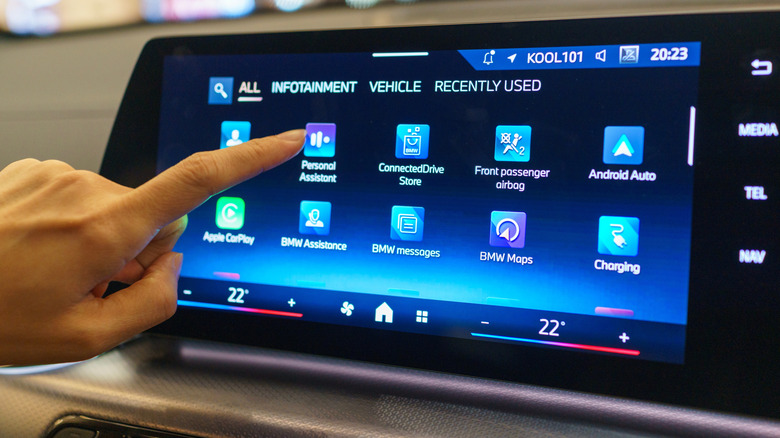
You might be wondering why you'd need CarPlay Ultra or an OBD-II scanner just to access car metrics. The answer is complex, starting with the way CarPlay works. When you launch the regular version of the platform, it's not running natively on your dash. Instead, you're "projecting" apps from your iPhone, along with some limited integration with onboard systems, such as Bluetooth or EV battery levels (in Apple Maps).
The second half of the equation is that automakers can be reluctant to share data with third parties. They'd often rather you use their integrated apps, which may be tied to services that carry a subscription fee. BMW once tried to charge people for using CarPlay, which ultimately backfired.
When it's not about fees, it may simply be about control. Once data is on your iPhone, it's out of an automaker's hands, except for the raw info that OBD-II is meant to share. Keeping a barrier in infotainment systems means handing less power to Apple and app creators, which might, for instance, require an automaker to invest extra resources in support. This could be why CarPlay Ultra hasn't taken off — it's one thing to support navigation apps, quite another to let an iPhone dictate the look, feel and functions of a vehicle.