Which gaming keyboards are worth buying?
The act of building a great gaming rig isn't just about finding the most powerful processor, a capable graphics card or massive amounts of RAM. It's also about what you use to interact with the machine itself -- the peripherals you bring to the table. A few months ago, we told you about the best gaming mice available. Now we take a look at some recent gaming keyboards to see which ones have the most to offer in terms of lighting, macros and, of course, how good they feel to type on.

The latest addition to Logitech's "G" line of gaming peripherals is the G910 Orion Spark, which attempts to set itself apart from the competition by being the only keyboard using Logitech's proprietary Romer-G switches under each key. Gadget Review found the key action "butter smooth," and KitGuru favored the Romer-G setup over the clicky Cherry MX Blue switches found in many rival products. However, Legit Reviews says the Romer-G switches are more like non-clicky Cherry MX Browns -- but not necessarily better, thanks to a "soft and mushy" feel. Another standout feature of the G910 is a dock and dedicated app for your smartphone, which replaces the built-in display of its predecessor G710 to make the price of the Orion Spark just a bit more wallet-friendly.
Price: $180

Mechanical keyboards may feel great to type on, but they're also incredibly noisy. The SteelSeries Apex is an attempt to make something a bit quieter: a membrane keyboard that feels like a mechanical. And it largely succeeds, as Tom's Guide says the keys are "more resistant" with "a satisfying spring" compared to cheaper membrane keyboards, while bit-tech thought the keys offered "good feedback" and were more forgiving than mechanical models. The Apex also comes equipped with a nice selection of 22 macro keys, but if you don't need that much control under your fingertips, the cheaper Apex [RAW] will suit you just fine with 17 extra keys.
Price: $71 and up (Apex) / $45 and up (Apex [RAW])

The BlackWidow series of keyboards has been one of the better gaming options out there since its introduction in 2010. The Chroma brings the same level of quality and performance to your desk, with a splash of color this time. You can assign a different hue to each key, or even create animated lighting patterns -- just don't get distracted the way Gaming Shogun did. The fancy lighting tricks don't mean Razer eased up on the keys themselves, though. Gaming Shogun liked the "tactile, clicky response" of Razer's keys and both GameSpot and bit-tech found their actuation nearly identical to that of keys equipped with Cherry MX Blue switches.
Price: $164

The Ryos MK may be a little more understated and cheaper than rival keyboards on the market, but it still has plenty to offer, including Cherry MX Black switches under each key; the keys themselves can be programmed with over 500 macros. Gamers who want something a little flashier will be well-served by upgrading to the more advanced Ryos MK Pro, which is available in four different Cherry MX switch varieties and allows per-key illumination. PC World calls it "dauntingly customizable" and Kotaku believes "we're at peak customization for keyboards," adding that unless you're looking to play a commercial flight sim, the MK Pro probably has your needs covered.
Price: $60 (base model) / $150 and up (Pro)

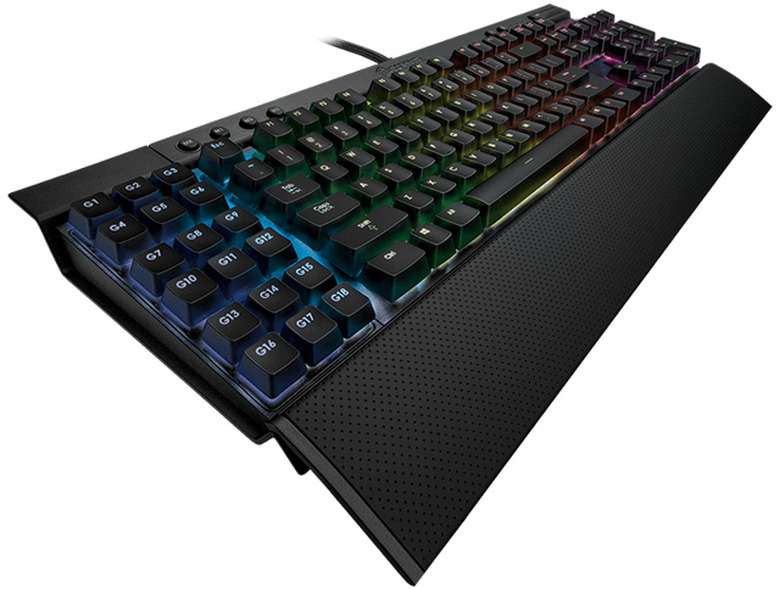
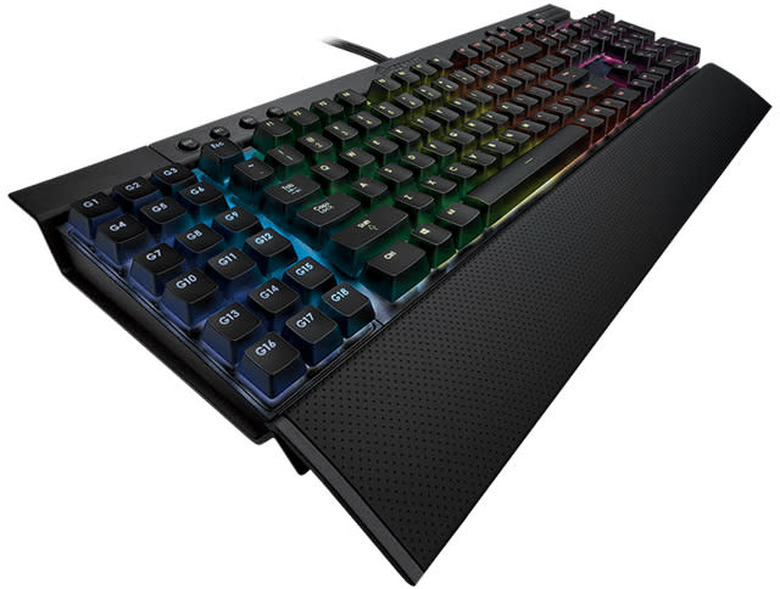
Corsair's Vengeance K70 looks great and it's easy to keep it that way, thanks to its keys being mounted on an aluminum plate that allows "completely unencumbered access" according to PC Mag. Besides being easier to clean, the keys also feel great thanks to Cherry MX Red, Brown or Blue switches underneath, with MakeUseOf taking note of their "faster response time and overall better performance." The K70 doesn't have any macro keys, but users who need them can always pick up the Vengeance K95 instead, which is equipped with 18 extra keys to customize to your heart's content using the Corsair's software. You will need to exhibit a little patience, however -- TechRadar calls Corsair's customization suite "frustratingly difficult to use" thanks to the "enormous amount of control" it offers.
Price: $190 and up (K95) / $129 and up (K70)
Logitech G910 Orion Spark
The latest addition to Logitech's "G" line of gaming peripherals is the G910 Orion Spark, which attempts to set itself apart from the competition by being the only keyboard using Logitech's proprietary Romer-G switches under each key. Gadget Review found the key action "butter smooth," and KitGuru favored the Romer-G setup over the clicky Cherry MX Blue switches found in many rival products. However, Legit Reviews says the Romer-G switches are more like non-clicky Cherry MX Browns -- but not necessarily better, thanks to a "soft and mushy" feel. Another standout feature of the G910 is a dock and dedicated app for your smartphone, which replaces the built-in display of its predecessor G710 to make the price of the Orion Spark just a bit more wallet-friendly.
Price: $180