

Which of your old cables are actually worth keeping?
Clean out that cable junk drawer every so often and keep only the things you actually need.
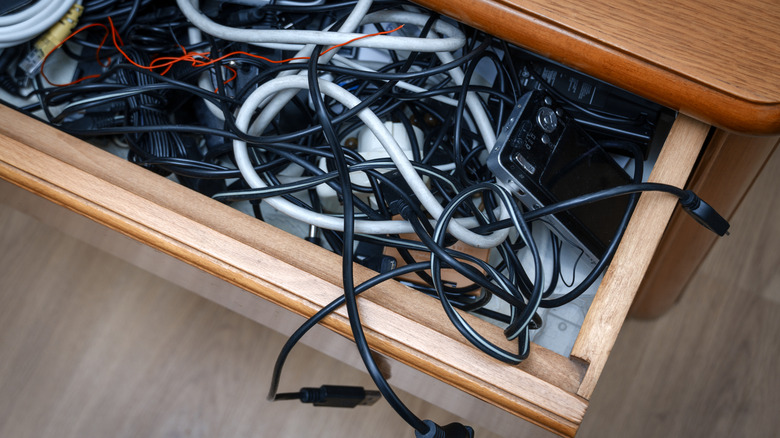
You said "maybe I'll need it some day" nine years ago and you haven't touched it since. Yes, we're talking about all the cables you systematically placed in that junk drawer of yours over the years. You've turned a potentially useful box or drawer into something you avoid at all cost, fearing the mayhem that is inside.
From USB-C to HDMI to old 30-pin Apple connectors, we bet there are tons of things in that drawer or box that you should set aside sooner rather than later. Some cords are worth holding onto, while others may be better off finding their way to recycling or collectors. But which ones are worth the space and which ones should you drop like a hot potato?
Which old cables are still worth selling or recycling?
There are loads of cables you've had for years that can go to recycling. Some could even find their way to eBay. But wait, does anyone actually buy old cables? The answer is a surprising "yes" because professionals using some old audio and video equipment still need cables that are no longer being manufactured. The best way for them to find such cords is to get them second hand from people who would otherwise throw them away.
FireWire cables (IEEE 1394) were a big deal for high-speed data transfers back in the late 1990s and 2000s. They came in the 6-pin and 4-pin connector variants and could push data at 400Mbps. Since we've long since replaced this technology with USB and Thunderbolt, they've largely become obsolete. Unless you're still using vintage Macs, you can safely recycle FireWire cables. Alternatively, you could sell them to audio and video professionals running older interfaces and cameras.
SCSI cables were quite popular around the same time the FireWire cables were a thing. Nowadays, they're only used by those who work with legacy equipment or vintage computing enthusiasts.
The same goes for coaxial cables. Once a standard for older TVs and video equipment, you're probably never going to use them unless you still have a vintage VHS player around and an old TV.
RCA, XLR and ¼-inch RTS vintage audio cables are prized by audiophiles, but if you actually needed them, they'd be hooked up to your sound system, not rotting at the bottom of your storage bin. If they are just taking up space, do yourself a favor and either sell them or recycle them.
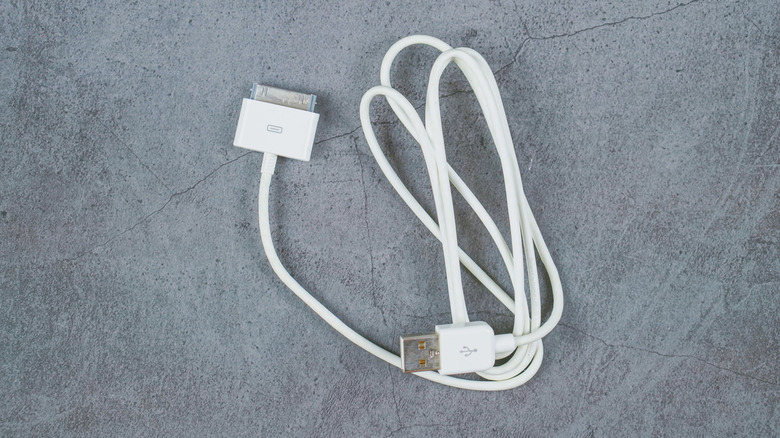
Apple's 30-pin connectors cables used to be great back when the iPhone 4S was around, predating the Lightning cord. But Apple stopped supporting these devices years ago, so to the recycling bins the cords go. Unless you're still using an iPod (or know a collector who does), there's not much you can use these cables for.
The only reason you should still be holding onto DVI cables is if you still have an old monitor and PC to use them with. Otherwise, recycle them. The same goes for VGA cables.
Those charging cables for your old fitness bands can go to recycling too. If the wearable no longer works, the cable is simply taking space.
Which cables are worth keeping?
We're pretty sure you have some cables in that drawer somewhere that are worth keeping, too.
USB-C is here to stay and it's become the universal standard for data transfers and fast charging. The only reason you should be recycling any of these is to upgrade to speedier versions. You should also hold on to USB-A to B cables since those are commonly used in printers.
Even though mini-USB cables are not as popular today as they used to be, there are still devices that need them to charge, including microphones, cameras and hard drives. Micro-USB cables are in the same situation — they're both worth keeping at least one of each.
Apple may have moved away from Lightning cables, but if you're still using a phone older than the iPhone 15, you'll still need it. Even if you've upgraded, having at least one Lightning cable in there may prove useful if any of your friends visit and require one for a quick charge.
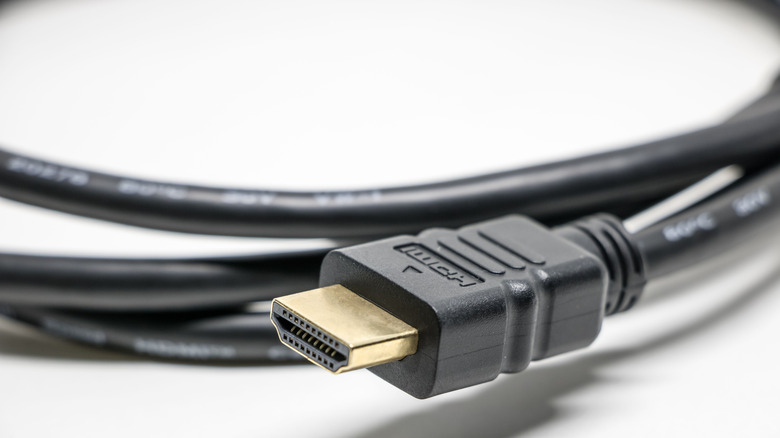
HDMI 2.1 cables belong in that cable drawer. With up to 48 Gbps of bandwidth, you can enjoy 4K content at 144Hz and 8K at 30Hz. They're perfect for connecting your gaming consoles to your TV.
DisplayPort and Mini DisplayPort are also worth keeping. They go with computer monitors, some TVs and laptops. While not as popular as HDMI, they are still used frequently and should definitely remain in your cable drawer.
Component video cables are worth keeping if you're still using that specific device. The cables that came with the PlayStation 2, the original Xbox or Wii, for instance, are great to keep if you're still using the console. If you've long since recycled the device, maybe it's time to let go of the cables too.
Of course, you should also hold onto those 3-prong trapezoid power cords that go with all PCs and a bunch of other devices too.
The bottom line is that not every cable in that drawer is worth keeping, but not every one of them deserves to go either. Take an hour, sort through what you have, test the ones you're unsure about, ask the internet about the ones you don't even recognize and split them into piles. You'll soon have a cable drawer that actually works for you and maybe some extra money in your pocket.