How to use your phone to find an Apple TV remote
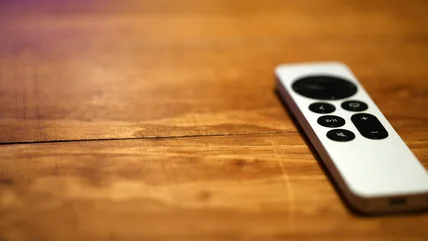
Apple TV now lets you use your iPhone to find a lost remote, with onscreen prompts that guide you closer until you track it down somewhere in your home.



The unique content on Engadget is a result of skilled collaboration between writers and editors with broad journalistic, academic, and practical expertise.
In pursuit of our mission to provide accurate and ethical coverage, the Engadget editorial team consistently fact-checks and reviews site content to provide readers with an informative, entertaining, and engaging experience. Click here for more information on our editorial process.
Apple TV now lets you use your iPhone to find a lost remote, with onscreen prompts that guide you closer until you track it down somewhere in your home.
Using your phone to help other devices connect to the internet is undeniably convenient, but it also comes with other perks – and a few downsides.
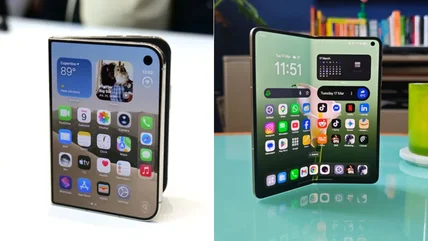
The foldable smartphone scene is exploding as Apple has just announced it is finally entering the arena. Here's how the iPhone Duo compares to the Oppo Find N6.
Modern cars are great for farming user data, and big tech companies know it. It's important to know how this information is collected and how to opt out.
You don't need to wait till later this month to snag an upgrade for your living room.
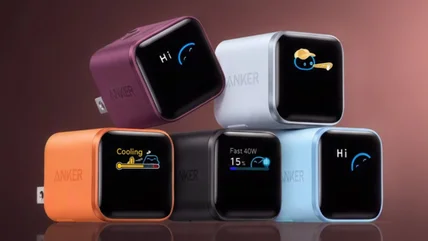
For thermal protection, Anker smart chargers display the temperature status on their tiny screens. Discover what the mysterious "Floating" status means.
That tiny blue dot on the top right corner of your Android phone indicates something important. Find out what this icon means.
An eSIM can save you money on international trips if your phone supports it. See how to check eSIM compatibility on iPhone and Android in a few steps.
The old fear about cell phone radiation causing cancer is an overblown concern, but there are other dangers when you tuck a charging phone under your pillow.
Is 2TB of phone storage worth it? Find out who needs it and who can safely skip it, plus how much space you need for everyday photos, apps and games.
Nervous about driving somewhere new? One familiar navigation app has simple turn-by-turn directions that help older drivers feel more confident.
Your apps and browsers may be overdue for some tidying up.
It's the easiest way to share posts and reels you like with all of your followers.
All-in-one (AIO) computers are more compact and easier to use than desktop setups, but they also trade simplicity for flexibility when it's time to upgrade.
Tailor your tech to fit your daily drive seamlessly.
Soccer practice just got more bearable.
Your phone’s most honest app doesn’t even have a home screen icon.
Smart bulbs are a natural entry point to smart home tech, but they come with some annoyances. Use these instead.
Although Android Auto's autoplay feature is intended to be a convenience, you may find yourself wanting to turn it off. Here's how.
The charger from your three-generations-ago phone can still be useful. Here are several ways to use old cables, both indoors and out.
Samsung's Auto Blocker protects your Galaxy phone from security threats, but it does have drawbacks. Here's what it does and when you might want to turn it off.
Amazon will support your Kindle for a while, but it should last much longer than that if you take care of it.
Screen Time has new features to help parents manage their children's Apple devices, as well as refinements to existing controls.
Samsung phones have a couple of features that can keep sensitive apps and files private. One locks your chosen apps, and the other restricts all but one app.
Of course you're going to get the one that works with your ereader, but which of these page-turning gadgets is actually better?
Your Android device will only receive updates for so long, and it might have already left its support period without you realizing.
Enabling Developer Mode on a Chromebook unlocks new capabilities and app options. Here's where to find it.