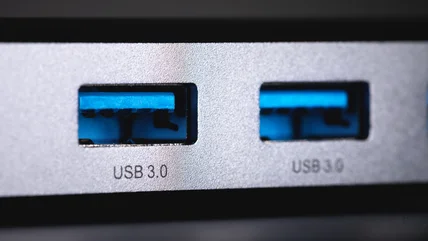
The reason why some USB ports are teal
A teal USB port can indicate a connection with particular data and charging speeds. Here's what it means.
Read More

A teal USB port can indicate a connection with particular data and charging speeds. Here's what it means.
Read More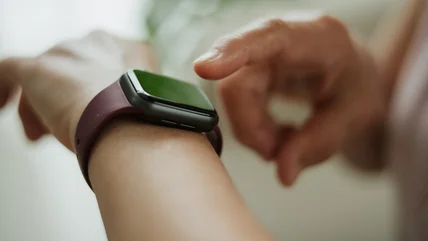
Don't toss your smartwatch when you can repurpose it. If you're interested in an assistant or saving notes, you can stop that watch from gathering dust.
Read More
Many monitor buying mistakes come from ignoring viewing distance, port limits, and HDR claims. These tips help you pick a screen that fits your needs.
Read More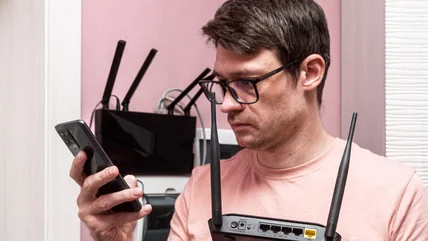
Getting a top-of-the-line router won't necessarily increase your internet speeds. Here's what you need to know before you buy.
Read More
Over 670,000 units are being recalled in the US and Canada.
Read More
The company is hoping to collect feedback on Sonos 27voice to avoid a repeat of its previous app redesign debacle.
Read More
Here’s an overview of some of the most notable folding gadget categories available today.
Read More
USB Type-C cables are everywhere, especially now that Apple has gotten onboard with the port. But does the "C" in USB-C mean something in particular?
Read More
If you need extra protection for your USB cables, knowing how to tell if they're waterproof beforehand is important. Here's how to check a cable's rating.
Read More
Using an old PC to create your own server can save you quite a bit of money through a couple of avenues. Here's what it can do.
Read More
USB cables, much like their HDMI cousins, have limits on how long they can be. The thing is, those limits are probably much lower than you expected.
Read More
Travel is stressful enough. Here's what you should know about TSA rules on traveling with tech.
Read More
Maximizing your listening experience on Android can get very complicated, but we'll guide you through settings and headphone choices to get you there.
Read More
This expands the lineup beyond XLR and USB-connected models.
Read More
You can do more than charge your controllers with the USB ports on your PS5. Here are some of the possibilities.
Read More
Just because you can do something doesn't mean you should.
Read More
Mesh systems generally provide better Wi-Fi coverage than standalone routers, but you can make the mesh signal even stronger.
Read More
Old speakers often get set aside alongside the device they were used with, but you may still be able to use them with your current tech.
Read More
Smart bulbs are a natural entry point to smart home tech, but they come with some annoyances. Use these instead.
Read More
CR2032 batteries are found in a lot of gadgets around your home. They're easy to test when they run low, especially if you have the appropriate devices.
Read More
Anker's PowerIQ technology helps identify and charge your devices more efficiently.
Read More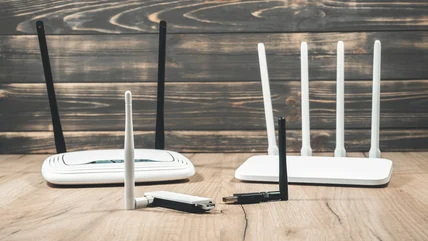
One of the issues with internet routers is that it's not always obvious when it's not working as it should. Here's how to check if it could be on its way out.
Read More
If your USB peripheral is on the fritz, it's worth doing some troubleshooting with the port itself. Give these steps a try.
Read More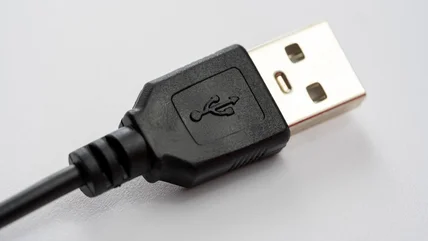
The charger from your three-generations-ago phone can still be useful. Here are several ways to use old cables, both indoors and out.
Read More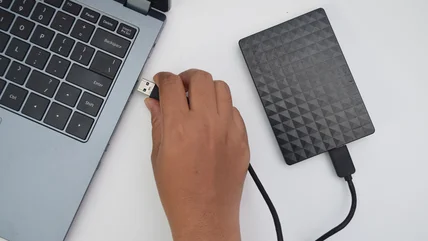
External hard drives are sensitive, and what seems like a minor drop can cause major damage that should be checked by a professional.
Read More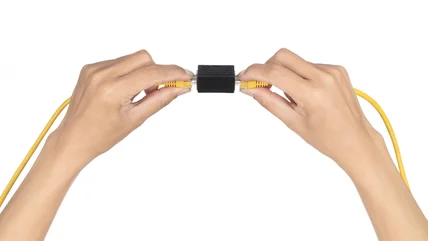
Joining two Ethernet cables together with a coupler is rare, but when your cords are suddenly too short, there are better options to extend your network.
Read More
If a company like Apple could offer $29 batteries before, it can do so again.
Read More