

The reason why some USB ports are teal
Did you know that different colors have different meanings?
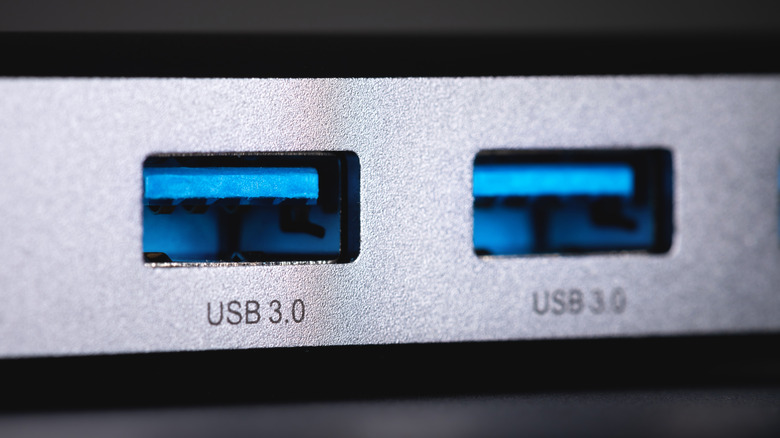
It's a fairly normal thing to look at the different slots and pieces of your computer, knowing full well what most of them do, but being somewhat confused about what one particular element is for. Not everyone can be a super genius, after all, so there's no reason to feel bad about not knowing the reason something is the way it is.
When it comes to ports on your computer, the multitude of different USB slots can sometimes feel strange to look at, considering many of them have different colors. If you have a higher-end motherboard or case, you may also have a lot of them to look at, which makes determining their exact purpose something of a mystery.
After decades of evolution, USB ports have become one of the most versatile ports you can find on your PC or laptop. When it comes to the teal port, it actually has some fascinating use cases, and we'll be breaking down exactly what that color does, as well as how you can use it to your advantage.
What is the teal USB port for?
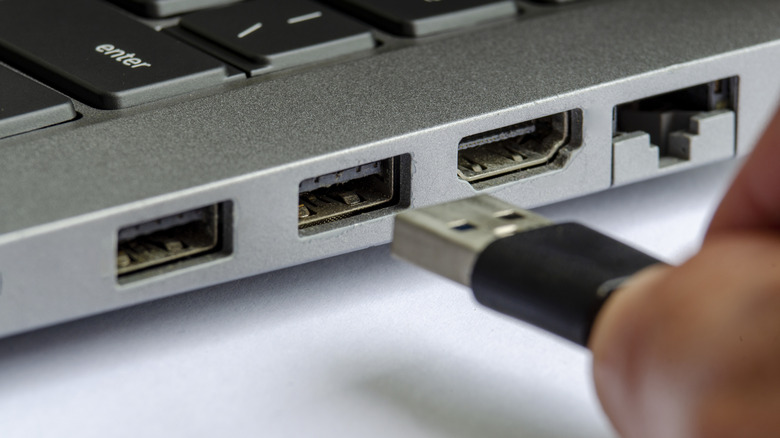
If you see a teal USB port on your device, you may be interested to know that the color is generally designated for USB 3.1, Gen 2 or above. After its introduction in 2013, USB 3.1 was standardized by the USB-IF, the USB Implementers Forum, with a focus on high transfer speeds and increased power output to devices connected to it. The color isn't a rule, of course, and there are a lot of 3.1 Gen 2 USB ports that have different colors.
While the higher speeds, which can reach upward of 10 Gbps, are a fantastic feature, they're also usually backward compatible with USB 3.0 and prior. You won't necessarily get the same speed benefits, but as USB is one of the most standard ports in computers, you will be able to use most previous generations of USB-A devices with it without issue.
Though it has a distinct advantage over a lot of other USB port colors, there are certain red USB ports that feature USB 3.2. The USB 3.2 ports can reach a top-end speed of 20 Gbps, and though teal-colored versions do exist, they're a bit more uncommon. If you're unsure of the exact possible speed, you can use the Device Manager on Windows or System Report on macOS.
The benefits of using teal USB ports
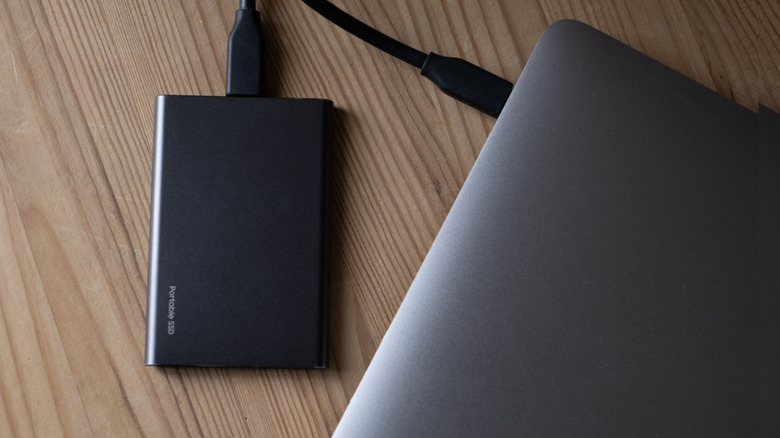
If you have a teal USB port and can take advantage of its blazing transfer speeds, you may be able to get some spectacular usage out of it. For one thing, the high speed and power output means it can help immensely with any task you need to throw at it.
It's incredibly helpful if you're someone who does a lot of file transfers, or maybe you have a library of games you want to move around to different SSDs. Considering how well USB 3.1 works with high-speed external SSDs, you will be able to significantly cut down any transfer time that may have been slower in the past. This would also help with something like music or content creation, as sample libraries that normally take a long time to move onto SSDs or large video files can be done in minutes.
As teal USB ports tend to favor 3.1 Gen 2, the power output is also a huge benefit. While charging your phone or tablet on your computer's USB ports has usually worked, the power output has generally made it less than desirable. 3.1 Gen 2 is considerably more powerful and can charge things like phones, tablets, earbuds and other smaller electronics with no problem.