

Don't throw away your old PlayStation — Do this instead
It doesn't need to end up in a landfill.
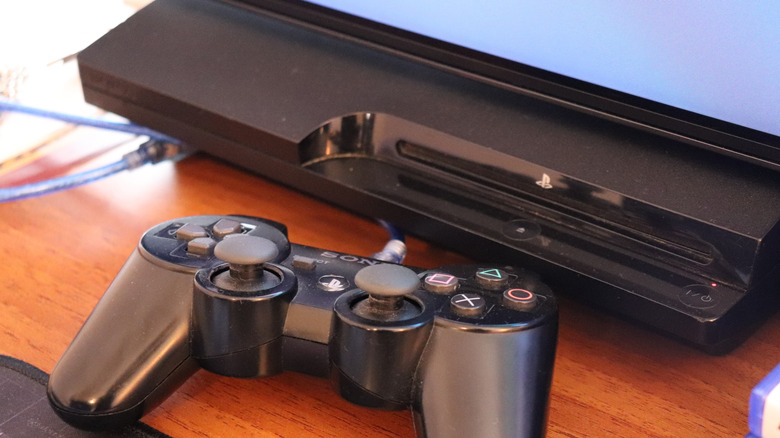
It can be sad to watch the PlayStation you spent hours fighting the hardest bosses with eventually fall out of use. But the fact that you no longer use your old PlayStation as much doesn't make it useless. So, don't throw away your old PlayStation; you can find other ways to give it purpose.
Thankfully, finding practical ways to repurpose your old PlayStation console can be pretty easy. With the right steps and a few hours, you can turn your beloved old PlayStation into a media center for watching your favorite shows or reuse its parts, among several other things. And if you feel there's no use to be had, you can sell it for cash or recycle it rather than throwing it away. Even old consoles like the PS2 can still be sold for cash today, so anything's better than your old PlayStation contributing to the already bad e-waste problem.
Turn your old PlayStation into a media center
Your PlayStation can access media in three main ways. First, there are streaming services. You can load up your old PlayStation with your favorite streaming apps and services. How you download them varies depending on your exact PlayStation. If your console is a PlayStation 3, this route is mostly closed, as many major streaming services have already stopped supporting the PS3.
If streaming services don't tickle your fancy, you can turn to physical media. Old PlayStations even as far back as the PS2 can play DVDs with the same disc drives used for games. The PS2 tops out at DVDs, while the PS3 and PS4 can handle both DVDs and Blu-rays. So, if you still use discs, your old PlayStation can find new life as a dedicated movie player.
Beyond discs and streaming apps, you can simply play media from USB drives. Before you plug the drive in, you'll need to format the drive to exFAT (or FAT32 specifically for the PS3) if it's in NTFS, then move the media files into folders on the drive. On the PS4, you'll need to install the Media Player app first. Next, plug it into your old PlayStation and enjoy.
Reuse its parts
Your old PlayStation might not be useful to you anymore in its entirety, but there are certain parts that you can easily reuse. Namely, the controllers, cables and even the hard drive.
PlayStation controllers, especially the DualShock 4, are compatible with a wide range of devices, from phones to tablets to PCs and even some new-gen consoles. You can even connect the DualShock 4 to an Amazon Fire TV Stick and use it for cloud gaming or even as a makeshift remote. Your old PS4 controller can easily become a gaming controller that works across your devices. The PS3's controller (DualShock 3) has similar functionality, but it works with fewer devices and the connection process isn't as easy as the DualShock 4”s.
If you're willing to dig a little deeper and remove a few screws along the way, you can harvest your PlayStation's hard drive and convert it into external storage for your other devices and files. Sony designed the PlayStation's hard drive to be user-replaceable, so you won't need expert-level technical skills to get it out. Once it's out, all you need is a quick reformatting and a USB enclosure for the drive, and you're good to go. Since you're putting the console out of commission anyway, you might as well repurpose the HDMI and power cables, too. Once you've pulled the parts you want, recycle what's left of the console responsibly.
Sell your old PlayStation
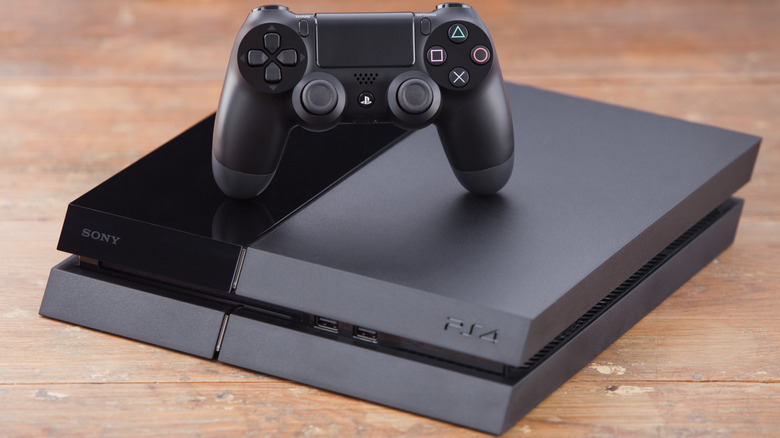
Yes, even your old PlayStation console can still be worth money if you know where to sell it. Selling your old PlayStation is a great way to get cash while getting rid of a console you no longer use, and, for most people, there are three main ways to go about this.
First and probably the most popular is trading in your PlayStation to retailers like Best Buy, Amazon and GameStop. This is the most convenient way to sell your PlayStation, but that convenience comes at a cost. For one, you'll get lowball offers, and most big-box retailers only pay out with store credit, which isn't that helpful if you don't plan on shopping there.
The second option is buyback sites like Back Market Trade-in. As the name implies, these companies buy used tech, including PlayStation consoles, for cash, with no listing or haggling involved. The upside is they're convenient, pay actual cash and typically value old PlayStations more than big-box retailers. But there are shipping risks, and you'll have to wait longer to get paid compared to retailer trade-in.
The third option is selling your PlayStation on marketplaces like Swappa and eBay. With this method, you stand to gain more from your old PlayStation compared with buybacks and big-box retailers. But handling a marketplace sale is typically inconvenient, takes longer and is more tasking than you'd encounter selling to a buyback or a big-box retailer.
So, sell on a marketplace if you want the most cash for your old PlayStation, sell to a big-box retailer if you want the most convenient option and sell to a buyback if you want a middle ground. Buyback will get you a better offer than big-box retailers while still being more convenient than selling on a marketplace.
Hand it down, donate or recycle your old PlayStation
If your PlayStation console no longer has a place in your setup and you feel it's not worth selling, then it might be time for ownership to change hands. Instead of throwing it away, you can hand it down to a younger person who'd give your old PlayStation the love and care it deserves.
If you don't have anyone to hand it down to, then donating it is your next best option. There are a number of charity organizations that can put your old PlayStation to good use and get it to people who'd appreciate it. Gamers Outreach, for example, collects certain donated consoles and gives them to children at hospitals. Before you send off your PlayStation as a donation to any organization, make sure to do your due diligence; check their online profile and reviews from other donors. Even old PlayStation consoles still have monetary value, so scammers can pose as charities when they're actually resellers.
If donating and handing it down won't cut it for you, or your PlayStation is too damaged for anyone to use, then recycle it responsibly using a local e-waste facility. Old electronics, including PlayStation consoles, contain hazardous substances like lead that can poison the environment if not disposed of properly. Fortunately, a number of large retailers like Best Buy and Staples have recycling programs for old electronics. Alternatively, you can use Earth911 to search for local recyclers around you.
Back up and reset your old PlayStation before letting it go
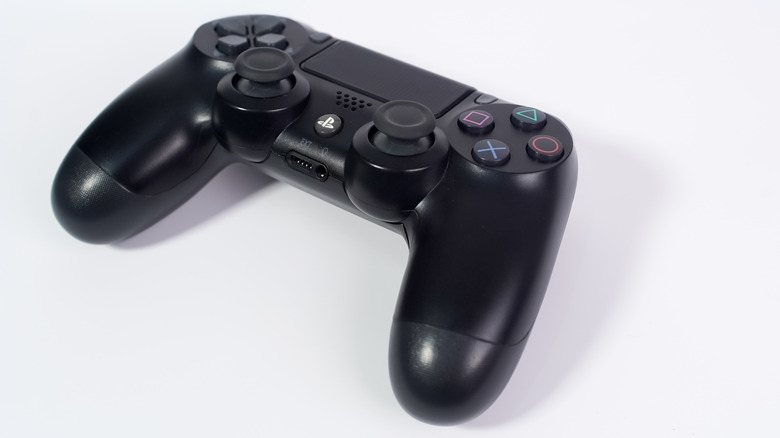
If you're giving away or selling your old PlayStation, it's best to back up your data (even if you think you don't need it anymore) then initialize (factory reset), so the console has a fresh start wherever it ends up while your data stays safe.
On a PS4, plug in the USB drive and make sure its file system is FAT32 or exFAT, not NTFS. Next, go to Settings > Application Saved Data Management > Saved Data in System Storage > Copy to USB Storage Device, then pick the saves you want to back up. If you subscribe to PlayStation Plus (and plan to continue subscribing), select Upload in the same menu to back up your game data to PlayStation's cloud storage.
On a PS3, plug in a USB drive formatted as FAT32. Then go to Settings > System Settings > Backup Utility > Back Up. Similar to the PS4, PlayStation Plus members can upload game saves to PlayStation's cloud through the Saved Data Utility in the Game menu.
Before moving on, PS4 owners should unlink the console from their PlayStation account. Go to Settings > Account Management > Activate as Your Primary PS4 > Deactivate.
Lastly, initialize (reset) your old PlayStation console. PS4 users: go to Settings > Initialization > Initialize PS4 > Full. PS3 owners: go to Settings > System Settings > Restore PS3 System > Read the warning and select Yes > Full Format.
Once that's done, your old PlayStation's software will look as good as new and be ready for its next purpose.