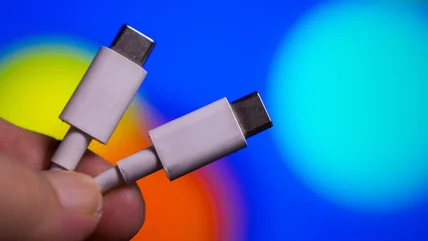
How to make your USB-C cables last longer
Tired of replacing frayed or finicky charging cords? Practical habits show how to prevent wear, avoid short circuits and keep your cables reliable.



The unique content on Engadget is a result of skilled collaboration between writers and editors with broad journalistic, academic, and practical expertise.
In pursuit of our mission to provide accurate and ethical coverage, the Engadget editorial team consistently fact-checks and reviews site content to provide readers with an informative, entertaining, and engaging experience. Click here for more information on our editorial process.
Tired of replacing frayed or finicky charging cords? Practical habits show how to prevent wear, avoid short circuits and keep your cables reliable.
Some sites offer tools to filter the slop out of your feeds, while doing so on others will require some dedicated effort.
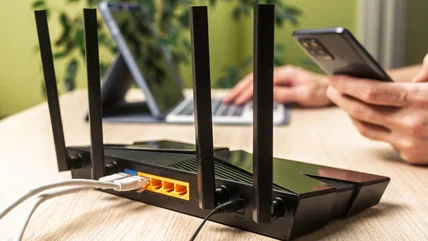
Let your router work at its best by placing it in the right spot of your home — and know when you need an upgrade.
If you've got an old Android phone lying around, it may be possible to give the device new life as a computer speaker.
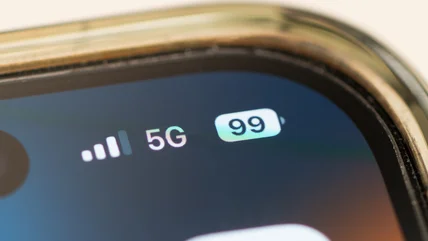
Your phone switches to mobile data to keep you connected, but it can drain your data plan. Learn what causes it and how to stop it on iPhone and Android.
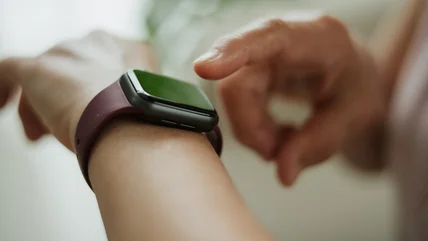
Don't toss your smartwatch when you can repurpose it. If you're interested in an assistant or saving notes, you can stop that watch from gathering dust.
Many monitor buying mistakes come from ignoring viewing distance, port limits, and HDR claims. These tips help you pick a screen that fits your needs.
Few things are more annoying than an unresponsive touchscreen. Before you give up on your phone, here’s what to try to get it working again.
The PlayStation 3 arrived in 2006 and shouldn't have any right finding a place in a modern media center. Here's a number of reasons why it should make a return.
External hard drives are sensitive, and what seems like a minor drop can cause major damage that should be checked by a professional.
Older PlayStations may be past their prime, but there are several ways you can make use of these consoles.
Wi-Fi extenders can help under the right conditions, but you'll need to put them in the right place to see good results.
Wi-Fi calling can help a lot if you're in an area with a weak cellular connection, but you should know the drawbacks before jumping in.
Knowing your internet speed is important, but bandwidth is another important metric that many people overlook.
Your Mac might have a combination of Thunderbolt and standard USB-C ports, each with different capabilities.
Translation earbuds are gaining momentum, but actually using them may not be quite the experience you're expecting.
If you're struggling to hear the person on the other end, try these tweaks on your Android phone to improve your call quality.
Safely removing external drives before removing them might sound like old-school advice, but it's still important to keep your files healthy.
Unless it's connected to Wi-Fi all day every day, your smartphone is using up data almost constantly. Here's where your data is going.
The side button on Samsung's Galaxy phones has performed different functions over the years, but you can really make it do whatever you want.
If you like gaming on your Android phone, you need a phone that can handle the graphics and processing required.
Samsung's DeX lets you plug in your Samsung Galaxy device into a monitor or TV to create a PC-like experience. Now, it can launch directly on your phone.
Unwanted calls and texts are a part of modern-day life, but you can block and unblock numbers that are repeat offenders.
There are a few reasons you might want to factory reset your device, and doing so is easy.
Your phone is a magnet for germs, but there are gentle ways to clean it.
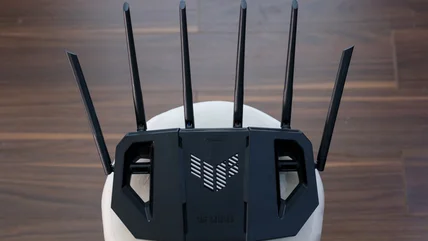
It seems like routers keep growing more antennas each year. Is this a marketing gimmick, or is there a good reason?
Your Steam Deck, Switch or Ally may benefit from occasional restarts. Here's why you should consider it.