

The pros and cons of buying refurbished laptops
Refurbs are older and might have a few dings, but you'll usually get more for your money.
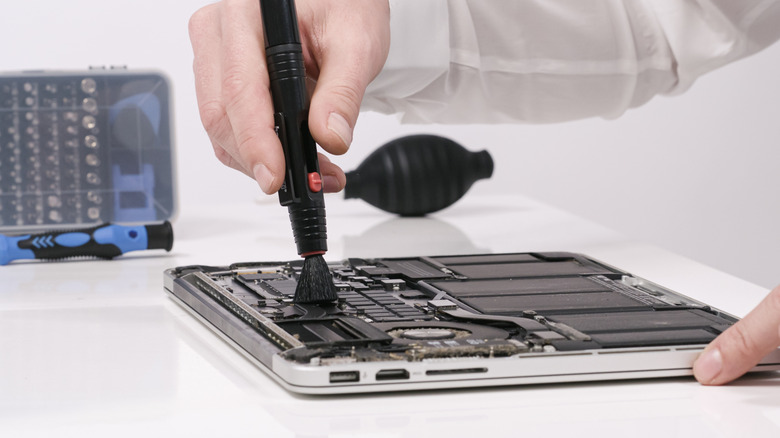
Buying new isn't always the best route for your next laptop. Refurbished laptops can get you the same or even better specs as a new model, but without as high a price. Refurbs can also give you more room to prioritize the features you need. For instance, you might find a refurbished mid-range laptop with more memory and a better screen than a new budget machine at the same price.
There will be compromises, however. A laptop that looks brand-new might come with a well-used battery. Older models might struggle with the software you need to run. Warranty coverage can vary, with some sellers offering shorter coverage or none at all. Opting for refurbished can reduce some of the uncertainties of buying secondhand, but only if you know what the seller has checked and what to do if something goes wrong.
Expect lower prices, though refurbishment definitions differ
The biggest advantage to buying a refurbished laptop is almost always the savings. You're giving up the privilege of being its first owner and unboxing it fresh. That might not be a huge deal, but you have to understand what "refurbished" means for the seller you're considering.
A "used" laptop is generally sold in the condition that the previous owner left it. A professional refurbishment, meanwhile, should involve an inspection, cleaning, testing and repairs. Unfortunately, the standard for this varies across companies.
Dell and Apple, for instance, both have a program selling refurbished laptops. Apple's Certified Refurbished products undergo testing, arrive in a new box and come with a one-year limited warranty. A retailer selling its own refurbs might offer a shorter warranty with less guarantees, so you'll need to check what's covered. Generally, refurbs by the original manufacturer or a reputable store are safer than some online repair shop you've never heard of, though there are many places to shop refurbished tech.
Alternative statuses include open box options, which were usually returned and never used, that can shave off a few dollars. There are also specialist refurbishment companies that will repair and resell laptops. It's worth considering these if you don't find what you're looking for elsewhere, especially if they're transparent about their testing and repair process.
There are fewer guarantees when you aren't buying from a big company, but you can at least run through a few standard checks. Look for a seller who explains what's been tested, with clear condition grades that spell out the wear you should expect, along with an idea of the battery's current condition. Photos of the actual machine are useful, especially if there's any visible wear or tear.
Unfortunately, you're limited on how much you can check yourself unless you're able to physically inspect before you buy. If you can, ask to switch the laptop on and try it out. Otherwise, ask for pictures and videos, including one showing the serial number, if you can. The return policy is important to consider too: what are your options if there's a problem?
Beware bad batteries, scratches and signs of wear
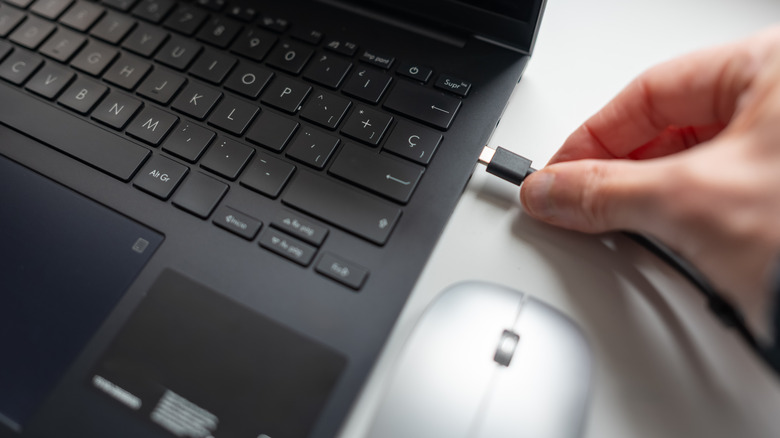
Unless you're lucky, a refurbished laptop is likely going to have a few knocks and scratches as trade-offs for a lower price. Usually, the worse the damage, the lower the price, but reputable refurbs are only going to go so low. A properly refurbished machine shouldn't have major problems like cracked casing, loose hinges or even water damage. If you see those, you're probably dealing with a low-quality company or a unit that hasn't been refurbished at all.
This is where your inspection comes into play, especially when buying from a third party. See that the laptop's lid opens and close without strain, then check all over, including the display, for signs of damage.
If you can get some time with it, open a blank document and try every key, then check that the trackpad responds properly. Look at the screen with a light and dark background to help spot dead pixels or discoloration. Check all the ports, connect to Wi-Fi, and try out the speakers and webcam. Give the charger a try, too, to make sure it'll charge the battery without cutting out. Activation locks need to be removed if it's linked to an old user account, and if you're running Windows, it'll need to be activated. You might even run benchmarking software to check its performance
Assuming those checks come back fine, cosmetic wear won't necessarily affect performance. If you can live with a scratched lid, go for it. Faults with the screen, keyboard or ports are where a laptop's previous life can cost you money; the cost of fixing it might outweigh any savings you've made from buying a refurbished model.
The battery is a big one. A laptop is heavily dependent on how good its battery is because that defines its portability. Refurbished doesn't necessarily mean you're getting a new battery. Ideally, look for a laptop with details about its battery health; better still if it's been tested. If you're keeping it docked at your desk, that might be less of a priority, but a minimum battery guarantee is something you'll want to consider. Otherwise, you'll need to add in the potential cost of a replacement (if it's possible to replace it at all).
Age comes with compromises
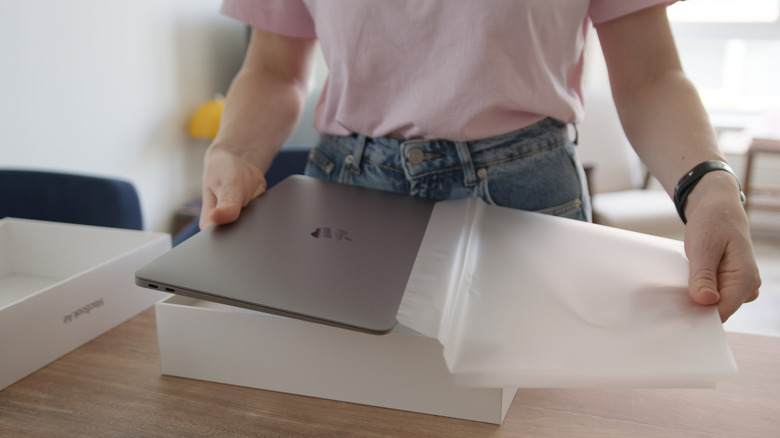
A refurbished laptop will have some history behind it, meaning its components are older. How old will impact the price: newer and faster means you'll pay more. The upside is that you might not need that extra performance. For browsing, writing and video calls, an older business-grade laptop with plenty of RAM and an SSD could give you everything you need for less (especially in this age of RAM shortages).
Age affects what you should expect from a computer, though. It can mean hidden wear and tear on components, but it's also a matter of performance generally: older processors can be less efficient, older GPUs can struggle with newer games and so on. Not all the original configurations will be available, which might mean a compromise on storage or screen size to fit your budget.
Depending on the model, you might have options to upgrade components like the RAM or SSD yourself, though most modern laptops don't allow for this. Doing so will increase the cost, but can add to a laptop's lifespan. Consider its specs not just for today, but whether they'll run the software you need and cope with system updates for a while to come. For instance, Windows 11 needs a compatible processor and a motherboard with TPM 2.0 support, so don't buy something so old that you'll be stuck on an older OS.
Overall, a refurbished laptop has many advantages. You could get the performance you need in a better-built machine than your budget would otherwise allow. The savings need to be enough to justify the compromises, though. If you can trust it was restored well and it has a good enough warranty, a few scratches are unlikely to be a deal-breaker.