

iPad Air vs. iPad Pro: The features you're actually paying $450 extra for
The iPad Pro is Apple's best tablet, but not everyone needs its power.
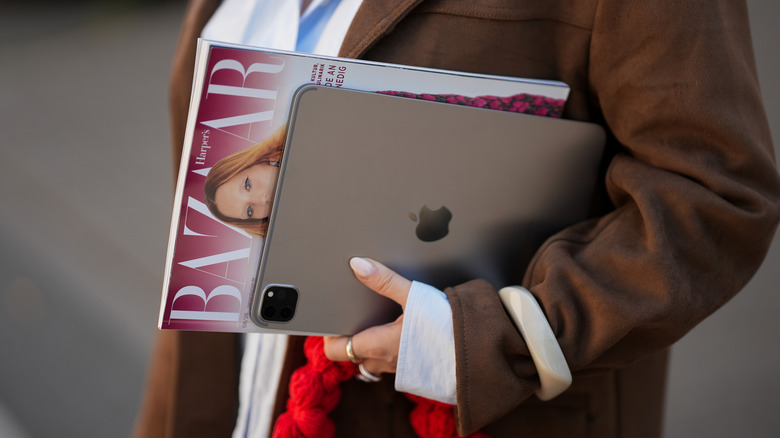
When choosing your next iPad, it's not a difficult decision if you know the base model works for your needs, or if you want a small tablet. But it's trickier to decide between the iPad Air and iPad Pro if you're using an iPad for work or creative pursuits. Is saving $450 and opting for the still-capable iPad Air something you'll regret in the future?
The iPad Air starts at $749 for the 11-inch model with 128GB of storage and an M4 processor, while the 11-inch M5 256GB base iPad Pro costs $1,199. Both devices offer 13-inch variants if you want a larger screen. Those prices might seem higher than you remember, due to the ongoing RAM crisis that's been spiking consumer tech prices. Apple hasn't been immune to its effects, and has passed those costs onto would-be iPad customers.
While the iPad Pro packs plenty of improvements, its strongest selling point is what meets your eyes right away: the display. It also relies on a faster processor that makes a meaningful difference in intensive apps. Picking between it and the Air comes down to how you plan to take advantage of the Pro's advanced spec sheet.
The OLED display is the iPad Pro's biggest plus
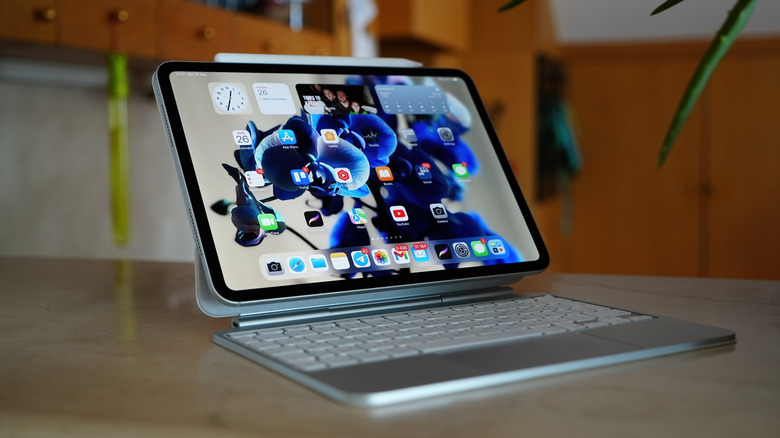
The iPad Air's laminated IPS LED display is great, with solid color accuracy, P3 wide color gamut support and a pixel density of 264 ppi that makes text crisp and clear to read. The iPad Pro also has a pixel density of 264 ppi, but that's where the similarities end.
At 1,000 nits and up to 1,600 nits with HDR, the Pro's brighter tandem OLED display is miles ahead of the Air's 500-nit display. It relies on two OLED panels stacked on each other to boost brightness and color accuracy. With a contrast ratio of 2,000,000:1, it has incredibly deep blacks, which are appreciated for video creation and consumption alike.
Its 120Hz ProMotion display also feels smoother as you work through app menus, play games or simply scroll through the interface. To conserve battery, it can drop down to 10Hz while displaying images or other static content like a webpage. To reduce reflections and hide smudges, Apple also offers a nano-texture glass option at an additional cost for the top-tier Pro models.
A powerful processor for serious video editing and AI tools
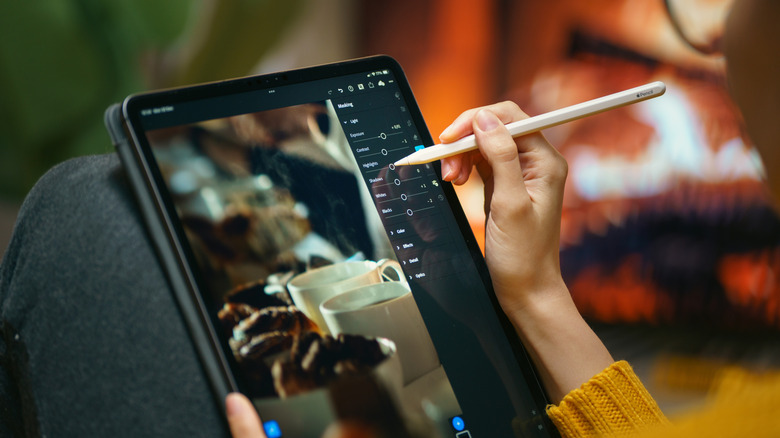
The latest iPad Air launched in March 2026 and relies on Apple's M4 chip, while the Pro stepped up to an M5 in October 2025. To put that in context, the iPad Pro lineup used M4 back in 2024. The M4 processor is more than enough for most tasks, including gaming and video editing. It can handle rendering, media editing and on-device AI tools with no problem.
However, we found that the M5 in the iPad Pro was twice as fast when it came to running local AI models for advanced image generation tools. It offers 45 percent higher graphics performance and 15 percent faster multithreaded performance over the M4 processor.
With the M5 chip, you'll shave off a couple of seconds across intensive tasks. Admittedly, these are niche use cases, but if you want the best hardware Apple offers, paying more for the Pro model saves you time across the experience. The uptick in performance also lets the iPad Pro drive external displays at 120Hz, while the Air is restricted to 60Hz.
The expensive sibling also boasts some neat camera tech
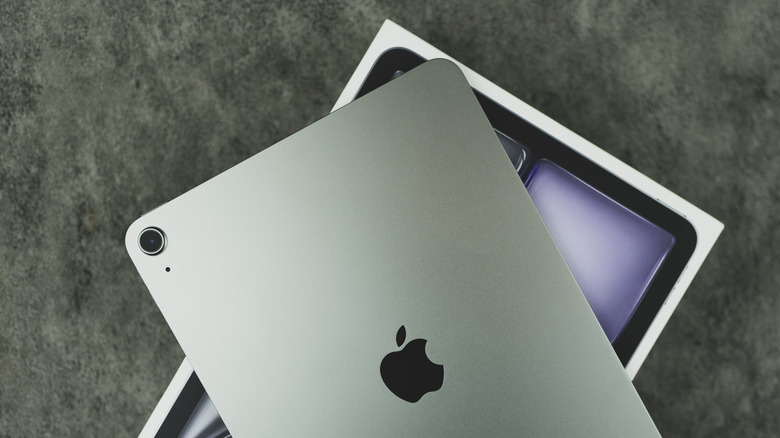
While the camera is seldom on the priority list when considering an iPad, the iPad Pro relies on some nifty tech uncommon among tablets. A Light Detection and Ranging (LiDAR) sensor next to the Pro models' rear camera helps with better autofocus and AR scanning.
Through third-party apps like Polycam, it can make floor maps of your home and develop 3D renders. Apple's Measure app lets the iPad Pro accurately measure item heights and the distance between objects, making it a great assistant when you're getting new furniture or rearranging the house. While the iPad Air also has the Measure app, it lacks this sensor that enhances its accuracy.
On the front, the Pro supports Face ID, letting you unlock your tablet without a password, while the iPad Air still relies on a fingerprint sensor for Touch ID. The advanced TrueDepth camera array also grants the ability to develop a spatial render of your face for Animoji and Memoji, or Portrait Mode selfies with background blur adjustments.
The iPad Pro's little bonuses add up for a superior experience
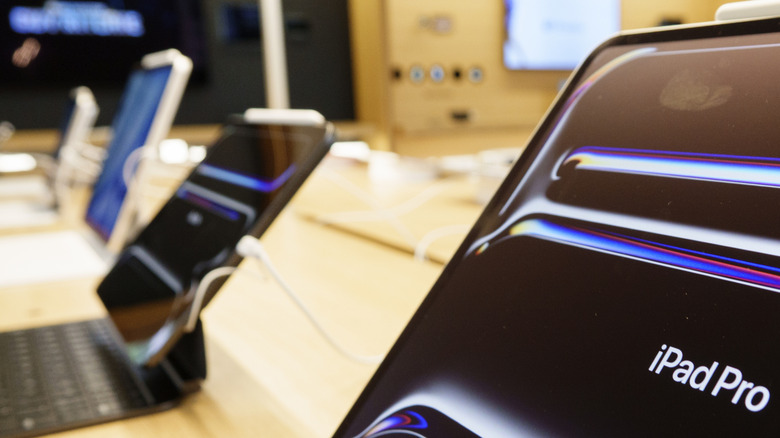
The iPad Pro comes with twice the base storage (128GB vs. 256GB), plus quad speakers compared to the Air's stereo speaker setup. It also supports fast charging with a 60W power adapter (not included), while its Thunderbolt 3 / USB 4 USB-C port can transfer large files faster and drive external monitors at 120Hz. The Pros used to have more RAM than the Air models, but the M4 Air matches them with 12GB of unified memory.
The iPad Pro keeps these advantages in a body that's only 5.3mm (0.21 inches) deep, slimmer than the already impressive 6.1mm (0.24 inches) of the iPad Air. They offer the same 10 hours of battery life for web browsing and video streaming. Individually, these features may not mean much outside of specific purposes. But together, they can make a compelling argument for the cost.
Despite these advantages, there's not enough here for a casual user that would justify spending $450 more for the iPad Pro. At $749, the iPad Air strikes the right balance of performance and features despite Apple's price hike this year from its prior price of $599. If you aren't going to take advantage of the iPad Pro's extra horsepower for video and photo editing, or by making the iPad your primary work device, your needs will be served just as well by the more affordable iPad Air.