

Sleep vs. shutdown – Which should Xbox Series X owners actually use?
The Xbox Series X never fully turns off, leaving you with two power options.
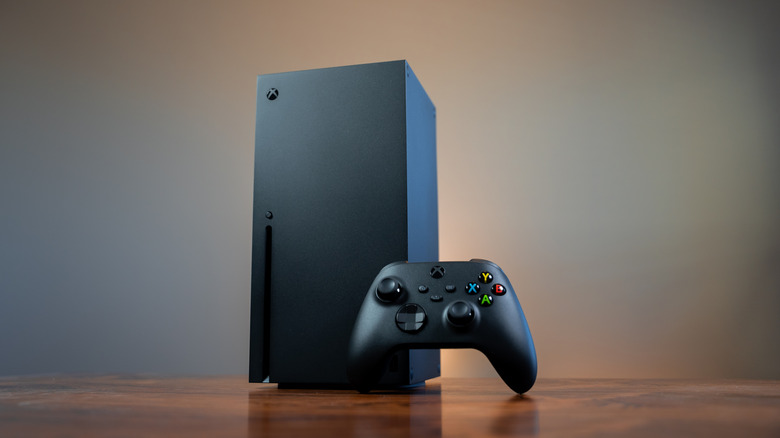
Modern consoles can gobble up a lot of electricity during gaming sessions, and even when they're turned off, they draw a trickle of power. There is a way to help curb that energy consumption, though, and on the Xbox Series X, it's as easy as toggling a menu option. Xbox Series X consoles have two power modes, and while there's a significant difference in how much electricity each one uses, they both offer unique functionalities that can make your gaming life more seamless.
When you hold the Xbox button on a connected gamepad to power off your Series X, you'll see an option labeled Turn off console. However, you can actually set whether that totally shuts the Xbox down or simply puts it to sleep. From the console's main screen, pop open the guide by pressing the gamepad's Xbox button, click into Settings under Profile & System, and then navigate to Power options. Here, you can choose between Shutdown or Sleep to determine what happens when you power down your console.
Shutdown saves power when your Xbox is off
Shutdown is the Xbox Series X's energy-saving option, and it's also the console's default power mode. With Shutdown selected, Microsoft says your console will consume 20 times less power than when it's in Sleep. This amounts to a draw of about .5 watts per hour while the console isn't actively in use. The advantages to Shutdown mode come in the form of lower energy bills and the knowledge that you're being a bit more environmentally friendly with your gaming.
Shutdown's tiny power draw has a few purposes, though. Your Xbox can still download automatic updates for games and the console itself, even with the energy-saving mode applied. However, any external storage devices you have attached will remain turned off, so games installed there won't get updates. Quick Resume features are also still active, meaning you can pick up games from exactly where you left them when you powered off the Series X. Booting from Shutdown is slower than booting from Sleep, but this lag is negligible in practice.
Sleep mode unlocks a few useful Xbox features
In Sleep mode, the Xbox Series X will draw between 10 and 15 watts of power while off. The extra juice means it will only take a few seconds for the console to boot, with Quick Resume keeping games suspended and easy to restart. The main advantage of Sleep mode is that it enables remote features, letting you wake up the console and download new games while away from home, through the Xbox mobile app. Sleep mode also enables the ability to stream games from your slumbering console to other devices via Remote Play.
Whichever mode you use, you can customize your settings in the Power options menu. For Shutdown, you can choose how long the console waits before automatically turning off and whether updates should wait for manual input. For Sleep, you can also choose to enable or disable remote features and external storage devices.
If you regularly take advantage of the Xbox's remote features, your Series X power-mode choice is easy: Sleep. Otherwise, it's worth thinking about using Shutdown mode. The difference in startup times between the two settings is so small that it's hardly worth considering, unless you're turning the console on and off multiple times per day — but the energy savings add up. Even with the console set to full Shutdown, essential features like automatic updates and Quick Resume can remain active, so you're not losing out on much in exchange for a lower electricity bill.