

HDMI splitter vs. HDMI switch: How are they different?
These devices let you turn one HDMI input or output into many, but not all are created equal.
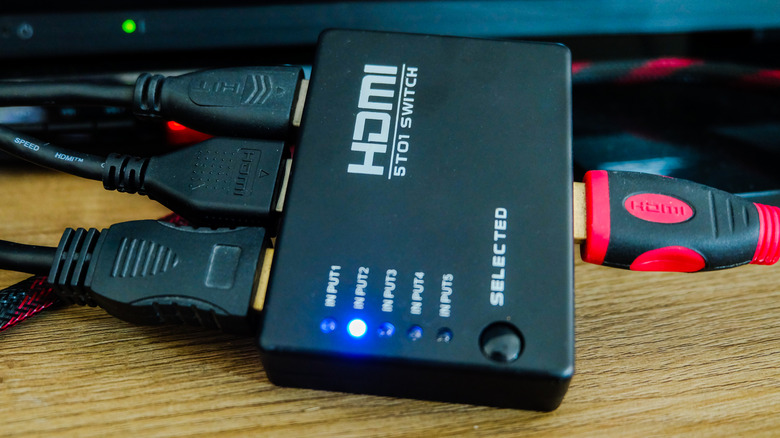
In a perfect world, we'd have exactly as many video ports on our source devices as we do on the displays we're connecting them to. But that's rarely the case, even with newer TVs that offer four HDMI ports. HDMI splitters and switches help with this problem, and while the two sound interchangeable, they actually have opposite purposes.
If you have a simple setup with one game console and a set-top box (like a Roku) connected to your TV, you likely don't need to worry about splitters or switches. But if you juggle cables behind your entertainment center all the time because you have more devices than HDMI ports, a switch will help you out greatly. Splitters are less relevant for home use, but they can still help in some situations.
Understanding the differences between switches and splitters is especially important, since the two products look so similar.
Understanding HDMI switches
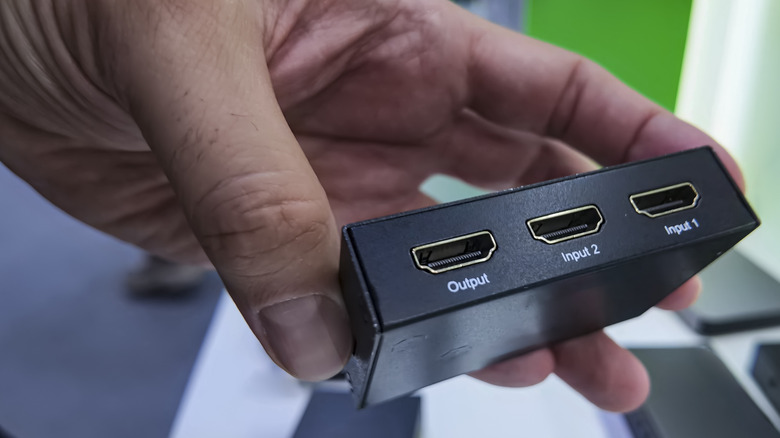
Let's start with the type you're more likely to use. HDMI switches, like network switches, allow you to connect more HDMI devices to your TV than you can out of the box. If your TV only has two ports but you want to have four gadgets hooked up, you connect a switch to one port on your display, then plug the other units into the switch. The TV sees this as a single input, while the switcher handles which one outputs to the screen.
This way, you avoid having to unplug video cables to make room for others all the time. Along with the convenience, it also reduces wear and tear on the port. It's not great for an HDMI port to constantly have a connector plugged and unplugged; plus, the more often you do this, the higher the chance that you'll pull it out improperly. If a switch wears out from constant connections, it's much cheaper to replace. As a bonus, it also reduces headaches if it's difficult to reach behind your television to swap cables.
Switches change inputs through automatic detection, buttons on the unit and/or a remote. Auto-swapping is convenient, but it can also happen when you don't want it to. Nearly every device today stays in a low-power mode to download updates and provide instant availability, which can confuse switches. Definitely get a model with a remote, since getting up to change the signal every time is no fun.
HDMI switch standards
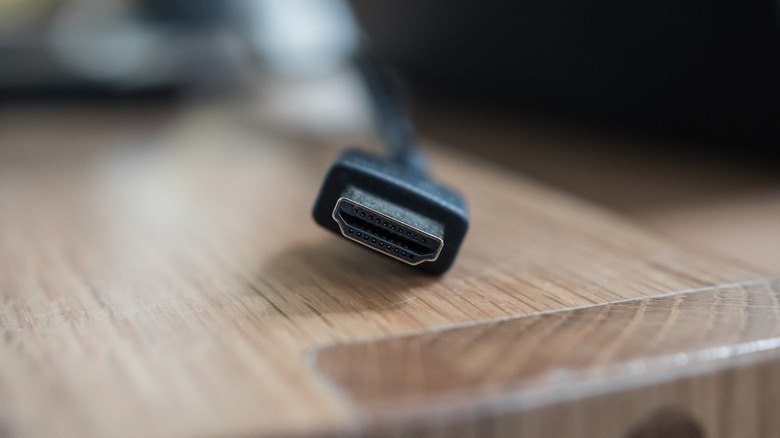
When you buy an HDMI switch (or a splitter), you must also check the standards it supports. While HDMI 2.2 is the latest version at the time of writing, it's not widely in use yet. Instead, you should opt for an HDMI 2.1 model. This supports 4K output at 120Hz, along with important features like dynamic HDR, variable refresh rate, and auto low latency mode.
Dynamic HDR adjusts the visuals on a per-frame basis instead of being static. Meanwhile, variable refresh rate allows your TV to match the frame rate of the output device to remove stuttering and screen tearing. And Auto Low Latency Mode (ALLM) minimizes input lag by stripping away extra processing features when it detects a console or PC. Also, HDMI eARC, which sends uncompressed audio from your TV to your soundbar or speakers, requires HDMI 2.1.
Admittedly, many of these functions (primarily variable refresh rate and ALLM) are most relevant when gaming. However, since these boxes are already inexpensive, there's no reason to bottleneck yourself by buying something outdated. If you buy an older model now, you'll have to replace it sooner to catch up with standards as they evolve.
What about HDMI splitters?
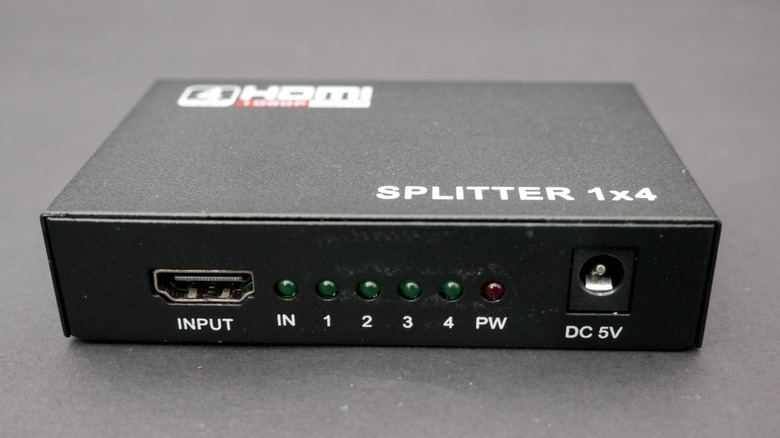
HDMI splitters do the reverse of switches: they take one output signal and connect it to multiple displays at once. A fast-food restaurant might use them to duplicate a digital menu across several screens, or a company might install one in a conference room to show a presentation on screens across each wall. A lot of the reasons to use these don't apply at home, though you might still have use for one.
If you're having a lot of people over to watch a live sports event, an HDMI splitter allows you to output one source to multiple TVs across your home. It could also work if you're hosting a gaming tournament and want to mirror the matches on a second screen for people who aren't currently playing. However, a splitter is only necessary when what you want to duplicate is limited to a single device, like your cable box or game console. If you're watching football on Prime Video, you can just open the stream using the Prime Video app on each of your smart TVs.
When setting up a splitter, be aware that they work on a "lowest common denominator" model by default. Thus, connecting both a 1080p and a 4K display to a splitter results in both outputs being 1080p. To avoid this, get a splitter labeled as "downscale," which will automatically adjust for lower resolutions without affecting higher ones.
Considerations when using these HDMI devices
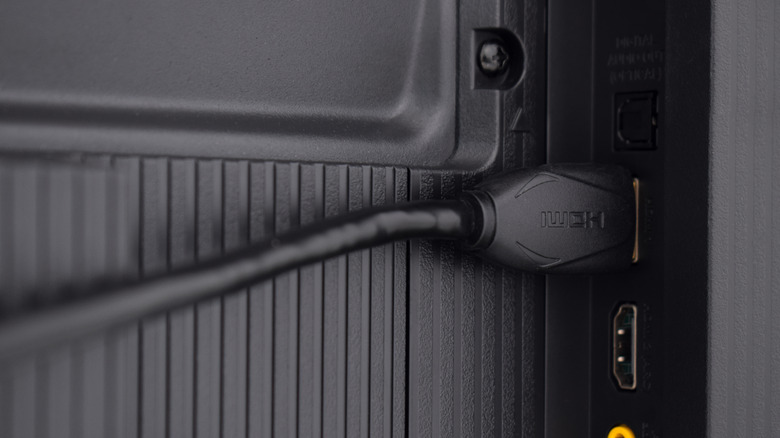
When buying either type of connector, opt for an active model instead of a passive one. Passive models receive power only from the HDMI connection, which can work for basic setups but is less reliable for higher-quality inputs like 4K. Active models have their own power source to prevent dropouts.
You'll need HDMI cables for all the devices you plan to connect. Throw out any outdated cables, and make sure you're using high-quality, modern cables to get the benefits of the newest standards. HDMI cables can start having signal issues over 25 feet, so you'll need to get active cables or signal extenders if you're planning a long-range setup.
You should also check which version of HDCP (High-bandwidth Digital Content Protection) the splitter or switch supports. This is a protocol designed to protect copyrighted material, making it harder to make illegal copies of movies and other works. While HDCP 2.2 still works for most modern devices, HDCP 2.3 is the latest standard and thus what you should look for. If your splitter or switch doesn't support these standards, it could fail to output anything.
If you need both functionalities, you can try a combination splitter/switch; these are usually called matrix splitters. A good matrix model is much more expensive than buying two standalone units, so skip these unless you need the all-in-one solution for your home theater upgrade.