

Are older MacBooks still worth buying in 2026?
You'll probably want to avoid Intel-powered MacBooks, but Apple Silicon models are solid.
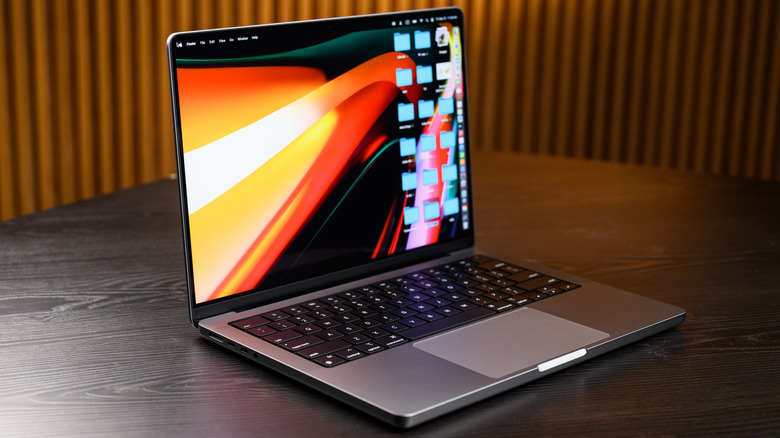
If you're looking to save some money by buying an older, used MacBook, your main question shouldn't be how cheap it is — it should be whether its performance and software will justify the cost. An older MacBook is a solid way to save some money in 2026, especially given the price explosion for anything with RAM and storage. A MacBook with an M-series chip will more than cover basic computing needs and, more importantly, continue to receive macOS releases. Apple's macOS 27 compatibility list includes MacBook Air and MacBook Pro models with Apple silicon dating back to 2020.
Intel-based MacBooks, however, are a different story. Apple started transitioning to its own silicon in 2020 and hasn't sold Intel-based MacBooks since 2021. And the upcoming macOS 27 Golden Gate won't work on Intel Macs at all. For those still rocking MacBooks released prior to M-Series, you can expect additional security patches for the final supported version of macOS and little more.
A barebones M1 MacBook Air is still a solid option for browsing, streaming and most of the basic things you can do on a laptop. You can still find them at a reasonable price, especially renewed or refurbished models from a trustworthy retailer.
Software support and security are more important than age
Software support should be the biggest determining factor in your choice of an older computer. Apple is still releasing security updates for several versions of macOS. As of August 26, Apple's recent updates include macOS Tahoe 26, Sequoia 15 and Sonoma 14, but the macOS 27 Golden Gate release will be the first update restricted to Apple silicon.
With that being said, purchasing a MacBook that's already excluded from the newest version of macOS is risky, unless you plan on keeping things very simple. In time, however, newer apps will gradually require a more recent version. If you're savvy with Linux and can get around the T2 security chip in 2018 to 2020 Intel-based MacBooks, you can get more life out of a pre-M-Series MacBook more so than if you stick to macOS.
For most buyers, the safest option is an Apple Silicon MacBook, so you essentially have a 6-year window of options that include the MacBook Air and MacBook Pro models all the way back to 2020. Of course, before buying any used MacBook, always confirm its exact model identifier and check the macOS compatibility list. Also inspect the battery's cycle count and service recommendations. Test out the keyboard, display, ports, camera, Wi-Fi and speakers (assuming you aren't purchasing online).
Buy refurbished when possible and match the model to your needs
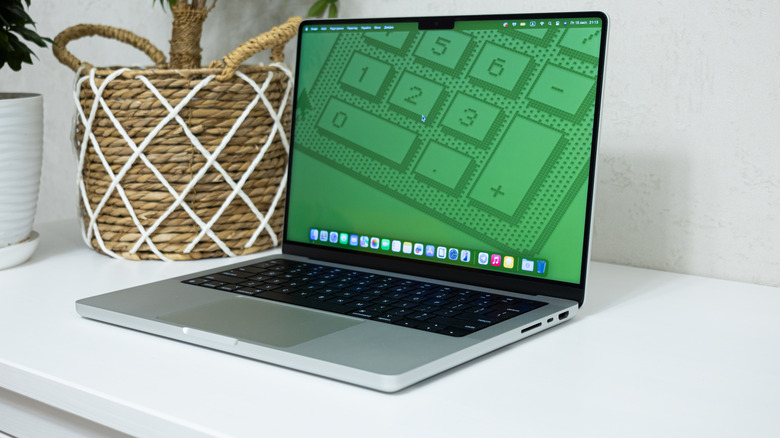
Generally speaking, buyers get the most value out of previous-generation models instead of going with the cheapest one on the market. An older MacBook Air with Apple silicon will cover most basic working needs. It will cost less than a new model while retaining enough juice to cover most tasks. For demanding work, a lightly used MacBook Pro with more memory, storage and a stronger M-series processor will save hundreds of dollars while offering the best performance.
It's always a good idea to choose a model that's Apple Certified Refurbished or from a reputable retailer that clearly lists the condition and return period/warranty. According to Apple, its certified refurbished products include a standard one-year warranty and can save up to 15 percent versus new models. Private listings potentially save more, but the risk is obviously higher. When it's practical, meet locally so you can fully inspect the MacBook and verify the serial number and configuration.
In short, an M1 MacBook or newer is worth buying if the price is right. Intel-based models are pushing it and should only be on the list if intended use is limited or short-term.