

Apple's iOS 27.0.1 update arrives with fixes for Face ID and touchscreen issues
Why you should update your iPhone 18 Pro to iOS 27.0.1.
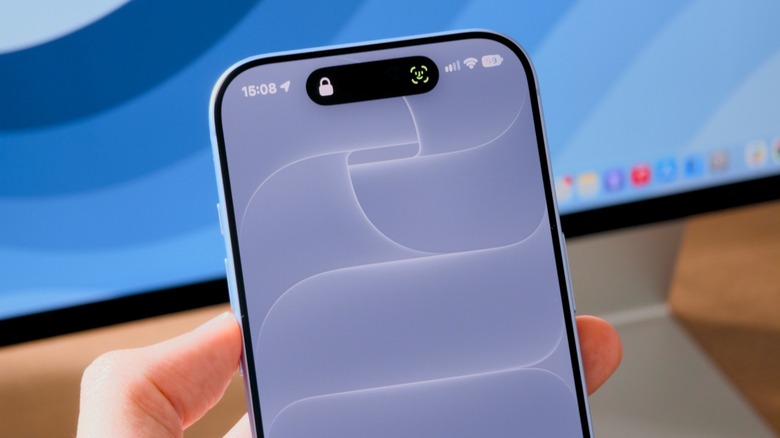
If you recently bought an iPhone 18 Pro and have been experiencing problems with Face ID, you're not alone. Apple confirmed in September to 9to5Mac that the new iPhones may "restart unexpectedly" when Face ID fails to authenticate. While this may sound troubling, the good news is that Apple has recently released an iOS update that fixes this bug. Even if you have an older iPhone, iOS 27.0.1 brings other fixes for you, too.
iOS 27.0.1 fixes Face ID on the iPhone 18 Pro
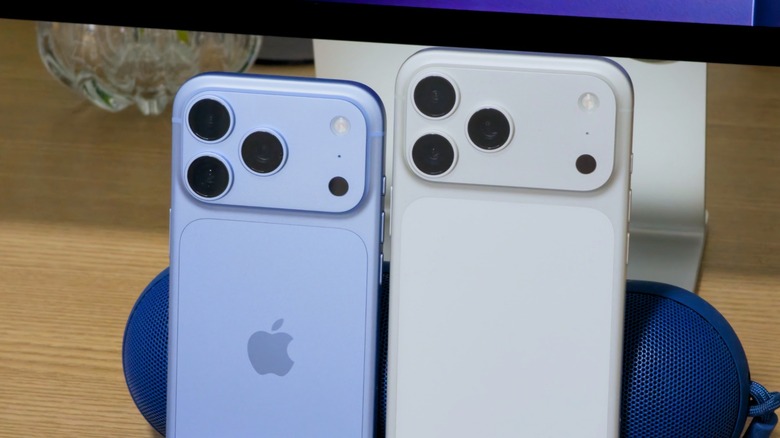
The iOS 27.0.1 update began rolling out to users on Monday, and it mainly focuses on fixing bugs affecting the iPhone 18 Pro models. A number of reports from iPhone 18 Pro and 18 Pro Max owners suggested that the device would restart out of the blue after Face ID failed to authenticate. Some customers even had their devices replaced by Apple, but the problem persisted. The company later confirmed to 9to5Mac that it would release an update to address the issue.
In addition to the Face ID bug, this update fixes another quirk that caused a color artifact in photos taken on the iPhone 18 Pro at the 2x zoom level. It also resolves a glitch that caused devices to become unresponsive when some people opened the Notification Center and Control Center at the same time. Although this didn't cause lasting damage and could be fixed with a forced reboot, it was still potentially annoying and not everyone knew that their phones would resume operation when they restarted it.
How to update your iPhone
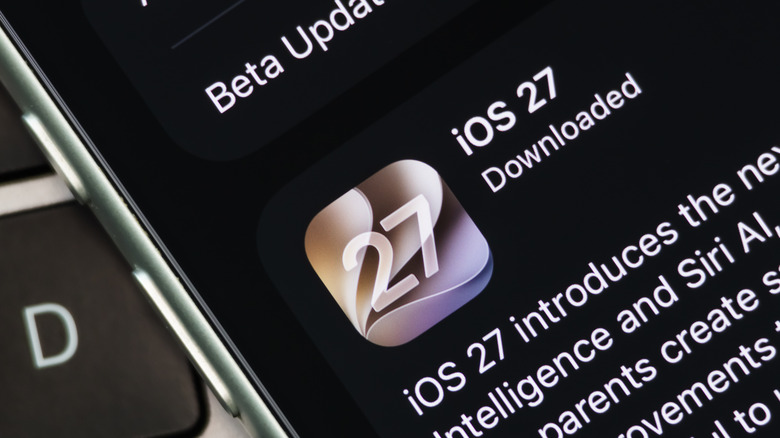
Manually installing iOS updates on your iPhone is pretty easy — just open the Settings app, select General and look for Software Update. Once you see iOS 27.0.1 there, tap Download and Install. The process may take a while depending on your internet connection, but that's completely normal. Your iPhone will reboot during the update process.
You may also see the iOS 26.7 update instead of iOS 27.0.1 if you're still running iOS 26. This update is specific to the iPhone 17 and earlier models, and only provides security patches for those who don't want to install iOS 27 just yet. However, if you choose to skip iOS 27, you'll miss out on new features like Siri AI and Liquid Glass tweaks. If you want to upgrade from iOS 26 to iOS 27, tap the iOS 27.0.1 banner on the Software Update screen. This will skip the iOS 26.7 update instead.