

Razer Phone 2 review: Strictly for gamers
Better than the original, but not by much.
When the Razer Phone made its debut last year, it was one of the first modern gaming phones to hit the market. While it may not seem like it here in the US, there's a growing appetite for hardcore mobile gaming, especially in Asia, where multiplayer online battle arena (MOBA) titles are all the rage. To meet this demand, Xiaomi came out with the Black Shark and the Black Shark Helo in 2018. ASUS followed suit with the ROG Phone, which has so many accessories — a gamepad, a hand-held dock and even an external fan — that it borders on ridiculous.
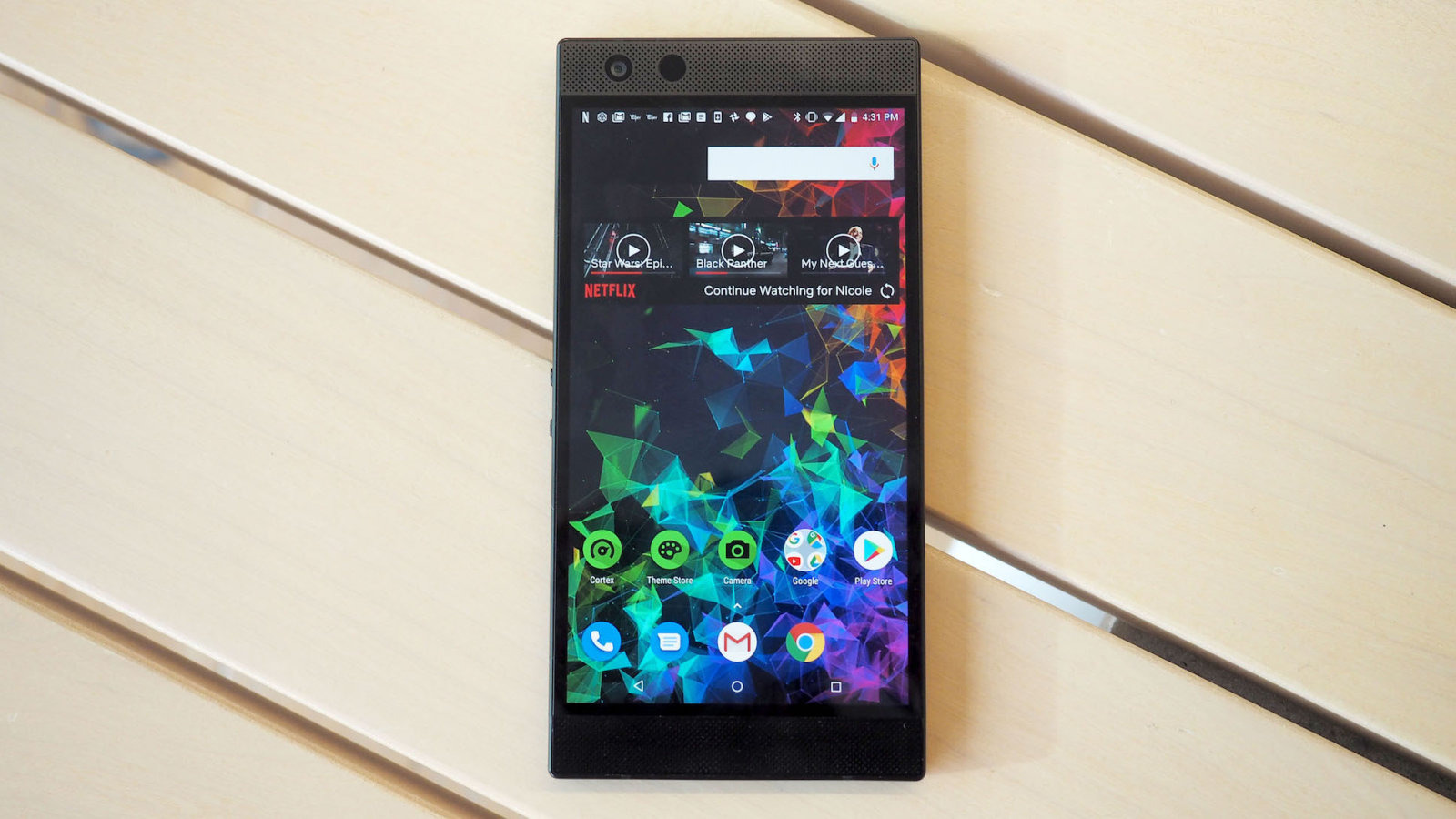


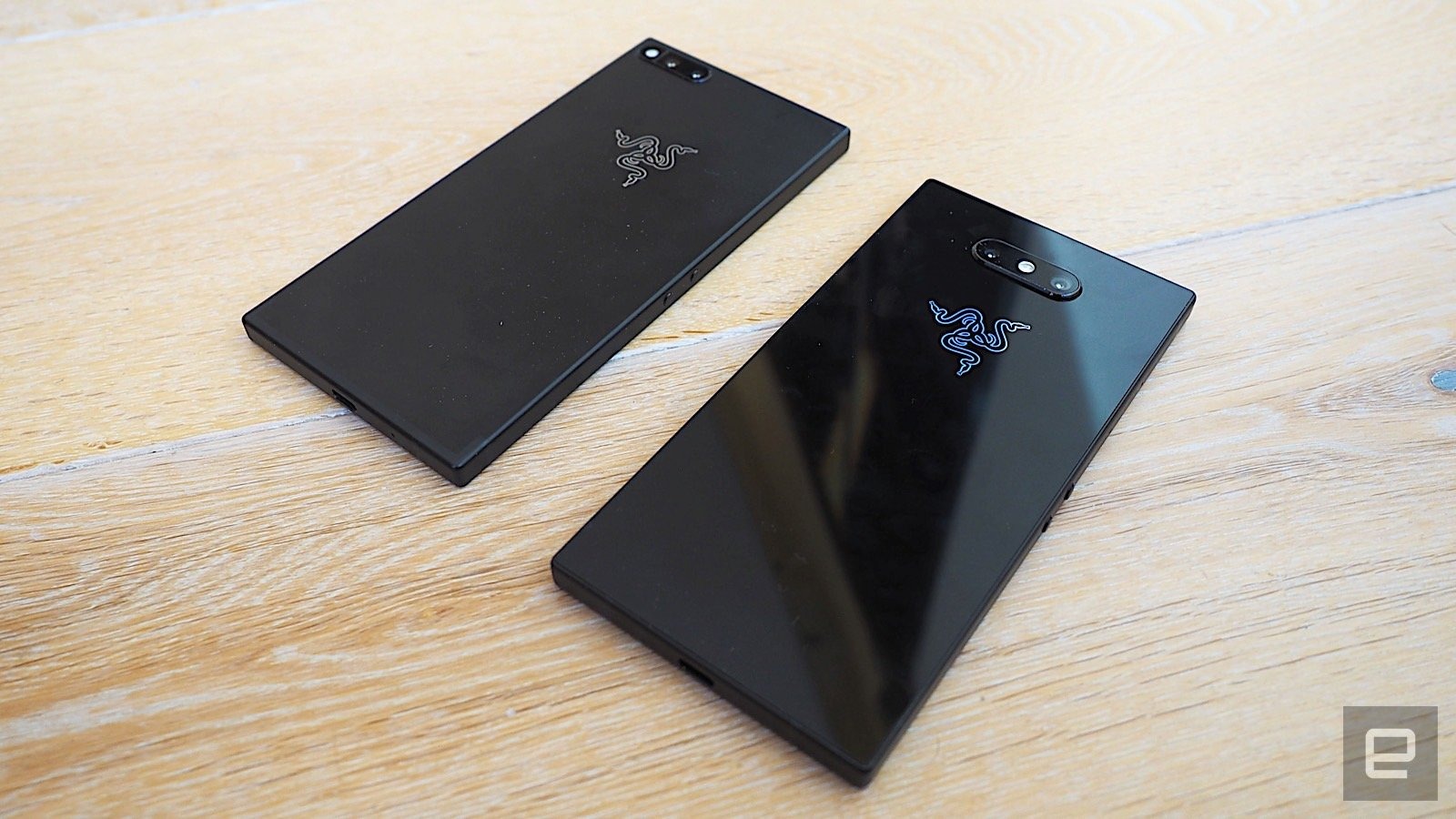
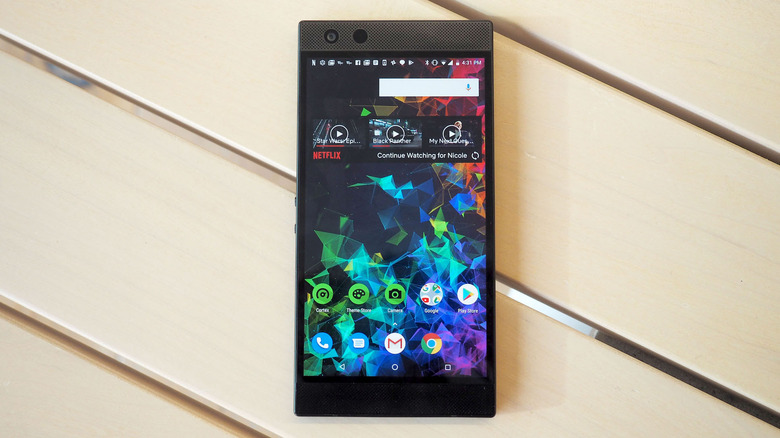
Not to be left out, Razer just released its second smartphone, the Razer Phone 2. The Razer Phone 2 looks and feels very similar to the original, with a few tweaks here and there. The company wanted to focus on bringing its phone closer to big-name flagships. By making it sleeker and more robust, Razer hopes to draw gamers away from their Pixels and Galaxies. Like the original, there's no question that the Razer Phone 2 excels as a gaming phone. The problem is, that it's still not quite the flagship rival it wants to be.
Hardware
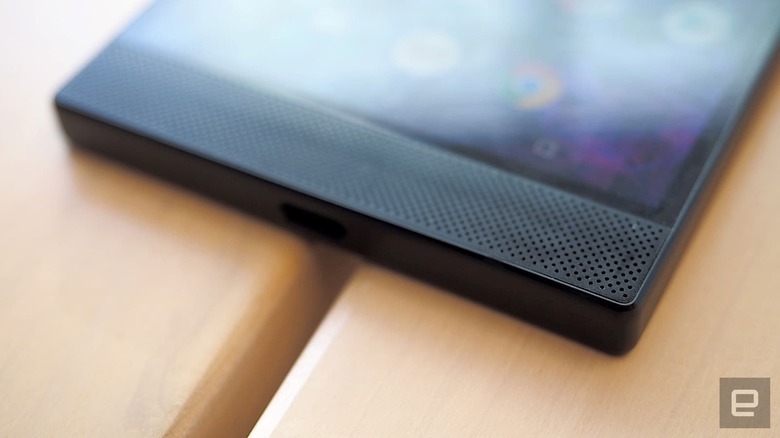
According to Razer, the familiar design is part of the brand's aesthetic, which makes sense if you've seen the company's laptops and peripherals. Either way, I'm not a fan. Not only is the phone a boring black slab, the straight sides and sharp edges mean it's uncomfortable to hold, especially for long periods of time.
When I play a game, I hold the phone horizontally, letting the corners sit in my palm. This is fine for a few minutes, but after awhile, the phone's heft — 7.7 ounces — means the edges start to dig into my hands, creating quite a bit of hand fatigue. I have relatively small hands so that could be a factor, but that's definitely a big sticking point in my mind. I would probably prefer the option of a gamepad accessory to make it more comfortable to hold.
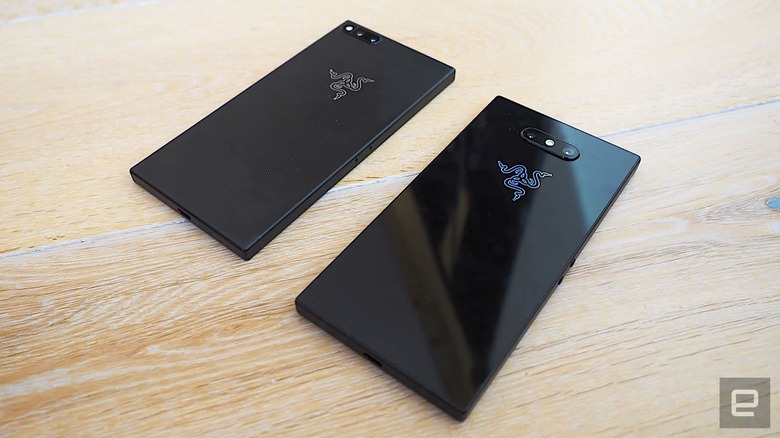
That said, the Razer Phone 2 doesn't feel like a cheap phone. Measuring 6.24 by 3.1 by 0.33 inches, it's constructed out of a solid aluminum frame just like the original, along with a new mirror-finish glass back that's in line with current smartphone trends. It all adds up to a device that looks and feels premium.
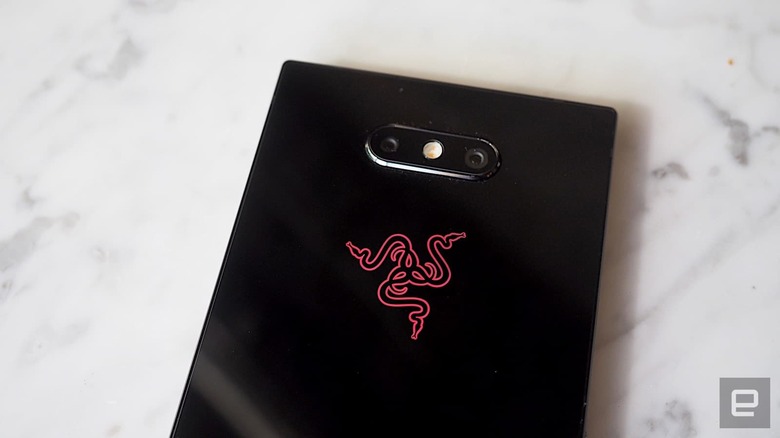
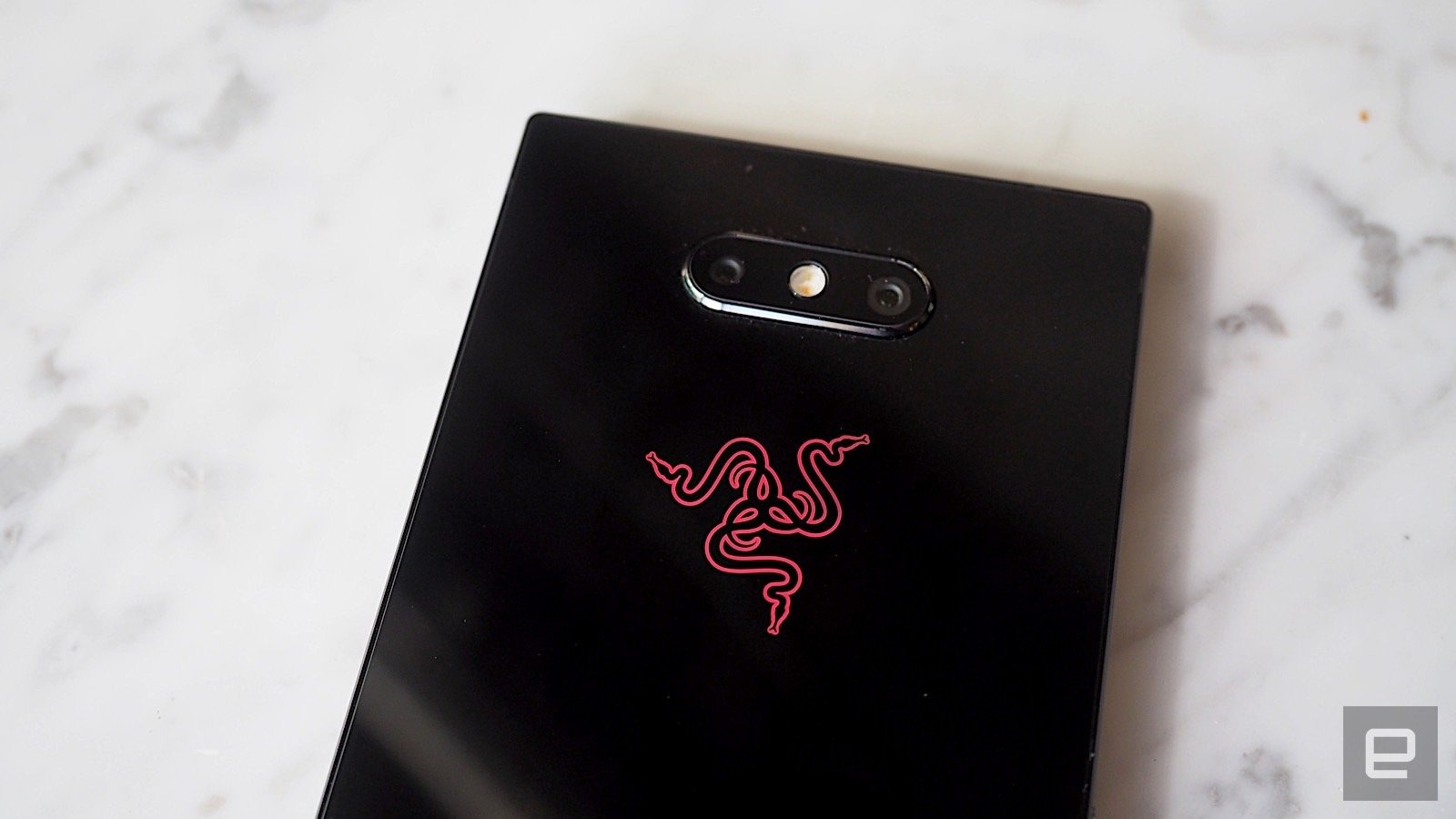
Another differentiator from last year's model is that the Razer logo on the back actually lights up in Chroma RGB lighting — a hallmark feature in several Razer products. You can choose one of 16.7 million color options, a "breathing" or pulsing mode where it fades in and out, or a spectrum mode where it cycles through a variety of different colors. It's a silly thing, perhaps, but it adds a dash of personality to an otherwise cold, chunky device.
Interestingly, the Chroma logo also functions as a notification light, by pulling in the base color from an app's theme. When I received Facebook messages, for example, the logo would glow blue, and when I received new Gmail, it turned red (it glows red a lot). Of course, red can apply to other apps like Yelp, for example, but it's still more information than a typical indicator light. If you get multiple notifications, it'll cycle through the colors as they arrive.
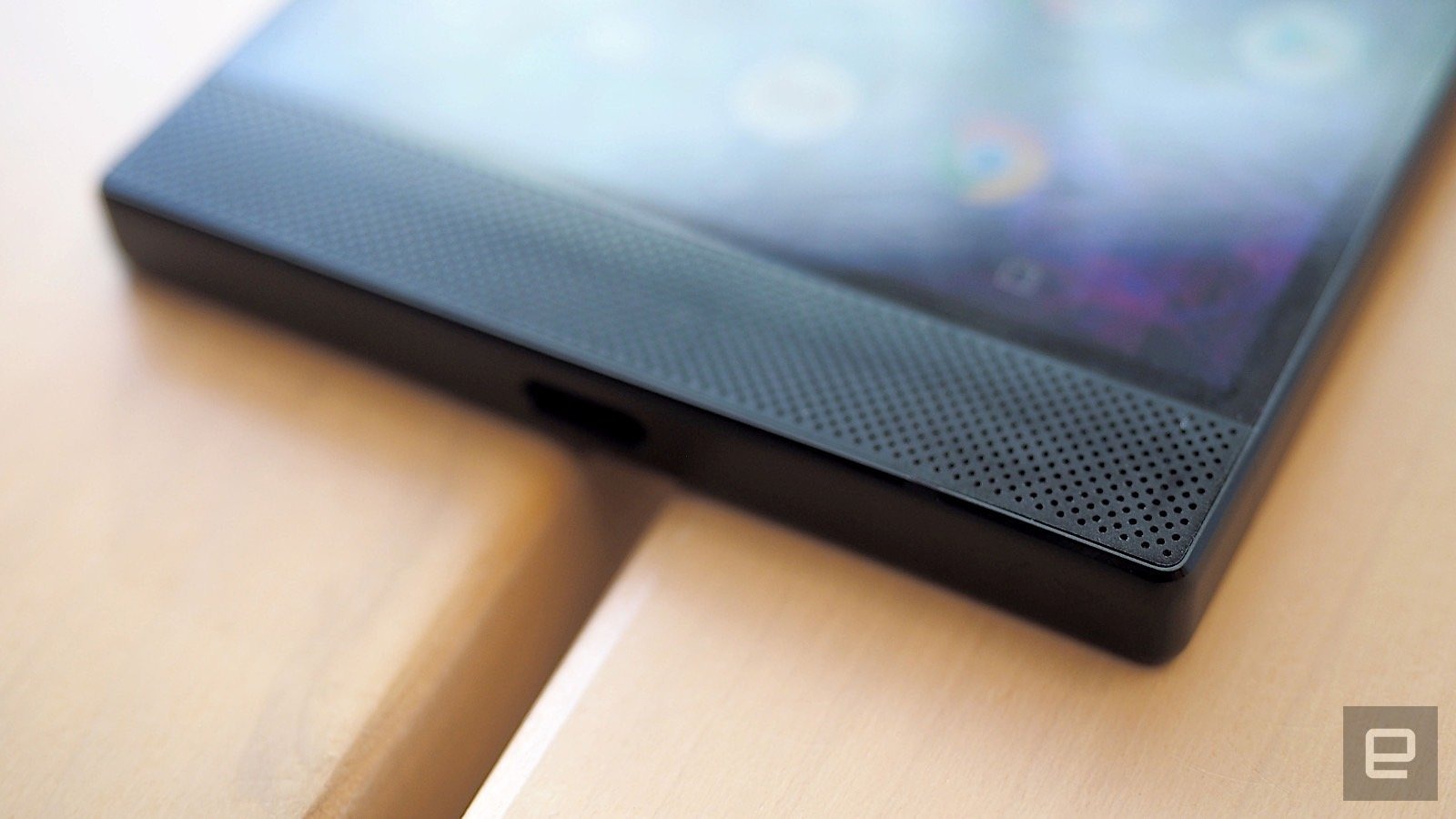
As for other hardware details, there's a fingerprint sensor on the right side, a lone USB-C port at the bottom (sorry, 3.5-mm headset fans) and two volume buttons along with the SIM tray on the left. Another welcome addition to the Razer Phone 2 is that it has a water- and dust-resistance rating of IP67.
The Phone 2 also sees a bump in CPU hardware, with a Snapdragon 845 processor (2.8GHz) with an Adreno 630 GPU and 8GB of system memory. It comes with 64GB of internal storage, with support for up to 1TB microSD cards.
Display and sound
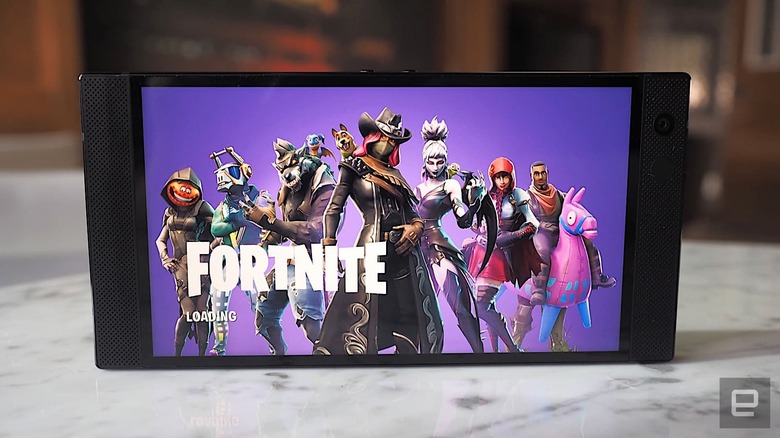
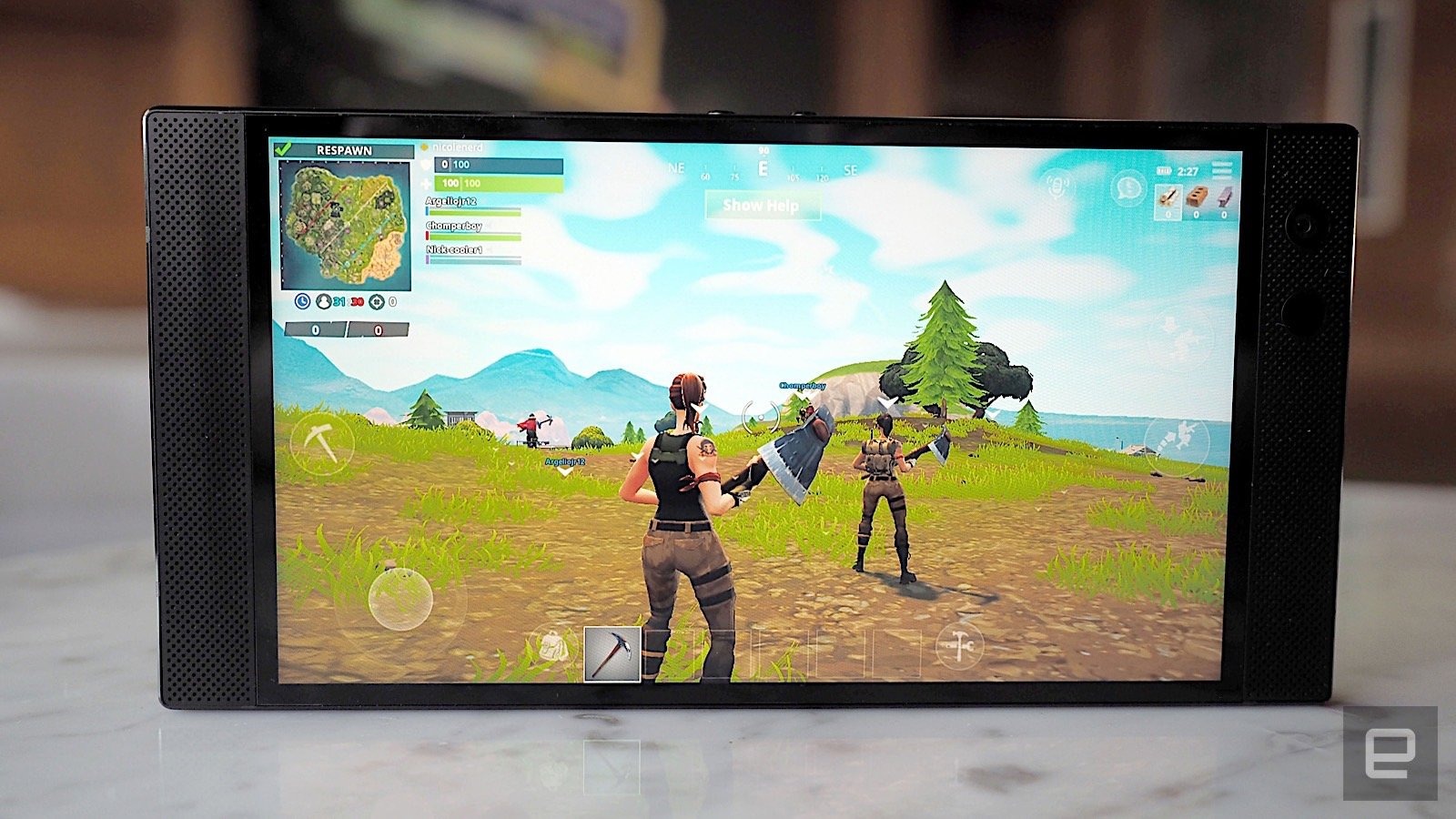
On paper, the Razer Phone 2's display hasn't changed much from the original. It still has a 5.72-inch IGZO LCD screen with QHD (1440 x 2560) resolution and that glorious 120Hz refresh rate. That refresh rate results in beautifully fluid interactions, immediately noticeable when scrolling through menus, flipping through long web pages and, of course, playing games.
Razer tweaked the display this time around to have a broader color gamut plus increased brightness — (580 nits over the 380 on the original). I could really tell the difference when playing movies on them side-by-side — the display on the Razer Phone 2 just looks so much richer, with deeper blacks and saturated colors. I also like that the screen is more legible in bright daylight, which was a problem on last year's model.
That said, the LCD screen on the Razer is a little dimmer and isn't as vibrant as phones with OLED and AMOLED displays. I personally don't find this to be a dealbreaker, but it's something to be mindful of if you're thinking of making the switch from an OLED device.
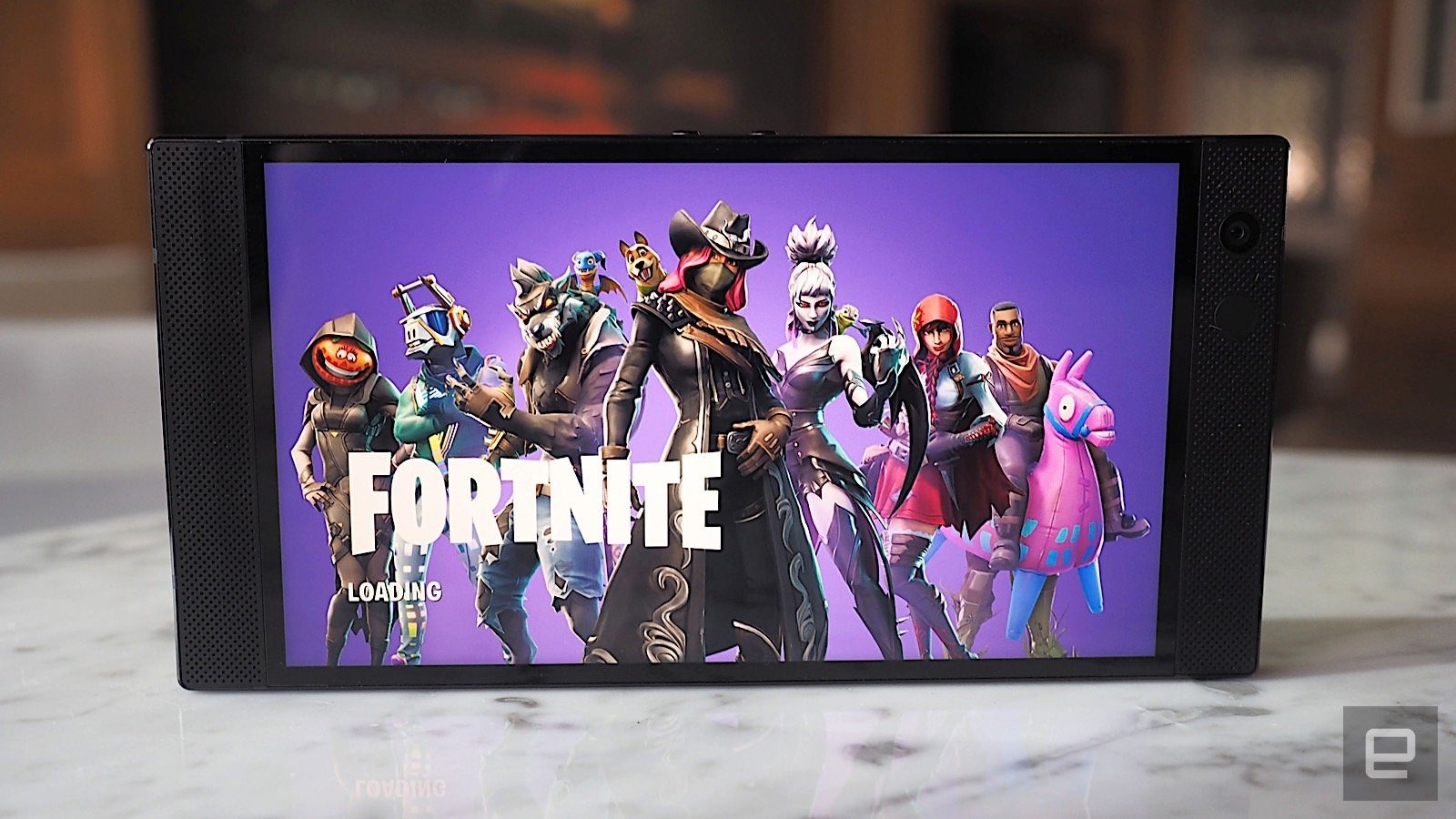
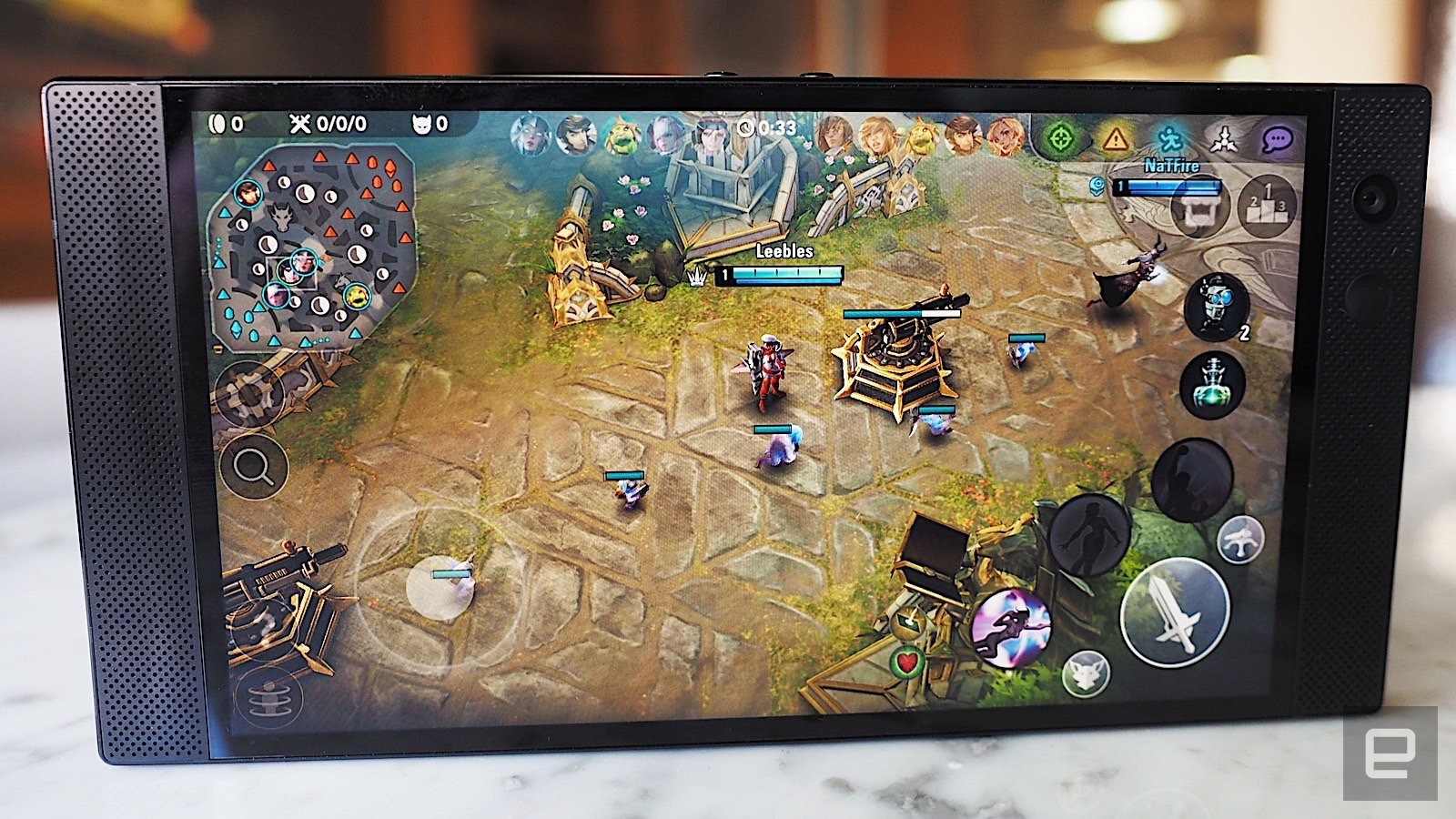
As mentioned, the main benefit of that 120Hz refresh rate comes in when playing games. I primarily played Vainglory and Fortnite during my testing, both of which are pretty graphically intensive. The visual detail and smooth performance that the refresh rate provides is a treat for the eyes, especially for twitchy games like Fortnite where the environment is constantly changing.
Like the original Razer, the Phone 2 has Dolby Atmos-enabled speakers. As you might expect, the sound is stellar, with loud volume and crisp, well-balanced audio. It's still a tiny bit tinny and the bass isn't as deep as I would want, but the result is that the Razer Phone 2 is one of the best-sounding smartphones I've ever heard. The spatial surround sound effect really comes into play in games like Fortnite, where I could hear people creeping up behind me. Unfortunately, I'm not very good at the game, so that still caught me off guard a few times.
Software
The Razer Phone 2 ships with Android 8.1 Oreo and will be updated to Pie early next year. That's a little disappointing if you're hoping for the latest and greatest software out of the box, but the upside is that you won't have long to wait for the upgrade. As with the original, the Phone 2 comes with the Nova launcher, which replaces the default home screen with a customizable desktop and gestures. Otherwise, the UI is fairly vanilla Android.
Still, Razer did add a bit of flair here and there by slapping some green paint on a few core app icons like the Clock, Camera and Settings. It also included a few apps of its own, like the Razer Theme Store, one for the aforementioned Chroma logo, as well as Cortex — a brand new app that functions as Razer's one-stop-shop for mobile games.
The idea behind Cortex is that instead of digging through the Google Play Store to find games that'll take advantage of the Phone 2's prowess, you can just head to Cortex, where you'll see a list of Razer Recommended titles or games that are optimized for 120Hz screens. Tap on one and you'll be kicked to the Google Play Store, where you can download it from there. According to Razer, the recommended titles in Cortex will change over time depending on the kinds of games you play, but I haven't played with the phone long enough to tell the difference.
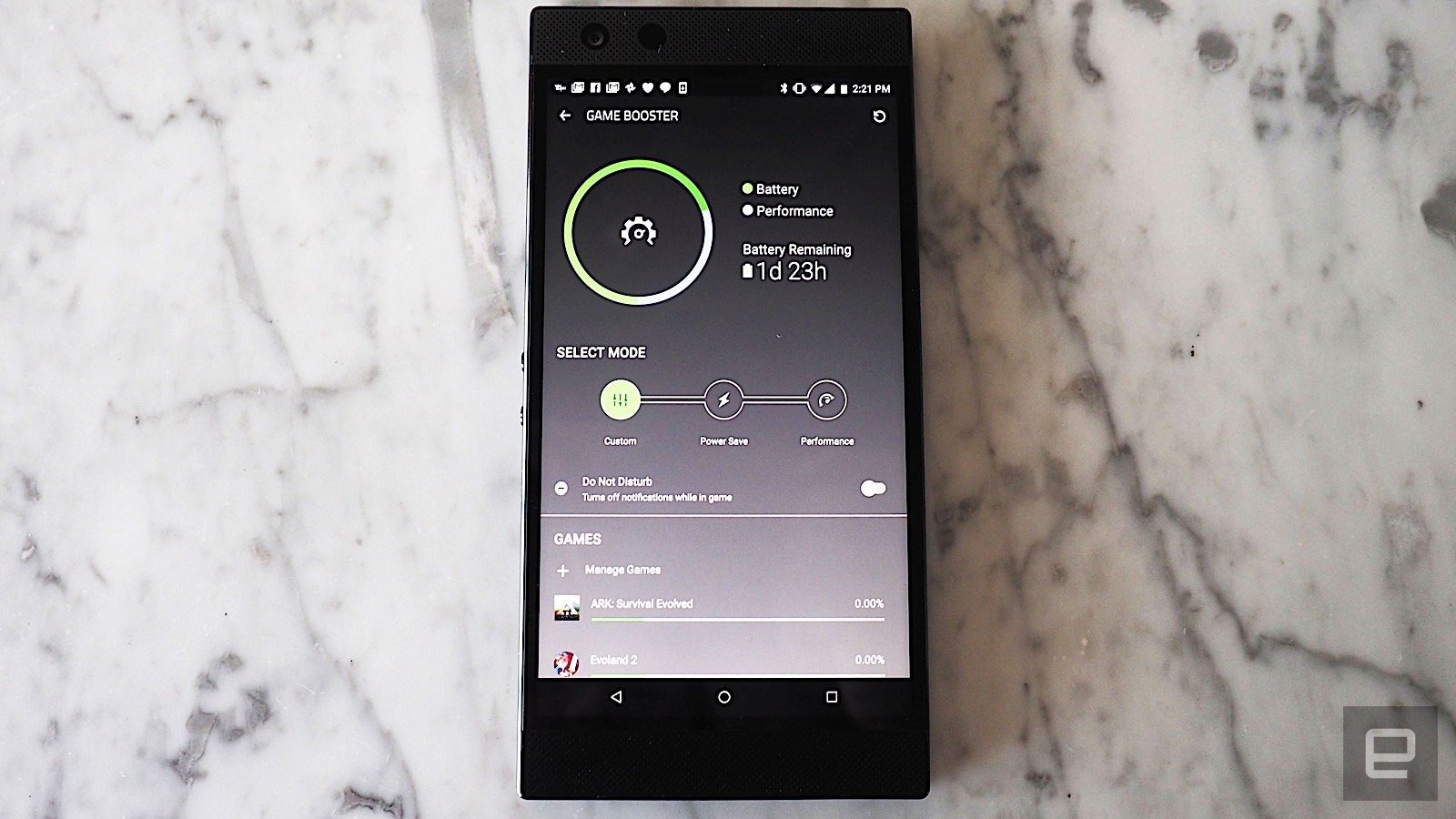
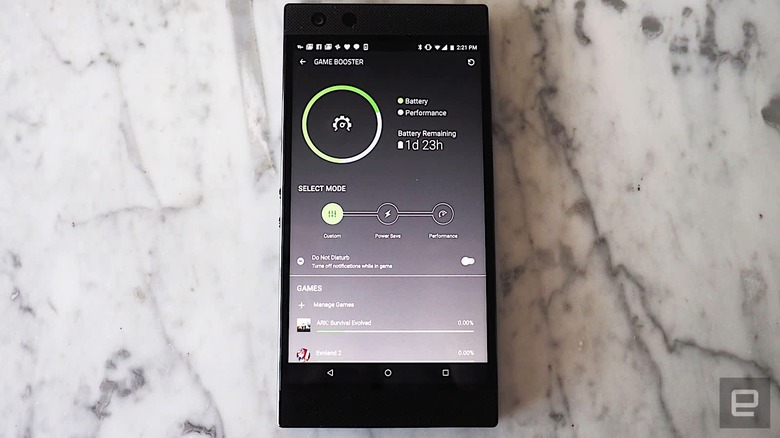
There are two more sections in Cortex. One leads to your existing game library while the other is a link to Game Booster, an app that Razer Phone users might already be familiar with. It essentially lets you customize the frame rate, resolution and CPU of each individual game. For example, if you want Vainglory and Fortnite to always be set at optimal or max performance, but would prefer Pokemon Go use a less-demanding battery saving mode, you can do that here. For simplicity's sake, Game Booster has automated presets for Power Save mode, which just downscales everything to save battery or Performance mode, which maxes out all of the settings.
Camera


One of the biggest problems with the original Razer Phone was its lackluster camera. The company apparently made a point to update it with the Phone 2. The resolutions are still the same — there are two 12-megapixel cameras on the back (one telephoto and one wide with OIS) and one 8-megapixel camera on the front.
But Razer swapped out the sensor and lenses from Samsung to Sony and revamped the software in an effort to right its wrongs. For example, the camera app on the Phone 2 now supports 4K recording, Portrait mode, as well as a "beauty" mode. None of these are new in the smartphone world, but it's nice to see Razer catch up at least.
Unfortunately, the camera quality on the Razer Phone 2 is still pretty dire, especially when compared to other flagships like the Pixel 3 or the iPhone XS. Generally speaking, photos taken with the Phone 2 look flat and bland, with an overcast, washed out feel to them. Whites had a slight green hue to them and blacks were an unappealing gray. Low-light photos were especially bad, with dull colors and quite a bit of noise.
Performance and battery life
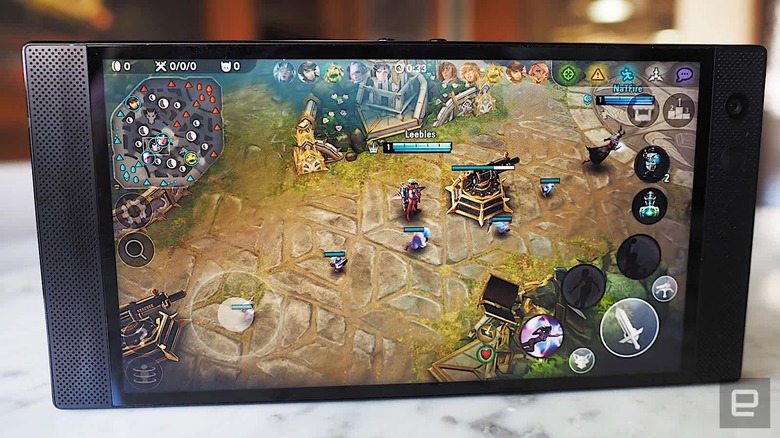
As mentioned earlier, the Razer Phone 2 comes with a Snapdragon 845 processor with Adreno 630 GPU and 8GB of RAM. That, in combination with the 120Hz screen, might be good for games, but it's bad for your battery and the phone can run pretty hot. Razer added a new vapor chamber cooling system into the Phone 2 (a tech which it inherited from its laptops) but, this doesn't seem to have helped that much. After playing a game for about 20 or 30 minutes — the bare minimum on some of these titles — the phone will get uncomfortably warm. I felt like I had to stop playing after a while to let the phone cool down enough for me to touch it again.
The battery life is similar to that of the original Razer Phone. It still has a 4,000 mAh cell and Quick Charge 4.0, which means charging the phone from 0 to 50 percent takes around 30 minutes. The battery is enough to last a day of regular use — we're talking emails, Slack messages etcetera — but it dips significantly once you throw in some gaming. After playing Vainglory for about 30 minutes, for example, I saw that the battery life dropped as much as 10 percent. About two hours of gaming can easily result in the battery life dropping by about half.
Competition
At this point in time, there aren't many other gaming phones on the market, at least here in the US. Still, it's worth comparing the Razer Phone 2 with the ASUS ROG, which appears to be its closest competitor. The ROG shares a lot of features with the Razer, with a similar processor, camera and more. The main difference is that the ROG has an AMOLED FHD display and a 90Hz refresh rate. Additionally, the ROG has other gaming-specific functions, like pressure-sensitive shoulder triggers. It also comes with a slew of accessories, like the external fan, that likely improve the experience. The ROG starts at $900 with 128GB of storage while the Razer Phone 2 starts at $800 with 64GB of storage.
Then there are the other Android flagships, like the Pixel 3 and the Galaxy S9, both of which are around $800 and $700 respectively. While neither has the 120Hz refresh rate of the Razer Phone 2, their OLED displays are brighter and more vibrant. It's a matter of taste, but I also prefer their curvier designs over the blocky look of the Razer. The cameras on both phones are also far superior.
Conclusion
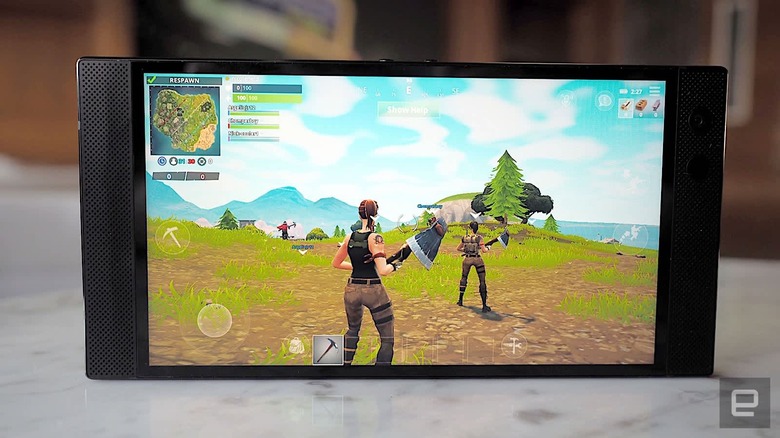
There's no doubt that the Razer Phone 2 is a great gaming phone. With a 120Hz refresh rate, a beautiful display, great speakers and a zippy processor, playing games on this phone is a highly enjoyable and immersive experience. I also appreciate the small improvements, like the light-up Chroma logo and the addition of water-resistance. But if you're not a gamer, or if games just aren't a priority in your choice of handset, then the Phone 2 isn't a showstopper. The camera quality isn't up to snuff and the blocky design isn't to everyone's tastes. If you're a person that puts gaming first, then definitely take a look at the Razer Phone 2. If you're not though, then you might want to look elsewhere.