3
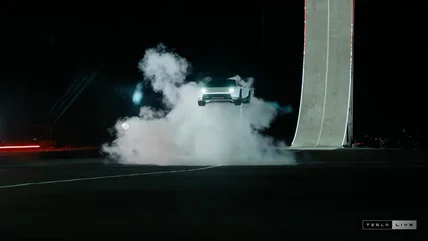
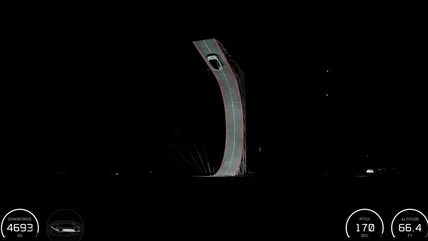
Relive Tesla's ridiculous(ly fun) Roadster stunt show
Tesla's Roadster event was pretty exciting, to say the least.
Read More

Tesla's Roadster event was pretty exciting, to say the least.
Read MoreElon Musk has been saying the demo might be a literal "banger."
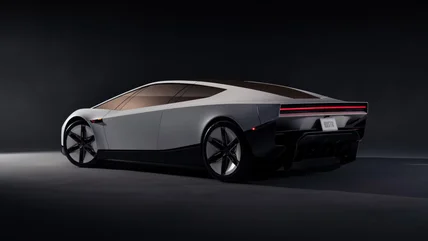
Read MoreTesla has finally unveiled the next-generation Roadster.
Read MoreThe FTC is investigating possible consumer harms at two major AI companies.
Read MoreE Ink's new display tech offers improved color reproduction and refresh rates.
Read MoreNot that anyone's terribly surprised.
Read MoreMuse Spark Open is "the most capable US open-weight model to date," the company says.
Read MoreThe company says more of its users are holding down multiple roles.
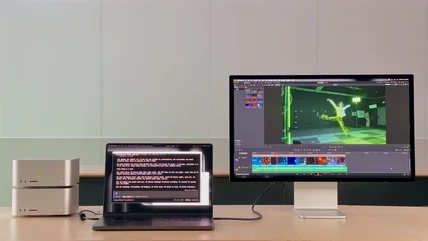
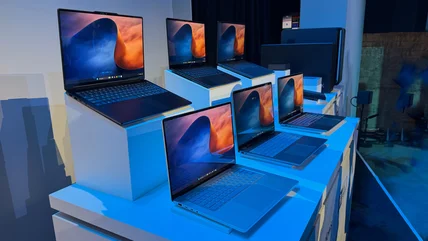
Read MoreNVIDIA's RTX Spark is meant for AI fiends, but it could end up helping Windows PCs in general
Read MoreA new type of spyware dubbed "AdFection" is infecting phones and computers via global online advertising networks.
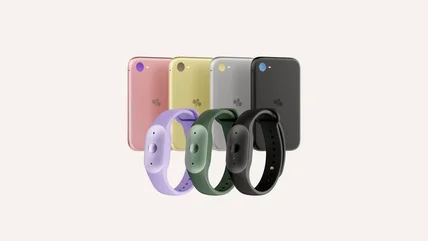
Read MoreThe Eclipse and Frontier are cheap and colorful, but you'll need a Pro subscription to make the most of them.
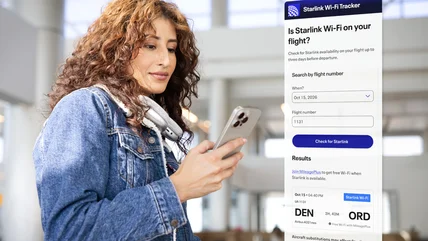
Read MoreUnited has launched a tracker that you can use to check if your flight has Starlink Wi-Fi.
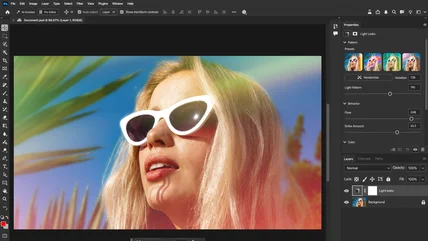
Read MoreAdobe has ‘rearchitected’ Photoshop, Premiere and Substance 3D to work faster on computers powered by NVIDIA’s RTX Spark AI superchip.
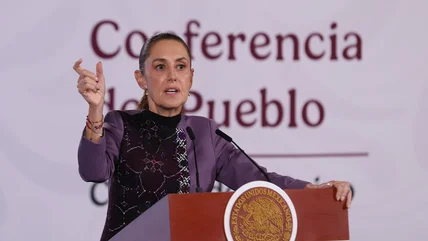
Read MoreMexico's president Claudia Sheinbaum has signed a decree ordering digital platforms to protect children from accessing harmful content.
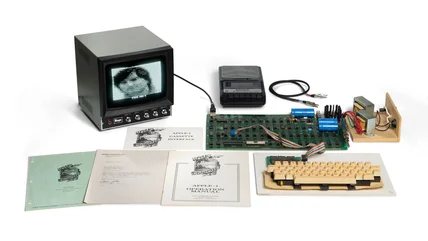
Read MoreThe famous Apple I "Hatfield" computer signed by Steve Wozniak just sold to an unknown buyer for a record $1,148,200.
Read MoreYouTube is already talking to publishers about offering audiobooks on its platform, The Wall Street Journal says.
Read MoreThe lawsuits cover everything from the design of ChatGPT to the company's recent issues with rogue agents.
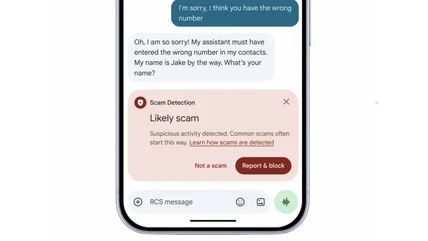
Read MoreGoogle will tell if you a scammer is trying to message you and will protect your banking details from prying eyes while sharing your screen.
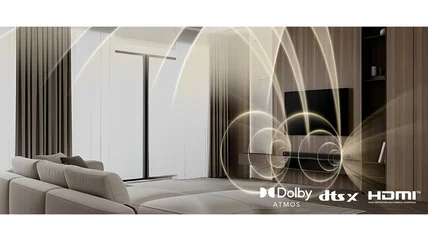
Read MoreLG's latest Sound Suite update includes DTS:X, a much-requested feature.
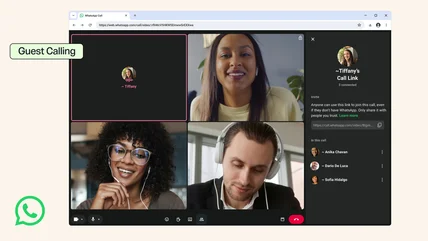
Read MoreIt’s also working on calendar integrations for later this year.
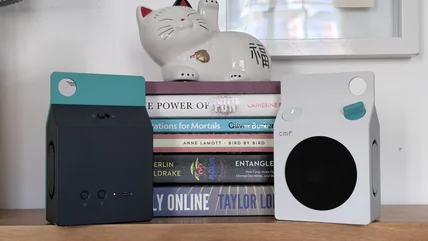
Read MoreNothing's sister company CMF announced some playful bluetooth speakers that can be paired together and even work with Auracast.
Read MoreYou can already set up your pre-order now, before the pre-orders open on Friday (October 16).
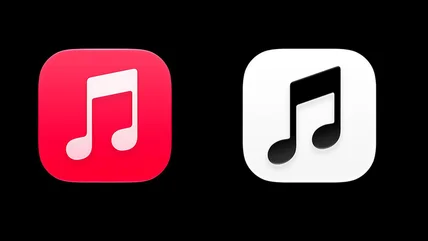
Read MoreApple Music may be changing its iconic logo to a more basic black and white version.
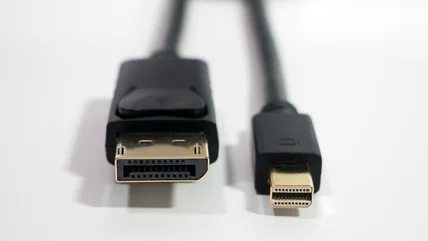
Read MoreMini DisplayPort was on lots of computers for a time, but it's not nearly as common now thanks to more modern standards.
Read MoreIf you're not using some of these skills, you're missing out on a chance to streamline your days, keep up to date and more.
Read More