3
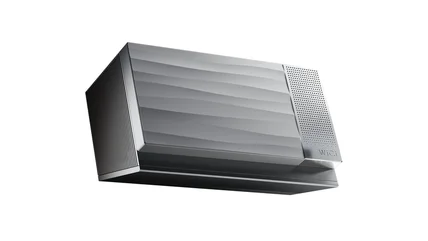
This external GPU uses Wi-Fi to transform any device into a gaming rig
The WiCi One is available for preorders starting at $1,999.
Read More

The WiCi One is available for preorders starting at $1,999.
Read MoreAn old netbook can automate the devices that otherwise aren't interested in talking to one another.
Read MoreStart with the vents before you reach for a screwdriver.
Read MoreTikTok has settled Alabama’s social media addiction lawsuit before it was supposed to go to trial.
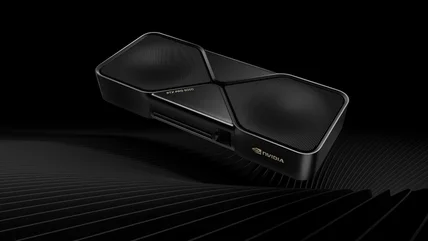
Read MoreNVIDIA's $16,000 RTX PRO 6000 can beat the RTX 5090, but gamers aren't who it's built for.
Read MoreIf your Samsung phone is acting strangely, you can test just about any element of the phone's hardware using this test.
Read MoreWhether you do a full shutdown or just put your MacBook to sleep should change with the circumstances we discuss here.
Read MoreOpenAI's agents targeted websites operated by the Commerce Department, the Securities and Exchange Commission and the Department of Education during testing.
Read MoreSurely my sticker budget will break even eventually.
Read MoreMicrosoft is giving its Copilot app another facelift.
Read MoreSpaceX has completed a wet dress rehearsal for Starship, in preparation for its first orbital test flight.
Read MoreGoogle has introduced Gemini 3.8 live avatars designed for customer service and other tasks.
Read MoreThe state now has illegal gambling charges underway against four of these businesses.
Read MoreThe 30-year-old map service is quickly getting with the times.
Read MoreGoogle Photos’ new AI-powered features include the Redact tool, which can quickly blur parts of an image.
Read MoreThe new Charlie range now supports both 120 and 240-volt outlets, so it’s easier to install too.
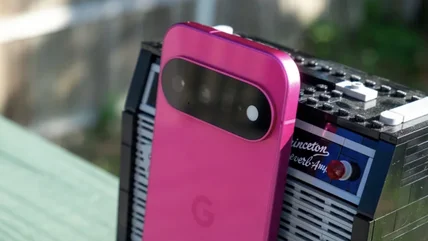
Read MoreSelect Gemini subscribers with a Pixel 11 can soon try out phone calls via AI chatbot.
Read MoreYou'll have to wait a bit if you're outside China though.
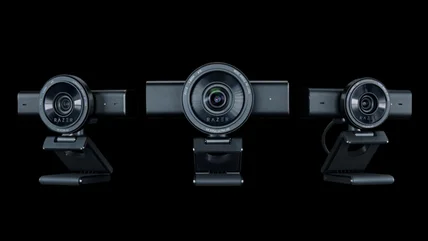
Read MoreRazer's new 'pro' webcam can handle 4K video at 60 fps and will cost $300
Read MoreIf you've bought an iPhone in the last couple of years, you might be eligible for a cut of the class action lawsuit. Here's how to file your claim.
Read MoreQualcomm has launched a new chip that will enable AI features on small audio devices.
Read MoreRevolut is trialing a new facial recognition system in the UK that could be convenient but controversial.
Read MoreResearchers and the Prime Minister of Australia have revealed more instances of OpenAI’s agents going rogue.
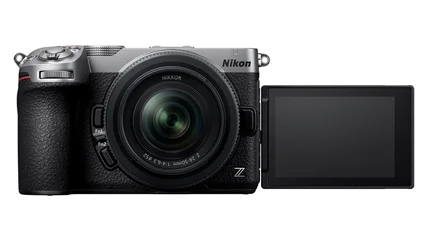
Read MoreNikon's Z5 IIC is an inexpensive but powerful full-frame camera.
Read MoreMeta's Muse Charm is a Tamagotchi-like device with Muse AI.
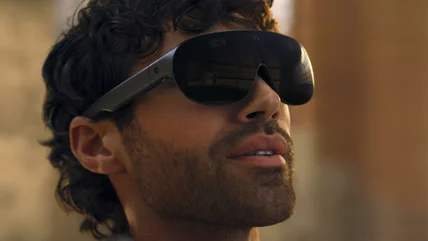
Read MoreInstead of a new Quest headset, the company showed off a more portable but less immersive device today.
Read MoreSorry Apple, it looks like Meta's VR Glasses are the real Vision Pro successor.
Read More