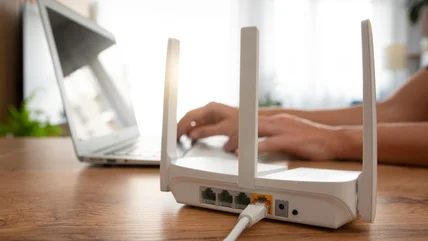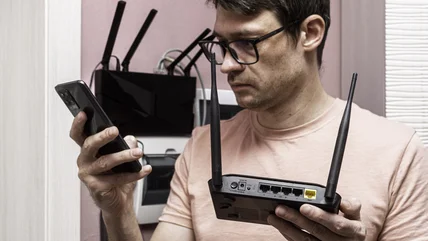
Router VPN vs. VPN app: How are these setups different?
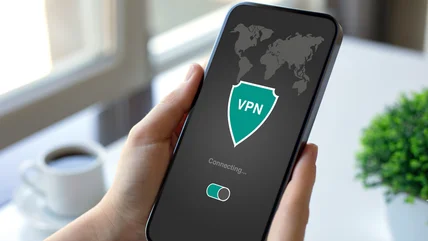
Check out how using a router VPN compares with installing VPN apps on each device, and know when to choose one setup over the other for your home.


The unique content on Engadget is a result of skilled collaboration between writers and editors with broad journalistic, academic, and practical expertise.
In pursuit of our mission to provide accurate and ethical coverage, the Engadget editorial team consistently fact-checks and reviews site content to provide readers with an informative, entertaining, and engaging experience. Click here for more information on our editorial process.
Check out how using a router VPN compares with installing VPN apps on each device, and know when to choose one setup over the other for your home.
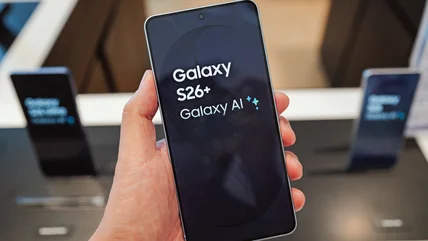
Trying to choose between the Google Pixel 11 Pro and Samsung Galaxy S26+? We break down the specs, cameras and prices to help find the best one for you.
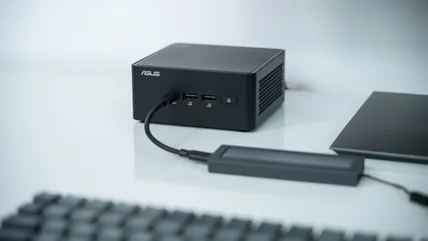
Here's how to determine if you should choose the sleep or shutdown mode on your mini PC. We'll also discuss the meaning of hibernation mode.
With the aid of a quick picture, you can use your phone's camera to translate pretty much any text while you're traveling across the globe.
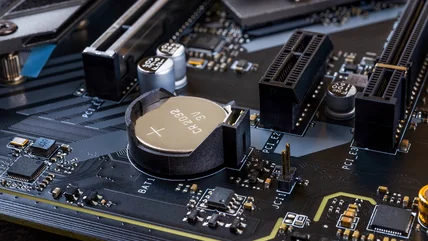
The CMOS battery isn't something you'll need to change often. But when it goes, it's time for a quick swap.
Your router has two or perhaps three bands, and choosing the right one for each device is vital for performance.
If you're confused by Bluetooth speaker wattage, here's what those numbers actually mean. Spoiler: more wattage doesn't necessarily mean a louder speaker.
Raspberry Pi boards have helped hobbyists get computing projects started for very little money down. However, knowing how much memory is needed can be tricky.
The PS5 hasn't seen a major price cut or bundle like its predecessors. Instead, you'll pay even more for one today than at launch.
The performance gains you get with modern chips aren't as noteworthy as they used to be.
Your old router shouldn't be destined for the recycling bin. You can repurpose it to extend your current network and much more.
Provided you don't drive long distances every day, Level 1 charging could be all you need.
Speaking with an AI chatbot can be a little awkward, but companies like Google and OpenAI are working on fixing that.
Your Roku TV has lots of settings to make the picture quality look more detailed and clearer, but you have to know where to look.
Don't count your old Windows laptop out yet. Installing ChromeOS Flex is a great option to keep it usable, even if it's not as fast as it once was.
Siri AI brings a lot of improvements, but you might not be able to use it for a while, even with iOS 27 and a compatible device.
A Smart TV doesn't just sit idle when you push the power button on your remote. They're designed to perform a number of important tasks without you realising.
E Ink excels for tasks like reading and note-taking.
The Android Auto app lives in the Play Store, so start there if you want to update.
IMAX has a certification for content you view at home as well as in the cinema.
If you have a USB port on the back of your router and don't know what to do with it, try some of these straightforward options.
At this point, there are very few situations in which you'll want to use an Ethernet splitter.
You'll want a paid plan if you plan to do much with Grok.
With cryptocurrency wallets becoming huge targets for hackers, using a cold wallet to protect your private keys has never been more important.
OLED screens run the biggest risk of burn-in, but with a little common sense you can mitigate the issue.
GTA 6 is thought to be the most expensive entertainment product ever made, eclipsing Hollywood movies and other video games by hundreds of millions of dollars.