How to turn on personal results on your Google Home
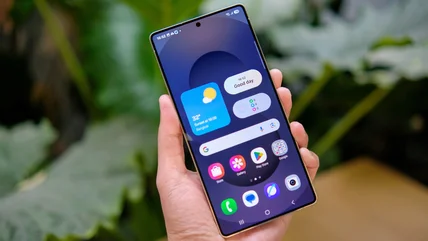
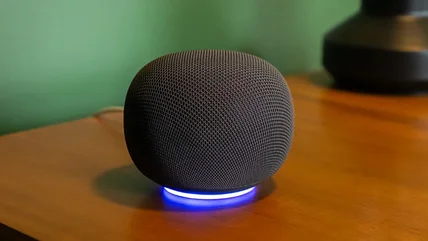
Every member of the family can have their own assistant with personal results on Google Home. Find out how to set this feature up.


The unique content on Engadget is a result of skilled collaboration between writers and editors with broad journalistic, academic, and practical expertise.
In pursuit of our mission to provide accurate and ethical coverage, the Engadget editorial team consistently fact-checks and reviews site content to provide readers with an informative, entertaining, and engaging experience. Click here for more information on our editorial process.
Every member of the family can have their own assistant with personal results on Google Home. Find out how to set this feature up.
While traveling through the airport, TSA may ask you to power up your phone. Border agents can conduct a more thorough search as well.
If this Premium feature is bugging you, there's good news: you aren't stuck with it.
Thinking about an Amazfit smartwatch? Find out what makes these budget wearables so appealing and where they fall short before you spend your money.
The old "turn it off and turn it on again" trick can come in handy for certain situations.
The status bar of your smartphone is littered with arcane symbols that are mostly undecipherable. We all know what 4G and 5G are, so what is H+?
Read MoreIt's handy, but most people likely won't miss it.
Read MoreUsing one earbud may feel like the natural choice at times, but the reality is that it can chip away at their lifespan if you don't kick the habit.
Read MoreIf there are aspects of Netflix streaming that aren't to your liking, there are several changes you can make to optimize your viewing experience.
Read MoreTravel is stressful enough. Here's what you should know about TSA rules on traveling with tech.
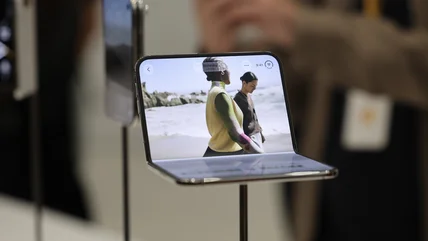
Read MoreThere are pros and cons to each style of foldable.
Read MoreHow locked in do you want to be?
Read MoreAndroid phones can be had at many different price points, but the most important features aren't always found in the cheapest available devices.
Read MoreThere are a few settings to check if you're having issues with your map's location accuracy.
Read MoreAdding a second monitor is a huge upgrade, even if you aren't doing intensive work like editing video or accounting. More screen space is always helpful.
Read MoreBattery capacity often plays into battery life, but an impressive capacity stat doesn't translate to excellent battery life.
Read MoreFoldable phones inherently have more weak points than bar phones, and the hinge mechanisms are susceptible to dust. Getting the right case matters.
Read MoreThere's no need to manually type text into your iPhone that you see in the real world. Use Live Text to copy it, call phone numbers and much more.
Read MoreA brief history of "Duo" foldables.
Read MoreDon't have your monitor sitting just anywhere; the distance, tilt and angles are all important to avoid strain while working.
Read MoreGiving away or recycling your old laptop is great, but you need to make sure all your data is fully removed before it finds a new home.
Read MoreControlling the environmental conditions where your tapes are stored is key to their longevity.
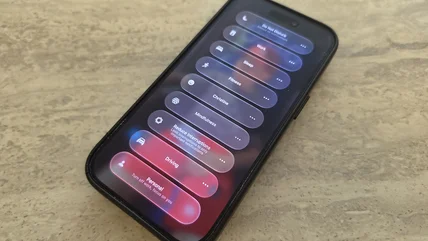
Read MoreiOS 27 brings tons of cool upgrades to your iPhone. Don't miss the interesting-yet-subtle changes to Focus.
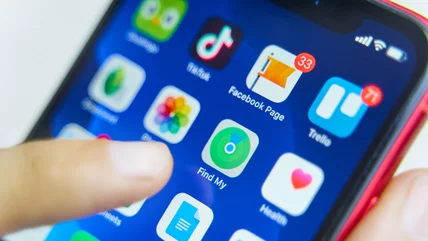
Read MoreFor some time, Find My sharing was limited to an hour, a day, or indefinitely. That's changing in iOS 27, thanks to more flexible timelines.
Read MoreCleaning secondhand gadgets is essential, since you never know how dirty something is. Thankfully, it's not hard to polish them up before reuse.
Read MoreInstead of relying on intuition or sheer luck to find local venues and restaurants capable of hosting you, Google Maps can take away the guesswork.
Read MoreIf you lose your iPhone, it's findable even after someone turns it off or the battery drains, as long as you don't delay.
Read More